How to create a space in Gitbook
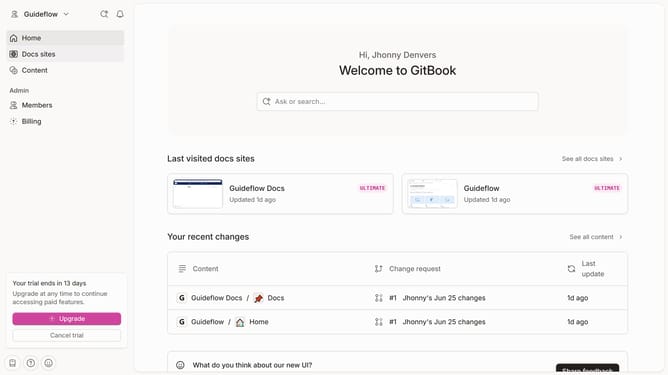
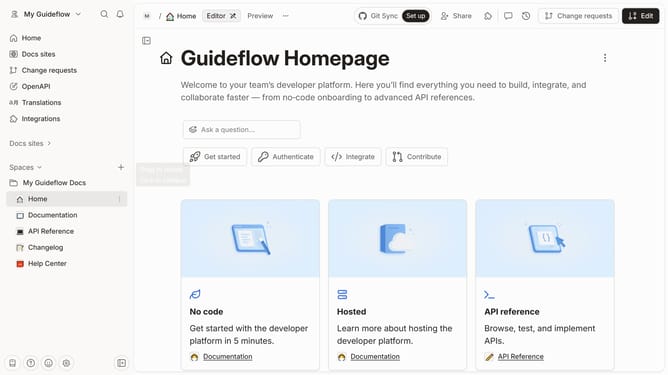
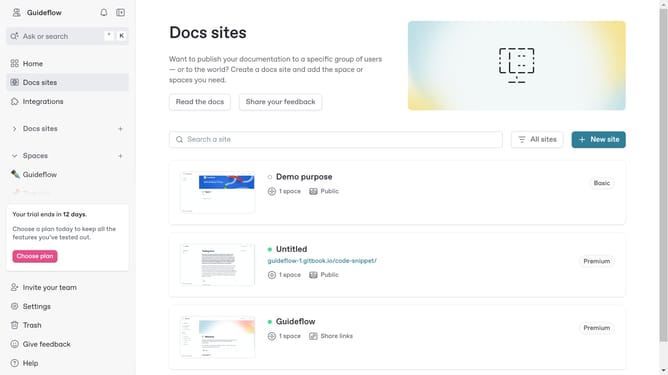
Here is how to create a space in gitbook
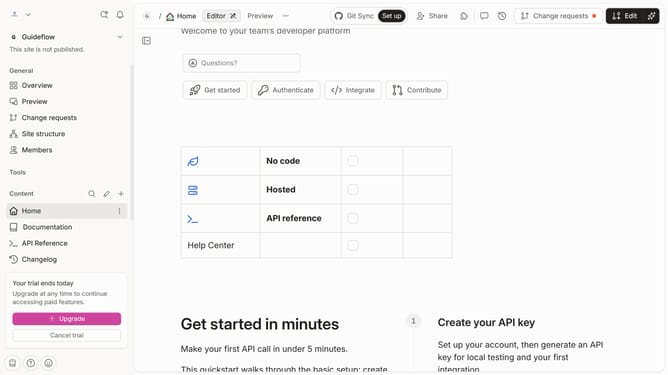
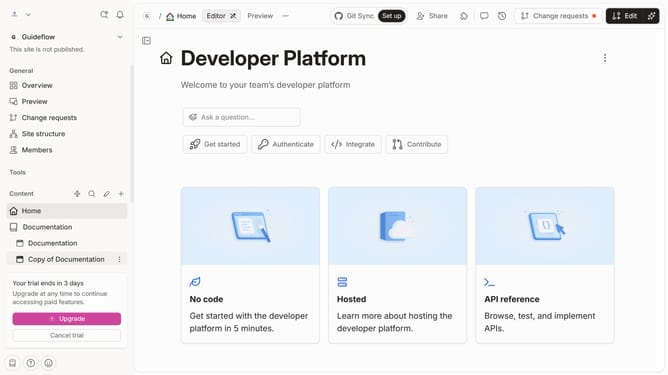
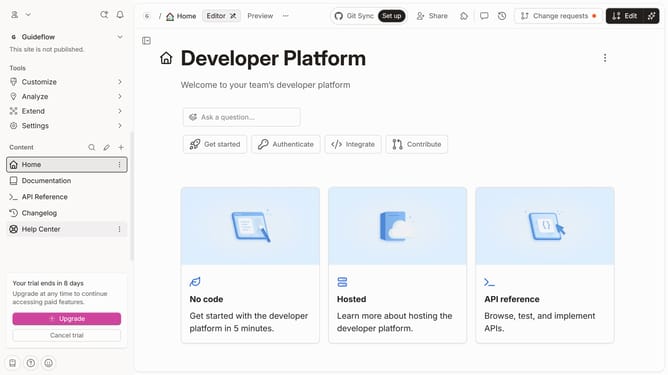
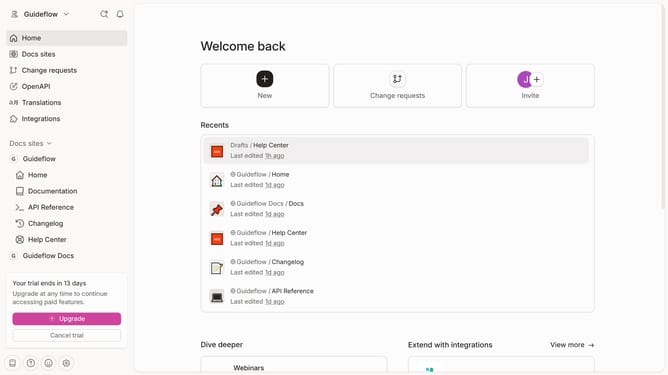
- In the top navigation bar, click on the "New" button
- From the dropdown menu, click on "New space" option
- Now feel free to edit your newly created space
Why should you create a space in Gitbook
Gitbook is an intuitive platform designed for creating comprehensive documentation and collaborating effectively.
Creating a space in Gitbook is a straightforward yet powerful feature that allows teams to organize content seamlessly. By establishing a space, users can categorize documents, making it easier to navigate and collaborate on projects. This results in more efficient workflows and ensures all team members have quick access to essential information.
The ability to create spaces supports scalability and keeps documentation structured, enhancing overall productivity and communication among team members.
Last update