How to add a heading 1 in homepage in Gitbook
Here is how to add a heading 1 in homepage in gitbook
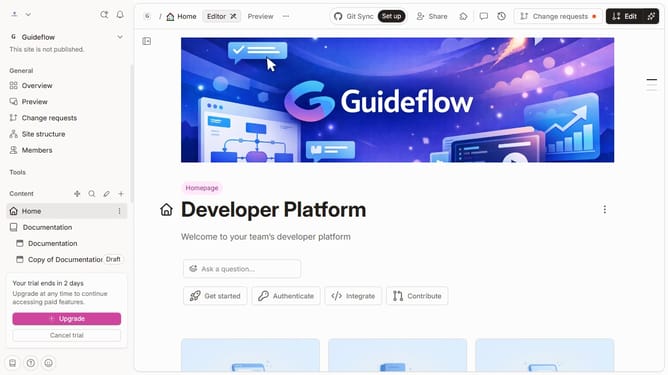
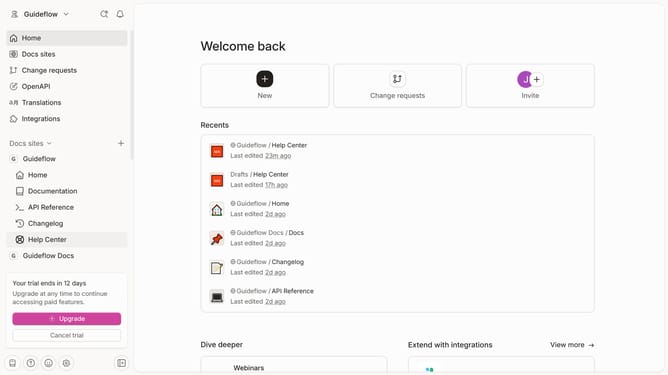
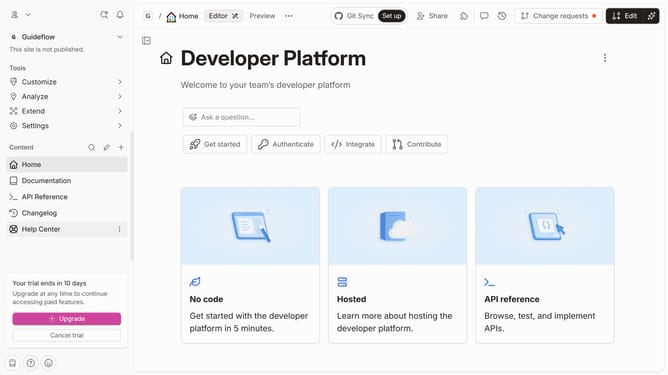
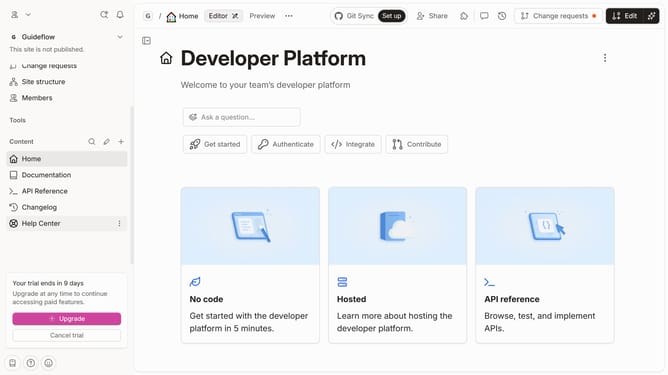
- First click on the "Home" item in the left sidebar
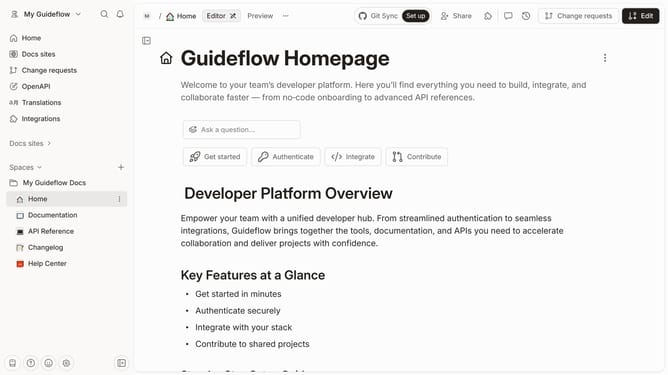
- Then click on the "Edit" button in the header
- Next, click on the block options icon to reveal block options
- Then select "Heading 1" from the block options menu
- Click on the input area and enter your text
- Finally click on the "Merge" button in the header
Why should you add a heading 1 in homepage in Gitbook
GitBook is a versatile platform designed to streamline the creation and sharing of documentation with ease.
Adding a heading 1 on the homepage in GitBook is an essential feature that organizes and highlights key content, ensuring pivotal information stands out.
This feature enhances readability and navigability, guiding readers through content effortlessly.
Embracing this structure not only improves user experience but also enhances the document's visual hierarchy, making it clean and professional.
Last update