How to freeze table header in help center in Gitbook
Here is how to freeze table header in help center in gitbook
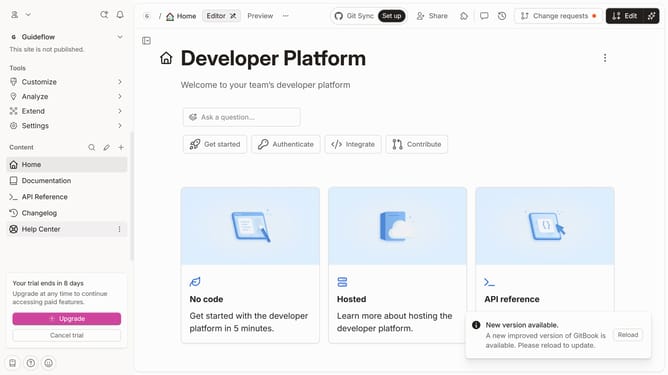
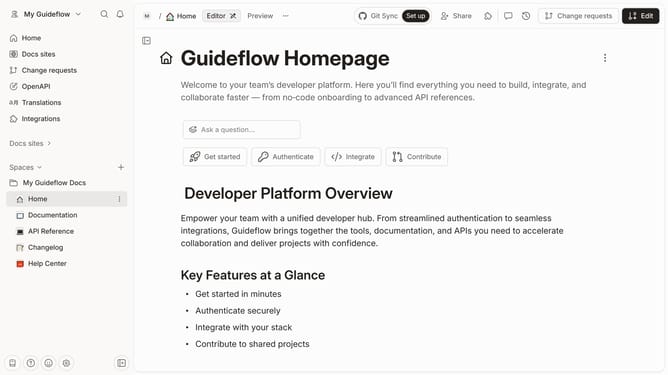
- First click on "Help Center" in the left sidebar
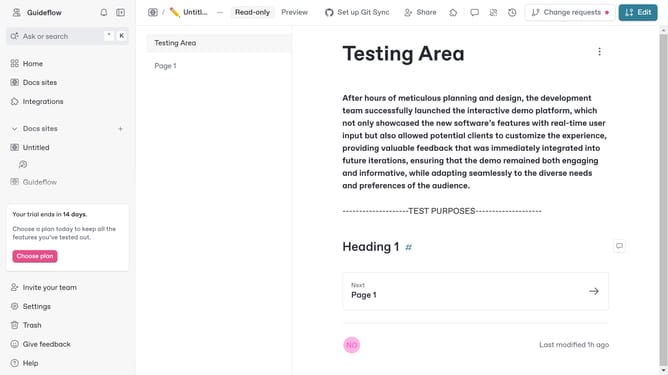
- Then click on the "Edit" button in the top menu
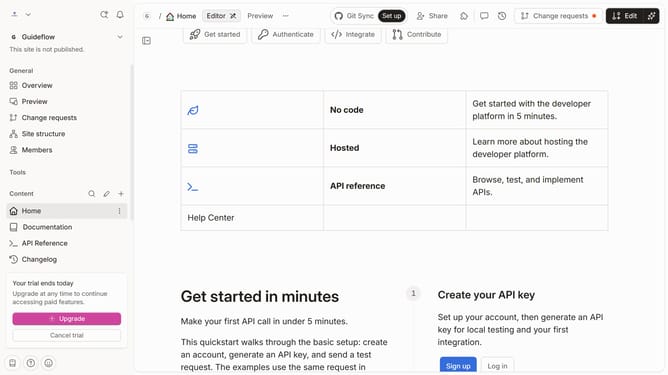
- Then click on the buttons icon to show more options
- Then select "Freeze header" from the dropdown menu
- Finally click on the "Merge" button in the top menu
Why should you freeze table header in help center in Gitbook
Gitbook is a powerful platform designed to simplify documentation and collaboration for teams and individuals.
One of Gitbook's useful features is the ability to freeze table headers in the help center. This ensures your headers remain visible, offering readers easy navigation and clarity.
Utilizing this feature enhances user experience, particularly for lengthy tables, allowing users to effortlessly reference information without losing track of columns.
Consequently, it streamlines content consumption, promoting effective communication and comprehension of your documentation.
Last update