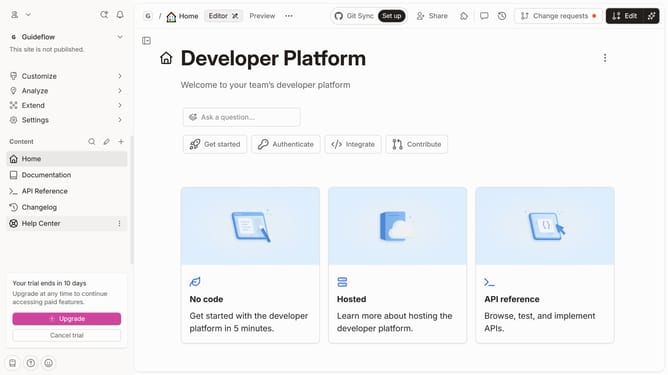
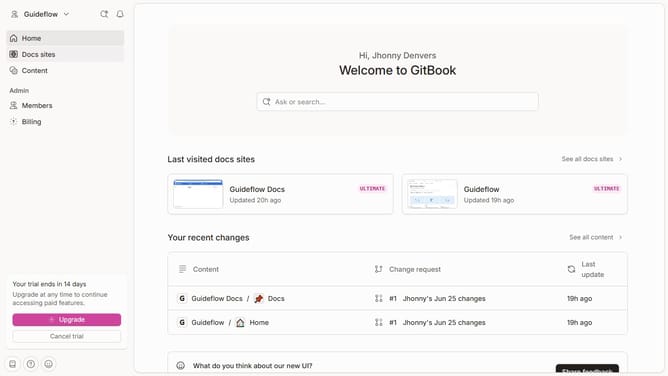
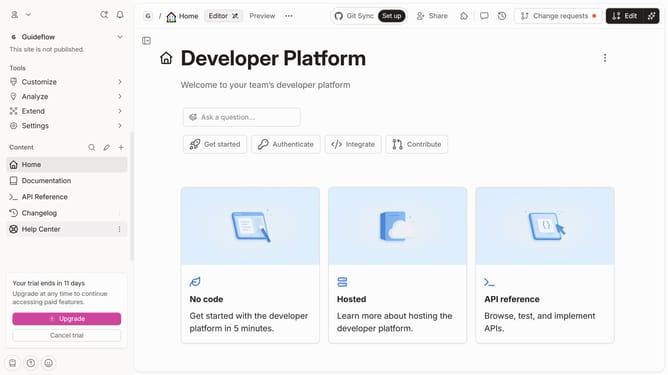
How to create a new organization in Gitbook
Here is how to create a new organization in gitbook
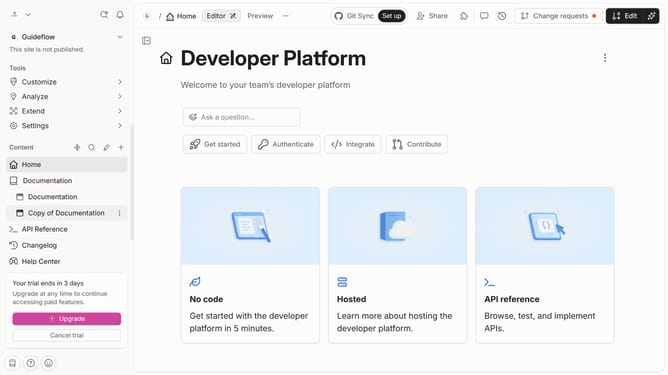
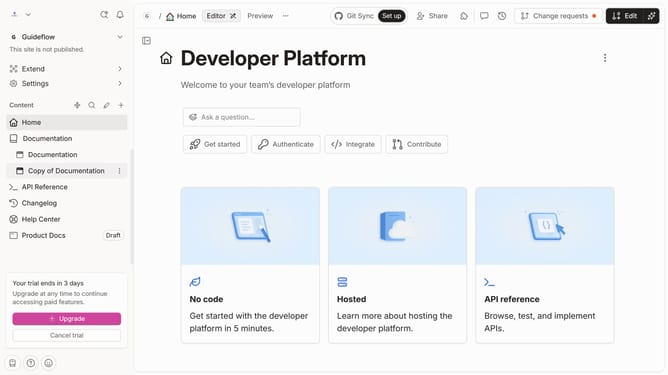
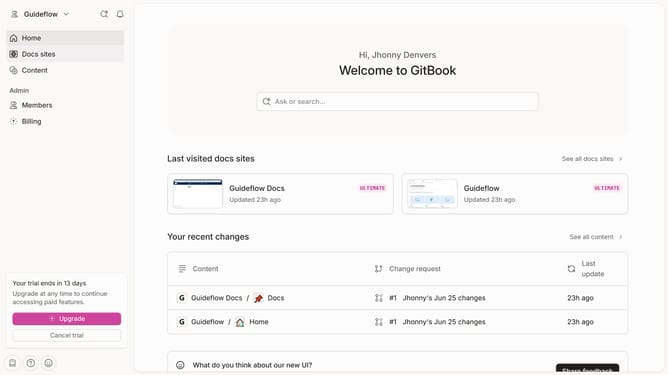
- First click on the "My Organization" dropdown in the header
- Then click on "Create an organization" from the dropdown menu
- Next, click on the input field and enter your organization name
- After that, click on the "Create organization" button
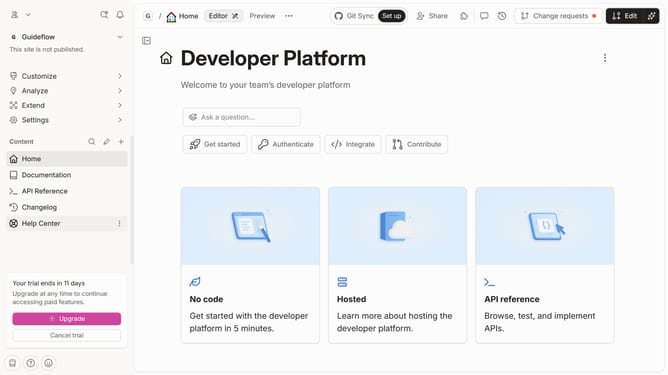
- Then click on the "Docs template" section
- Finally click on the "Use Docs template" button
Why should you create a new organization in Gitbook
GitBook is an intuitive platform designed to simplify documentation creation and collaboration for teams.
Creating a new organization in GitBook streamlines the documentation process by offering structured management of multiple projects under a single umbrella. This feature supports efficient collaboration, ensuring all team members have clear access to up-to-date information.
By organizing documents within a centralized system, teams can enhance productivity, maintain consistency, and reduce information silos. This setup fosters better team communication and seamless project management.
Last update