How to add a number column in a table in homepage in Gitbook
Here is how to add a number column in a table in homepage in gitbook
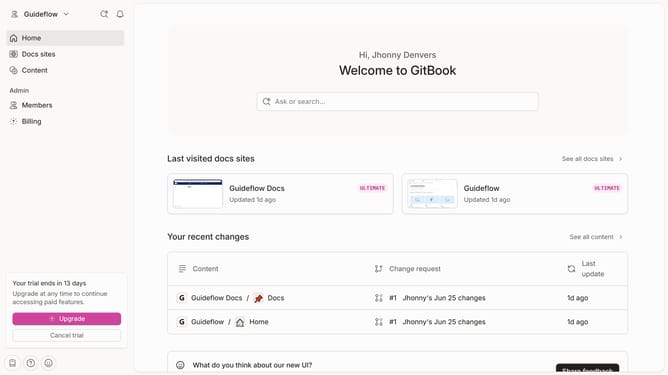
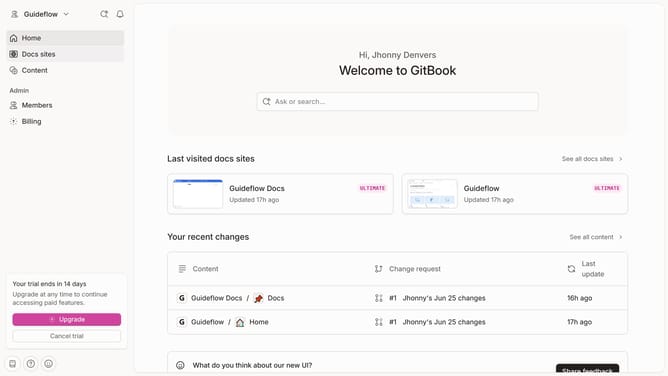
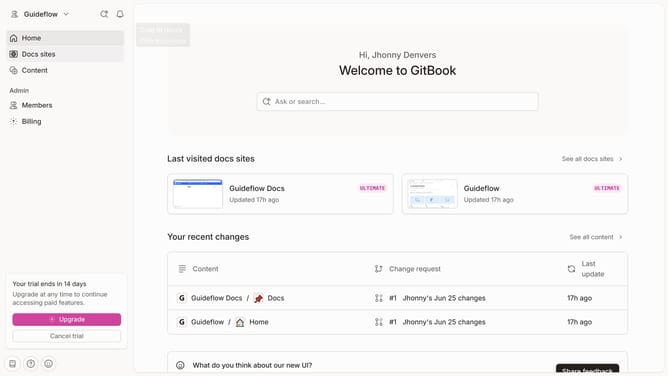
- First click on the "Home" item in the left sidebar
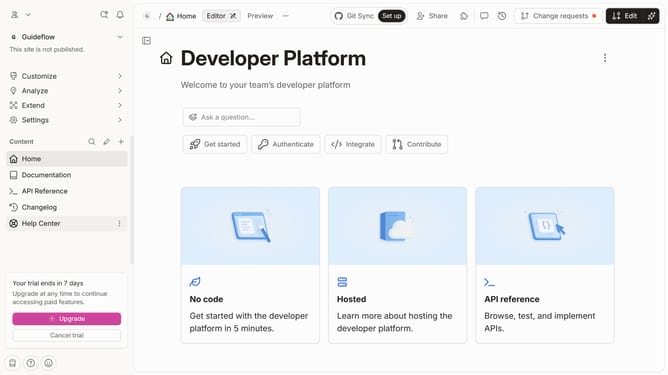
- Then click on the 'Edit' button in the top menu bar
- Then click on the block options icon with four dots
- Then select 'Add column' from the options in the sidebar
- Then select 'Number' from the 'Add column' dropdown
- Finally click on the 'Merge' button in the top menu bar
Why should you add a number column in a table in homepage in Gitbook
Gitbook is a collaborative platform designed for team documentation to be shared effortlessly online.
Adding a number column to a table on the Gitbook homepage can greatly enhance the clarity and organization of your content. This feature helps in maintaining a structured flow of information which is essential, especially when dealing with larger datasets or sequential data.
Incorporating a number column not only allows for easier reference and discussion but also improves the overall readability of your documentation. This is particularly beneficial for tracking and managing tasks or enumerating important points clearly and concisely.
Last update