How to remove cover image in a help center category in Gitbook
Here is how to remove cover image in a help center category in gitbook
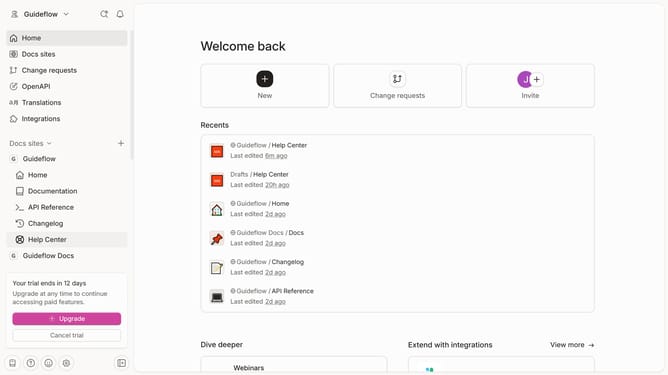
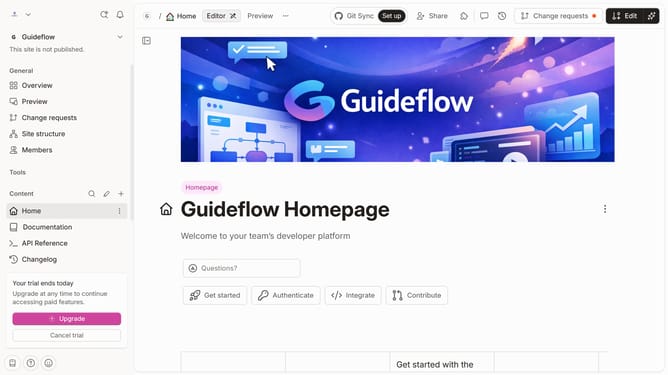
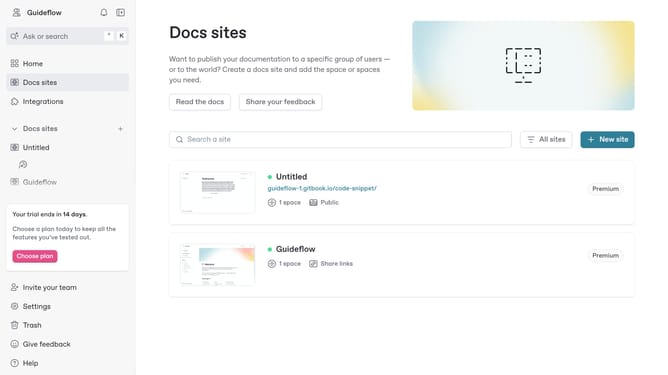
- First click on "Help Center" in the side menu
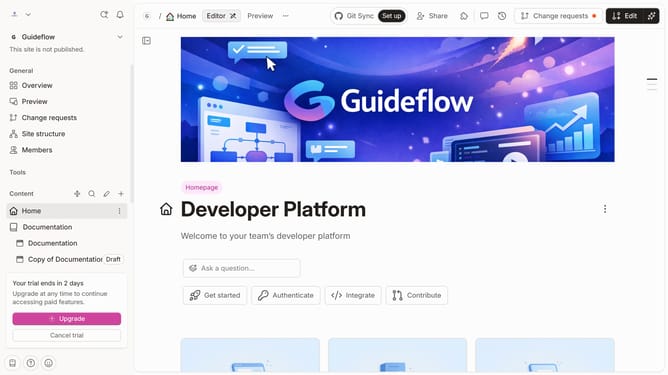
- Then click on the "Edit" button in the header
- Next, click on the three dots icon to open card options
- Then select "Cover" from the dropdown menu
- After that, click on the "Remove" button
- Finally click "Merge" button from top menu
Why should you remove cover image in a help center category in Gitbook
Gitbook is a modern platform designed to streamline the creation and sharing of documentation.
Removing a cover image from a help center category in Gitbook helps maintain a cleaner, more professional look, especially when visual consistency is desired. This feature supports seamless navigation and provides an uncluttered user experience.
By having the flexibility to remove images, users can focus their readers' attention solely on the textual information, which can be particularly beneficial for straightforward or text-heavy documentation.
Last update