How to hide page description in homepage in Gitbook
Here is how to hide page description in homepage in gitbook
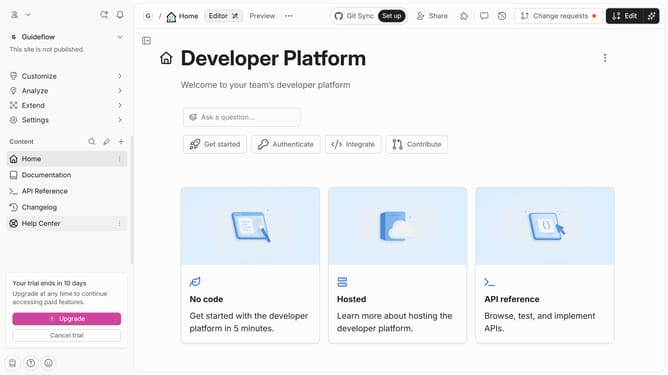
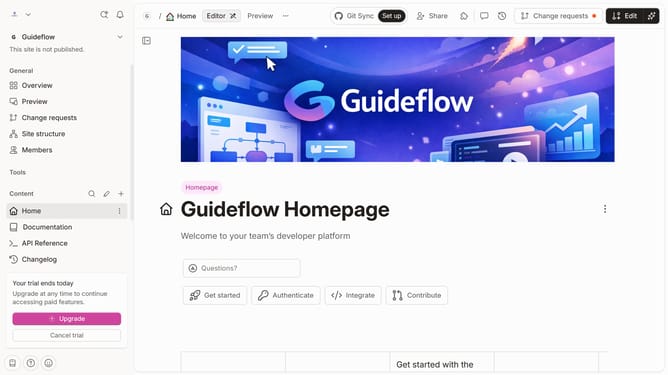
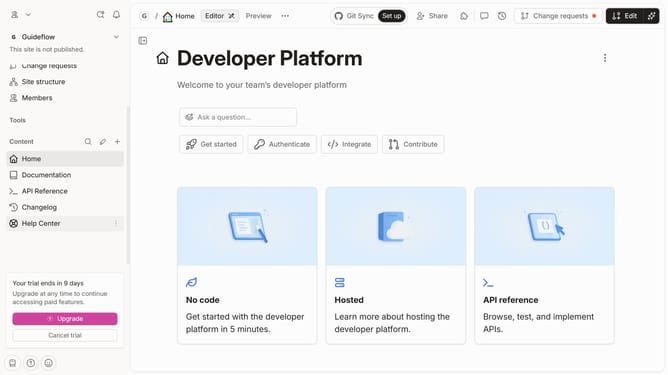
- First click on the "Home" item in the sidebar
- Then click on the "Edit" button in the header
- Next click on the "Page options" button
- Then toggle the switch OFF across "Page outline" to disable it
- Finally click on the "Merge" button in the header
Why should you hide page description in homepage in Gitbook
Gitbook is a versatile platform for effortlessly organizing and sharing documentation.
One of its useful features allows users to hide page descriptions on the homepage. This option provides a cleaner, more focused browsing experience.
Utilizing this feature can enhance user engagement by presenting a streamlined view, minimizing distractions, and keeping the focus on core content.
Overall, it promotes a neat and organized homepage that aligns with the reader's first impression.
Last update