How to set the type of announcement in a docs site in Gitbook
Here is how to set the type of announcement in a docs site in gitbook
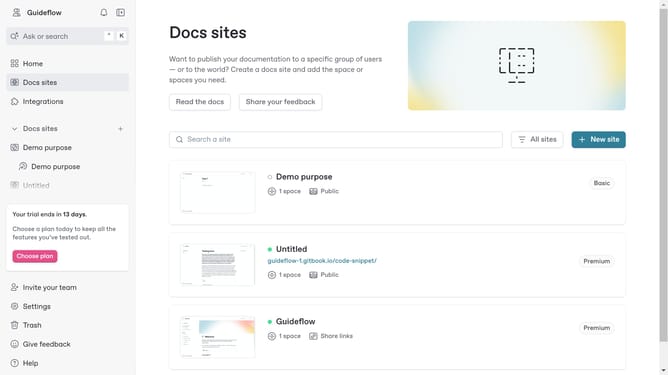
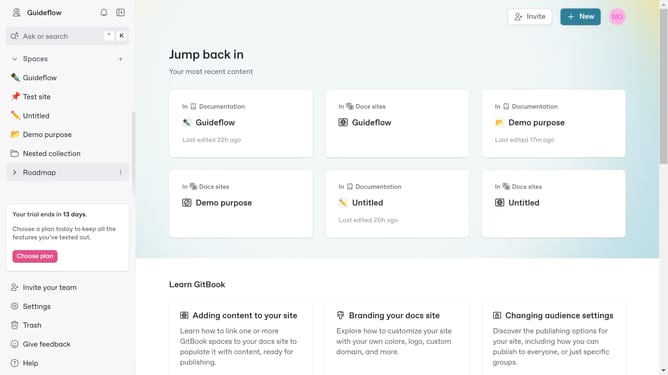
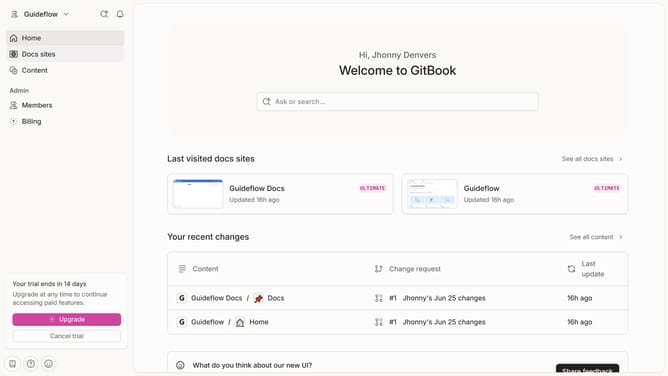
- First click on "Docs sites" in the left sidebar
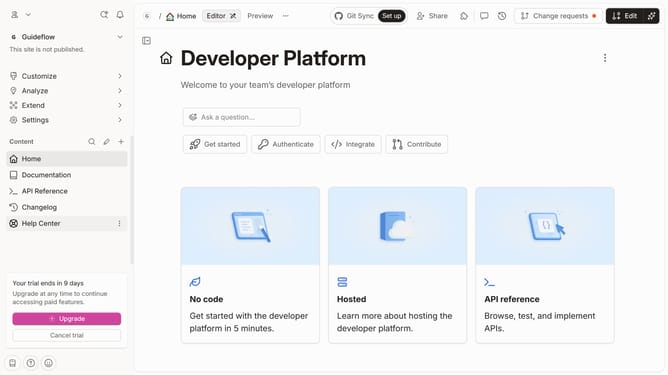
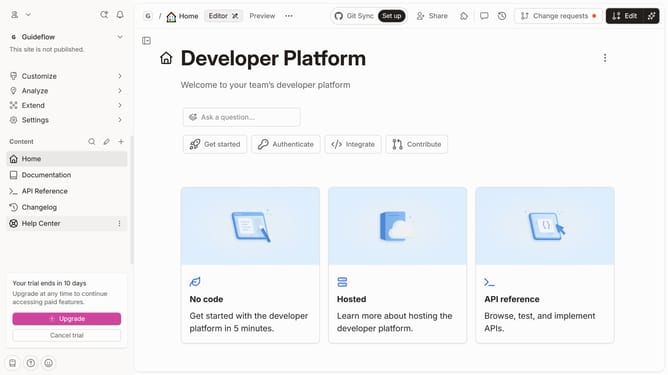
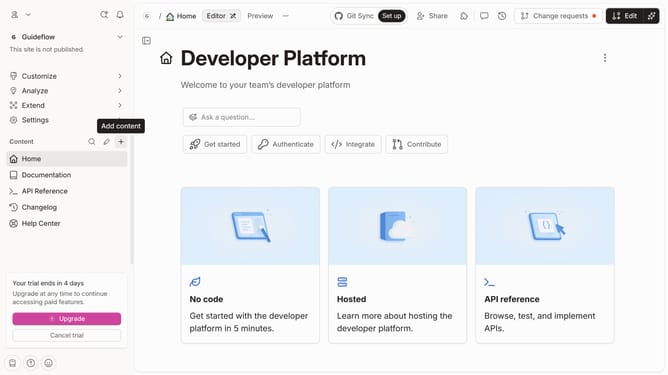
- Then click on the doc site you want to manage
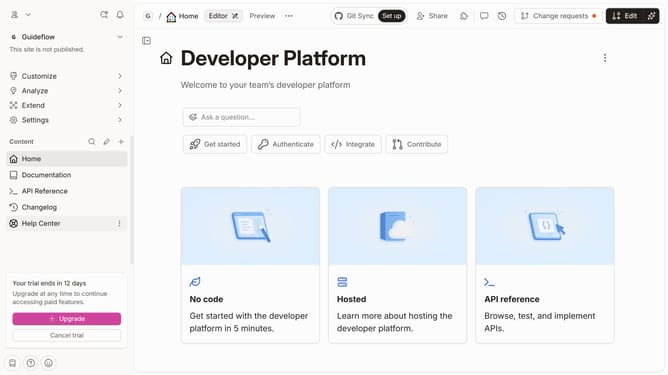
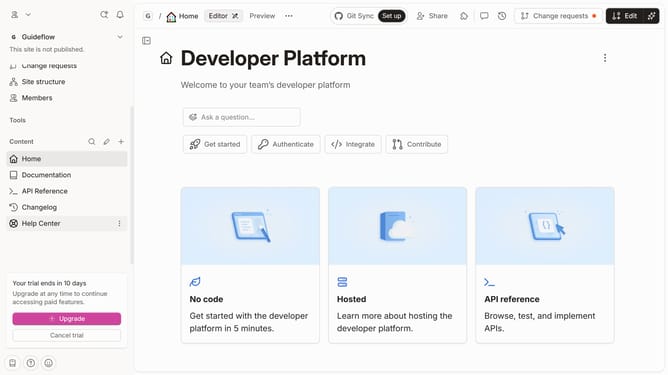
- Next, click on "Customize" in the left sidebar
- Then click on "Layout" in the left sidebar under "Customize"
- After that, click on the "Style" dropdown menu
- Then, select from the dropdown menu
- Finally click on the "Save" button
Why should you set the type of announcement in a docs site in Gitbook
GitBook is a versatile platform designed to streamline and enhance collaborative documentation projects.
The “type of announcement” feature allows you to customize notifications on your GitBook docs site, ensuring your audience stays informed with relevant updates.
This feature supports different types of announcements, such as updates, warnings, or informational messages, which can be tailored to fit your documentation's specific needs.
By effectively communicating essential information, you ensure a seamless user experience and foster clarity for your readers, enhancing engagement and comprehension.
Last update