How to duplicate a divider in help center in Gitbook
Here is how to duplicate a divider in help center in gitbook
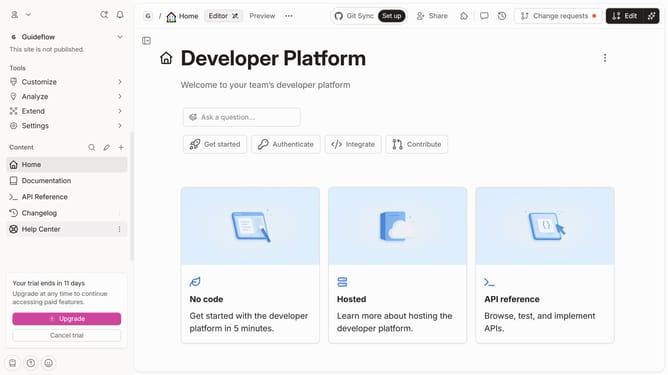
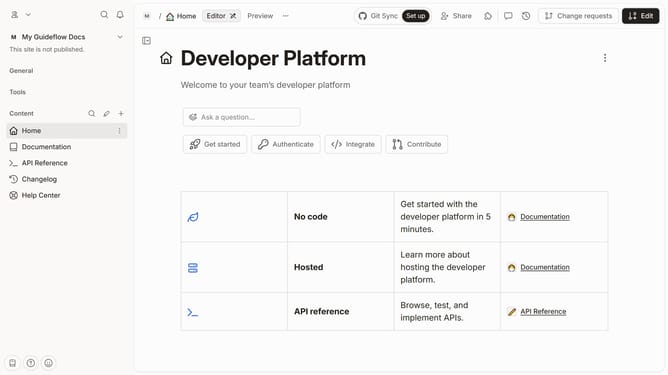
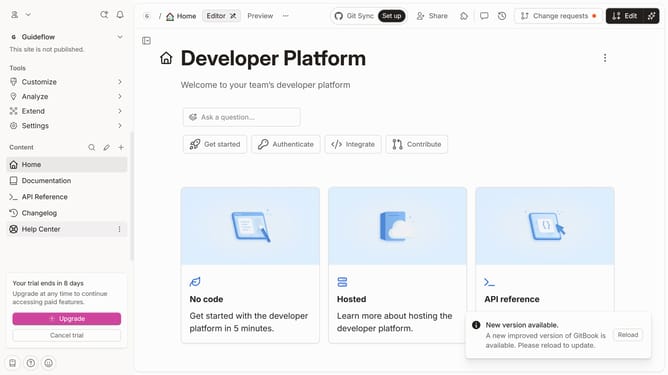
- First click on the "Help Center" item in the sidebar
- Then click on the "Edit" button in the top menu
- Next, click on the divider that you want to duplicate
- Then click on the icon which shows three horizontal dots
- Next, click on the "Duplicate" option in the dropdown menu
- Finally click on the "Merge" button in the top menu
Why should you duplicate a divider in help center in Gitbook
GitBook is a powerful platform designed to simplify and enhance the documentation process for teams and individuals.
Duplicating a divider in the help center of Gitbook allows users to maintain consistency and organization within their documentation. This feature enables seamless replication of section dividers, which helps keep content sections distinct and well-structured.
Utilizing this feature not only saves time but also enhances the readability and navigation of larger documents, making it easier for users to find and understand the information they're looking for.
Last update