How to disable pagination in the announcement in a docs site in Gitbook
Here is how to disable pagination in the announcement in a docs site in gitbook
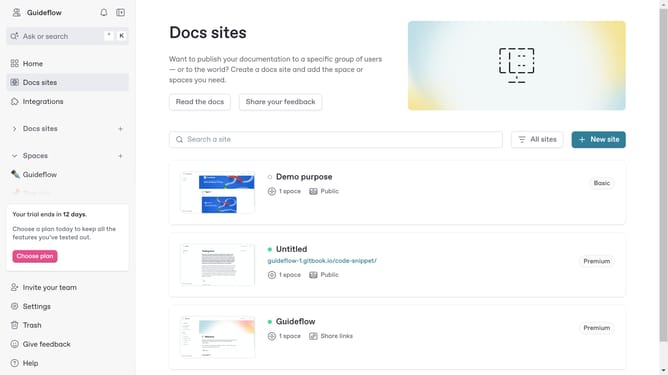
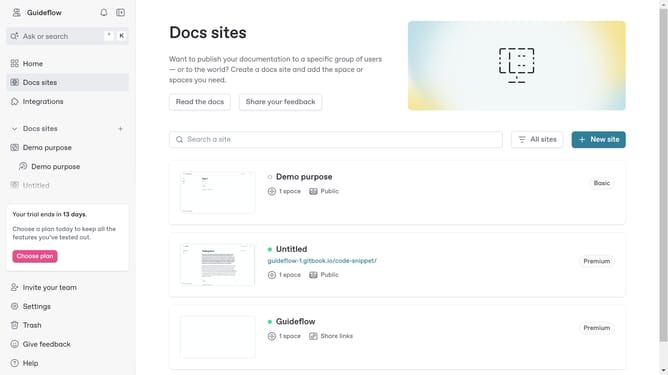
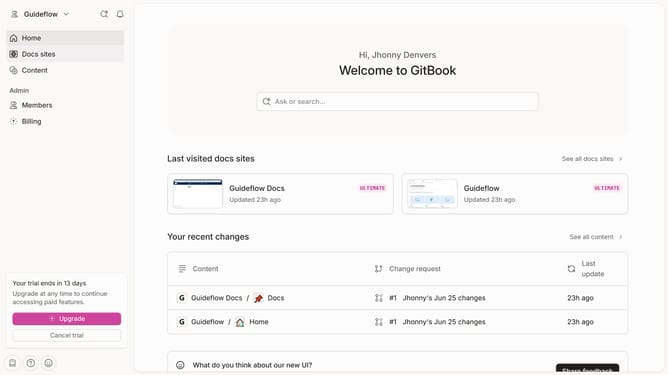
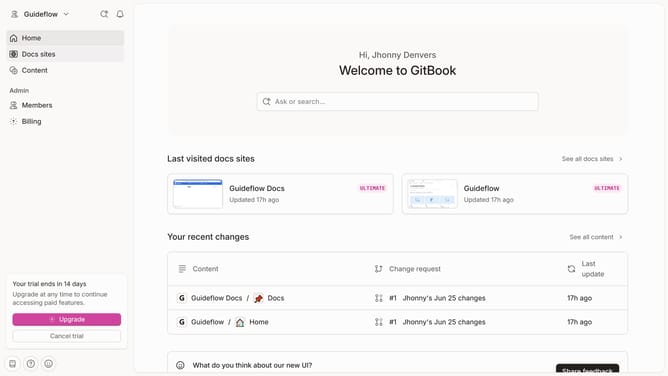
- First, click on "Docs sites" in the left sidebar
- Then, click on the "Guideflow Docs" item
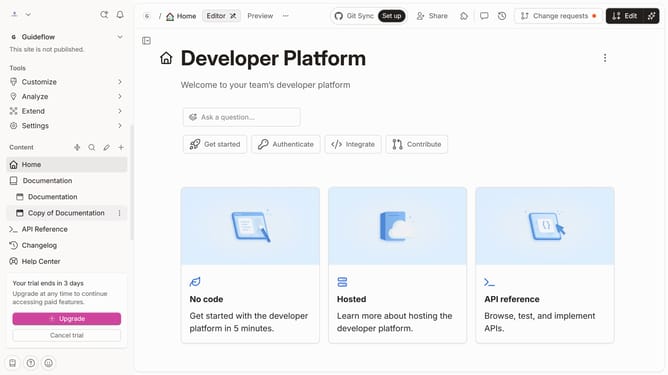
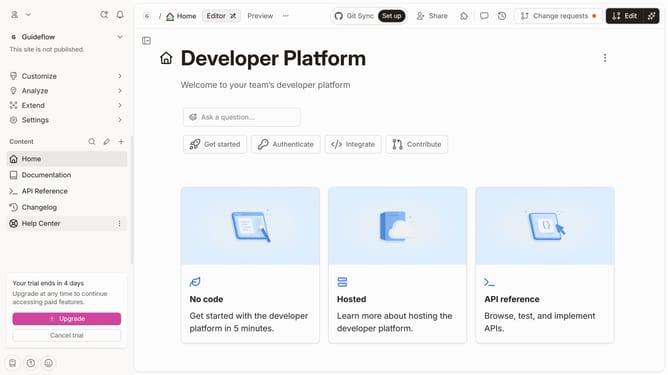
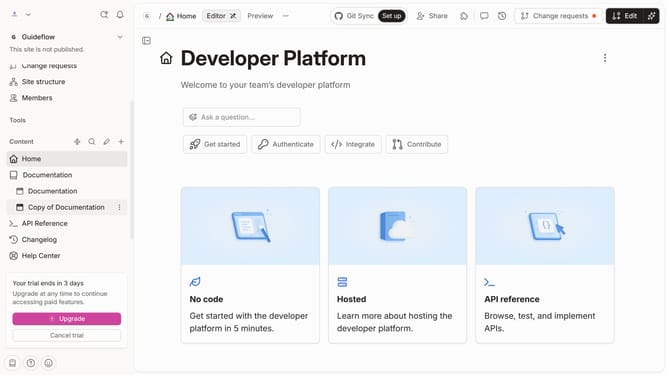
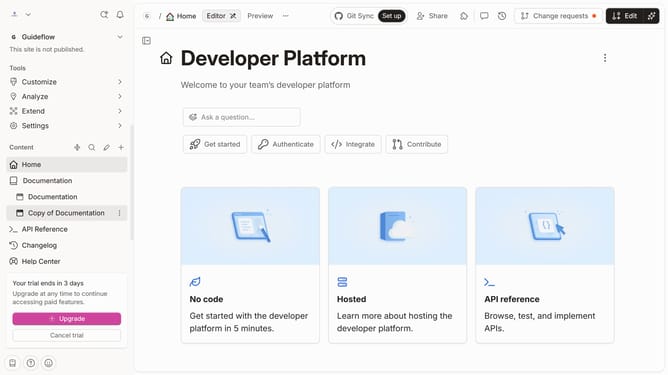
- Next, click on "Customize" in the left sidebar under the "Tools" section
- Then, click on the "Layout" option in the left sidebar
- After that, click on the pagination toggle switch to disable it
- Finally, click on the "Save" button to apply the changes.
Why should you disable pagination in the announcement in a docs site in Gitbook
GitBook is an intuitive platform designed for creating beautiful documentation.
One notable feature is the ability to disable pagination in the announcement section of a docs site, enhancing clarity and user focus.
With pagination disabled, users can access all announcements in one streamlined view, reducing potential distraction and ensuring important information isn't overlooked.
This approach fosters a more cohesive reading experience, allowing readers to absorb content effortlessly without unnecessary interruptions.
Last update