How to add a quote in a tab in help center in Gitbook
Here is how to add a quote in a tab in help center in gitbook
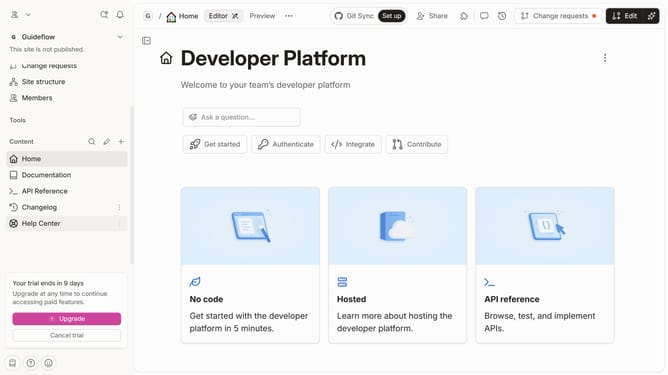
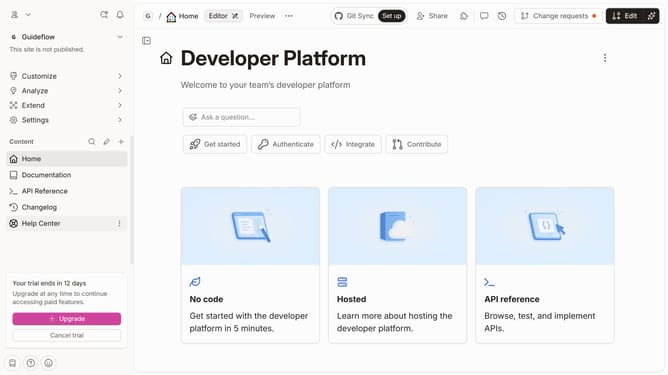
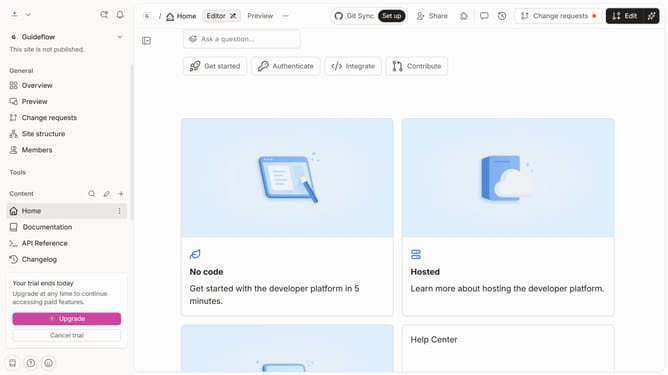
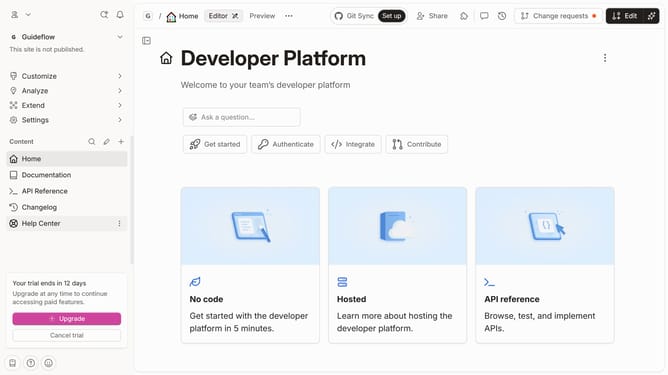
- First click on "Help Center" in the left sidebar
- Then click on the "Edit" button in the top right corner
- Next click on the "block options" icon on the left side of the content
- Then select "More blocks" from the dropdown menu in the left sidebar
- After that, select "Quote" from the list of available blocks.
- Next click on the "Quote" text input field and enter text
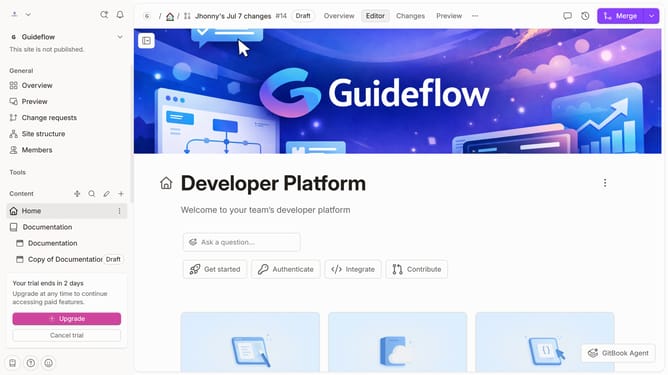
- Finally click on the "Merge" button in the top right corner
Why should you add a quote in a tab in help center in Gitbook
Gitbook is an intuitive platform designed to empower collaborative document creation and management.
The ability to add quotes in a tab within Gitbook's Help Center enhances the documentation experience effortlessly.
Incorporating quotes can provide context, offer insights, and reinforce key points, making it easier for users to navigate and understand complex information.
This feature elevates the content's clarity and impact, enriching user engagement while fostering a learning environment.
Last update