How to set list style in docs site in GitBook
Here is how to set list style in docs site in gitbook
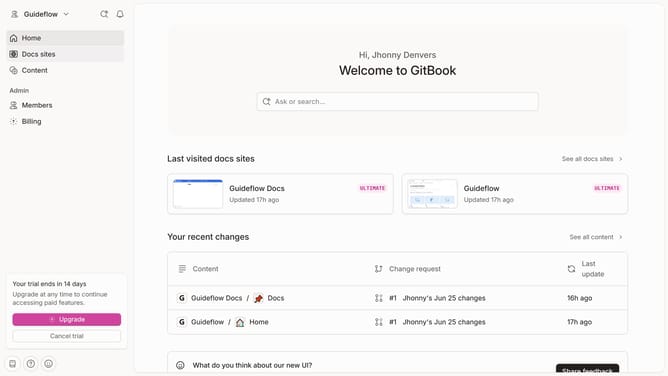
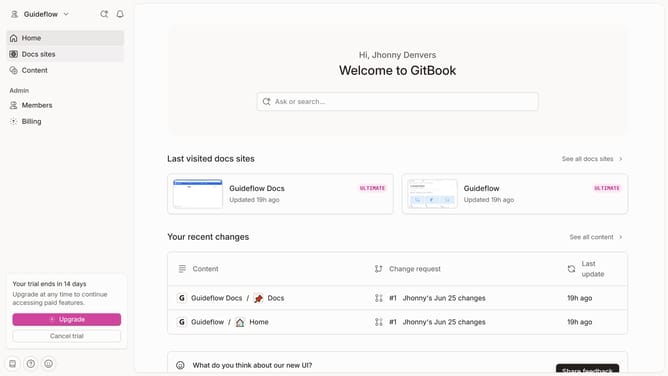
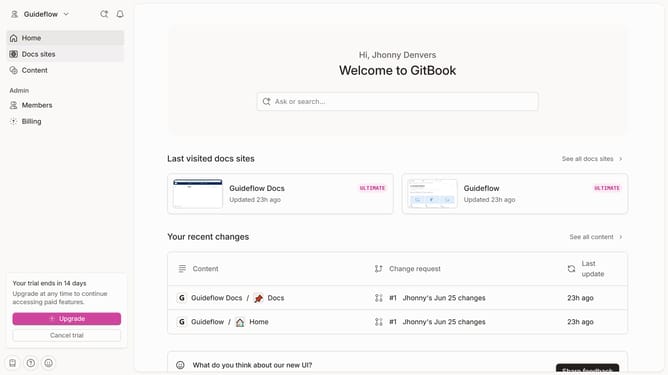
- First click on "Docs sites" in the left sidebar
- Then click on the doc site title that you want to manage
- Next, click on "Customize" in the left sidebar
- Then select "Theme" under the "Customize" menu
- After that, select an option for "Line style"
- Finally click on the "Save" button
Why should you set list style in docs site in GitBook
GitBook is a dynamic platform designed to optimize the creation and sharing of comprehensive documentation.
Setting list styles in your GitBook docs site allows for a more organized and reader-friendly presentation of content. By customizing list styles, you enhance the readability and structure of complex information.
This feature provides flexibility in formatting, which helps convey information effectively, ensuring that readers can easily digest the material. Using custom list styles in GitBook not only aids in clarity but also streamlines communication in your documentation.
Last update