How to enable announcement in a docs site in Gitbook
Here is how to enable announcement in a docs site in gitbook
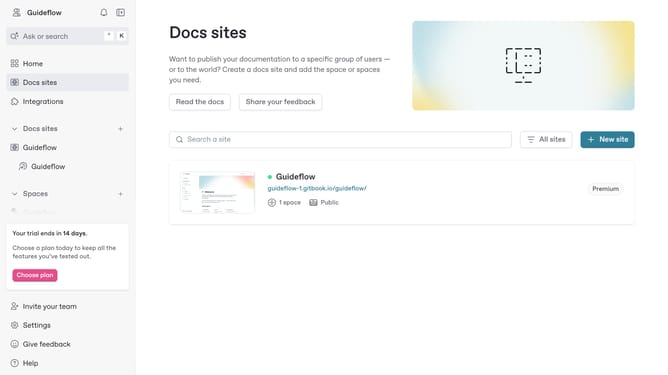
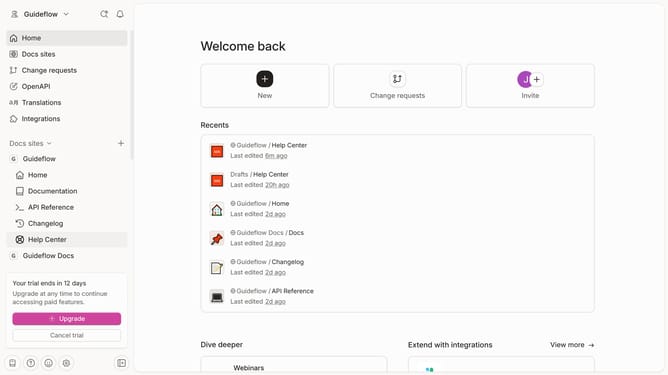
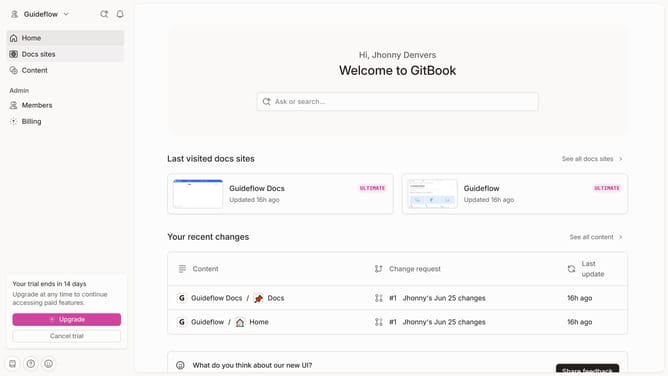
- First click on "Docs sites" in the left sidebar
- Then click on your preferred doc site card
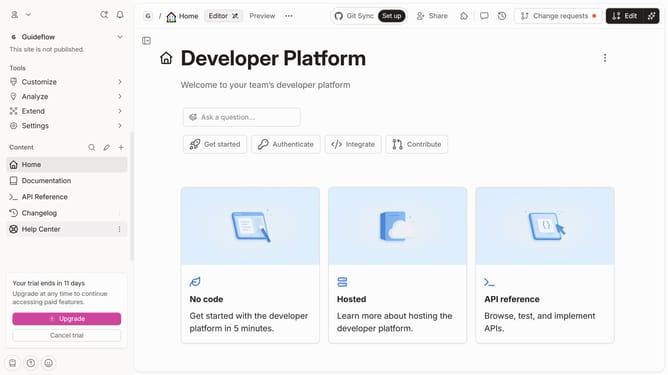
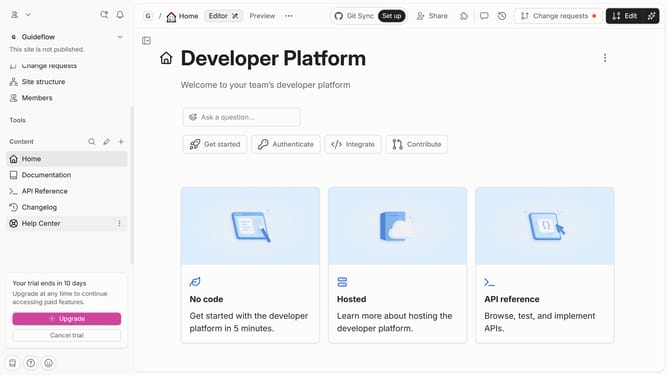
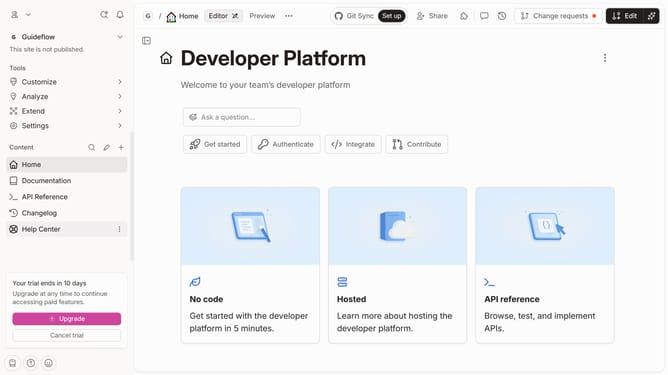
- Then click on "Customize" in the left sidebar
- Then select "Layout" from the Customize dropdown
- Then click on the toggle switch to enable "Announcement" option
- Then input message into the Message field
- Finally click on the "Save" button
Why should you enable announcement in a docs site in Gitbook
GitBook is a robust platform designed to streamline documentation for teams and projects.
Enabling announcements on a GitBook documentation site allows you to keep your audience informed about important updates or news. This feature highlights critical information at the top of your documentation, ensuring it captures immediate attention.
Utilizing this feature is perfect for sharing release notes, policy changes, or upcoming events, thus enhancing communication effectiveness and keeping your community thoroughly informed.
Last update