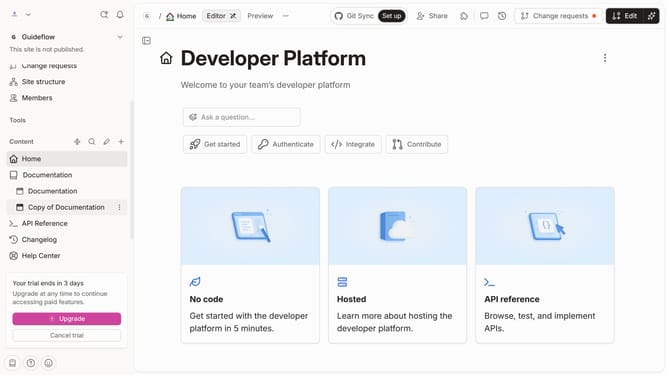
How to upload image in a help center category in Gitbook
Here is how to upload image in a help center category in gitbook
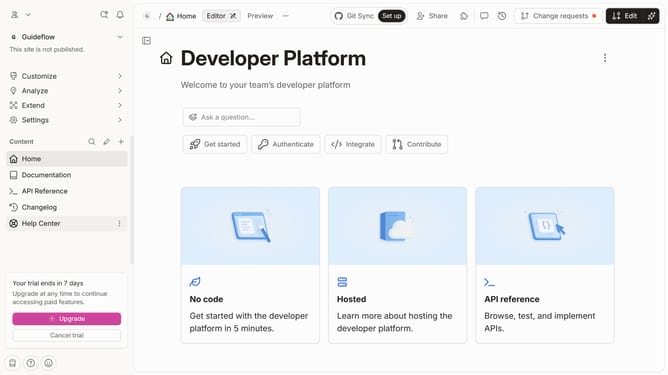
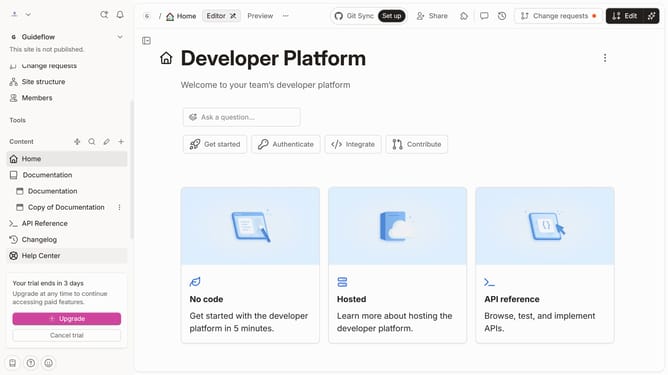
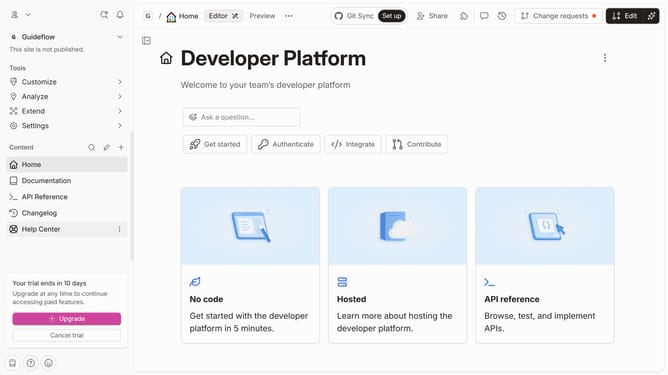
- First click on "Help Center" item in the left sidebar
- Then click on the "Edit" button in the header
- Next click on the "Select an image" button
- Then click on the "Drop your images or browse" area and select your preferred image
- Finally click on the "Merge" button in the header
Why should you upload image in a help center category in Gitbook
Gitbook is a dynamic platform designed to streamline documentation creation and collaboration for teams.
Uploading images in a help center category on Gitbook enhances your documentation by making it visually engaging and straightforward.
Including images can help clarify text, illustrate points seamlessly, and provide a richer user experience for readers seeking information.
Utilizing this simple feature can lead to clearer communication, increased reader engagement and more effective learning for your audience.
Last update