How to hide page outline of a content in a docs site in Gitbook
Here is how to hide page outline of a content in a docs site in gitbook
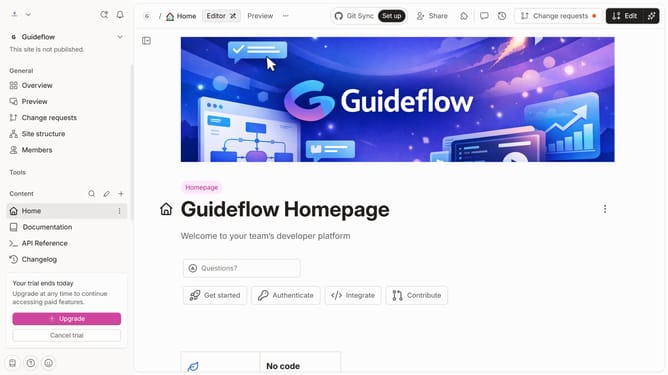
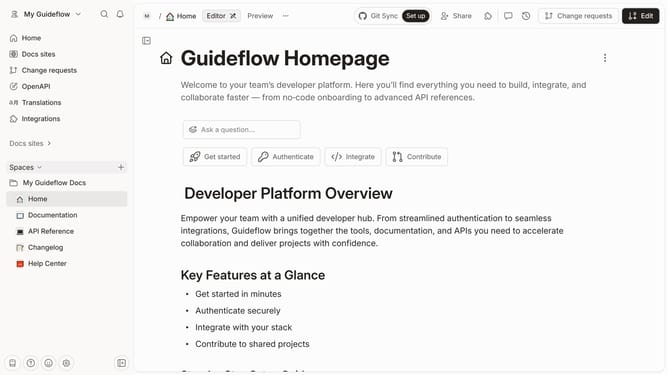
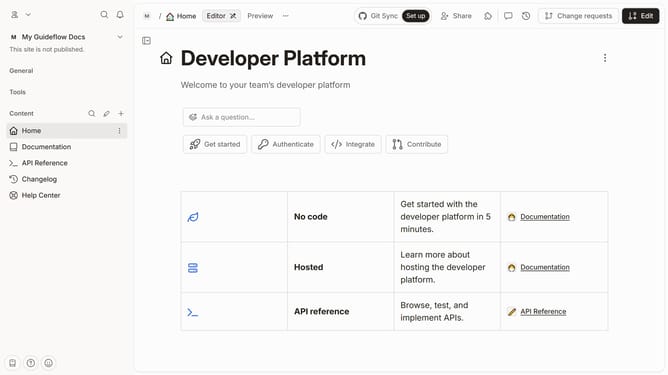
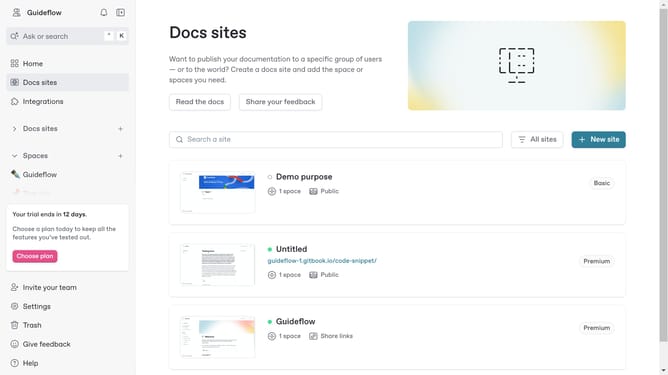
- First click on the content you want to manage in the left sidebar
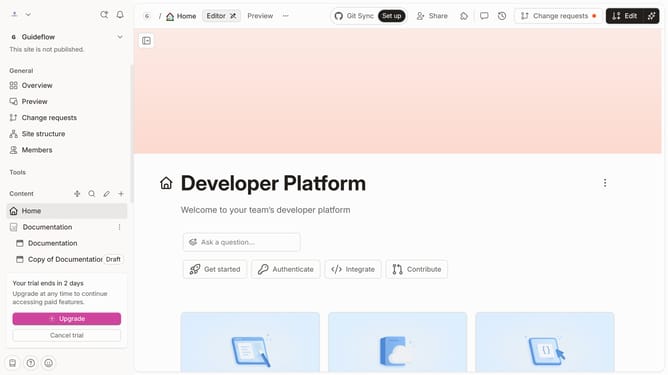
- Then click on the "Edit" button in the top-right corner of the page
- Next, click on the "Page options" button in the editor header
- Then click on the toggle switch OFF in the "Page actions" section
- Finally click on the "Merge" button in the editor header
Why should you hide page outline of a content in a docs site in Gitbook
GitBook is a modern platform crafted for creating, organizing, and collaborating on documentation masterpieces.
One of its impressive capabilities is the ability to hide the page outline. By embracing this feature, users can create a cleaner and more focused reading experience for their audience.
This can be particularly beneficial when the outline might distract from the content itself, allowing readers to dive straight into the core information effortlessly.
Utilizing this feature effectively enhances content engagement and sophistication on your docs site.
Last update