How to insert inline content (emojis, images, Math & TeX) in a paragraph in Gitbook
Here is how to insert inline content (emojis, images, math & tex) in a paragraph in gitbook
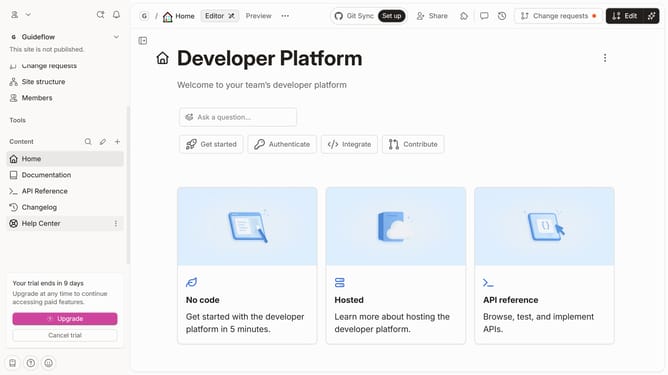
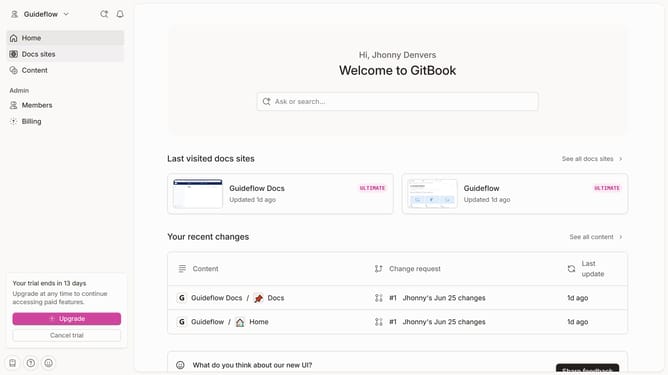
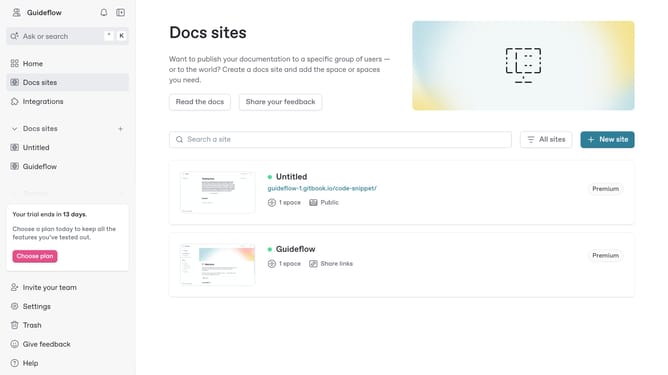
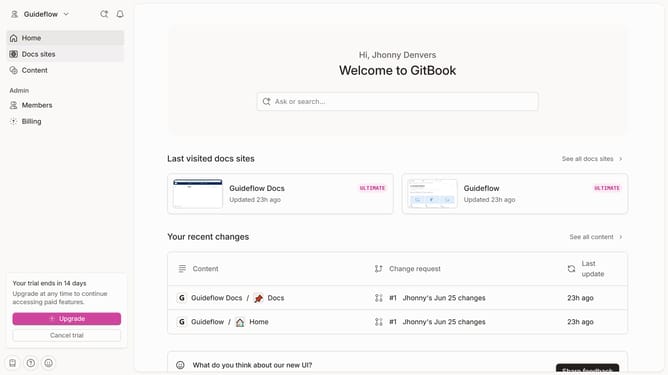
- First click the site card you want to use
- Then click on the "Start editing content" button in the site overview panel
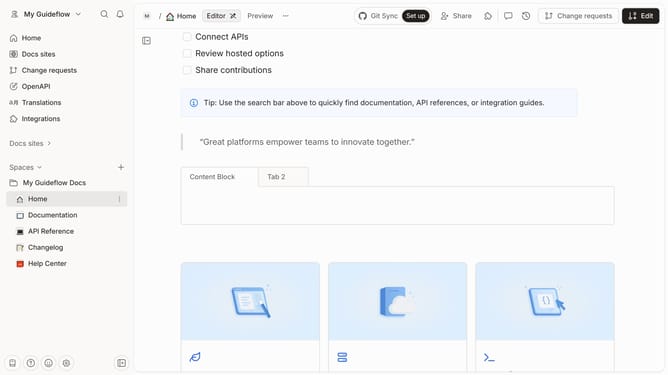
- Next click in the content editing area and type "/" to open the Inline palette
- Then choose a content you want to add in your paragraph
Why should you insert inline content (emojis, images, Math & TeX) in a paragraph in Gitbook
Gitbook is a dynamic platform that empowers you to create beautiful and functional documentation effortlessly.
By enabling the insertion of inline content, such as emojis, images, Math, and TeX, Gitbook enhances readability and engagement. These features allow for a more visually appealing presentation, breaking the monotony of text-heavy documentation.
Including such elements facilitates better comprehension, makes mathematical concepts clearer, and adds a dash of personality and flair to your writing.
Last update