How to add a table users column in help center in Gitbook
Here is how to add a table users column in help center in gitbook
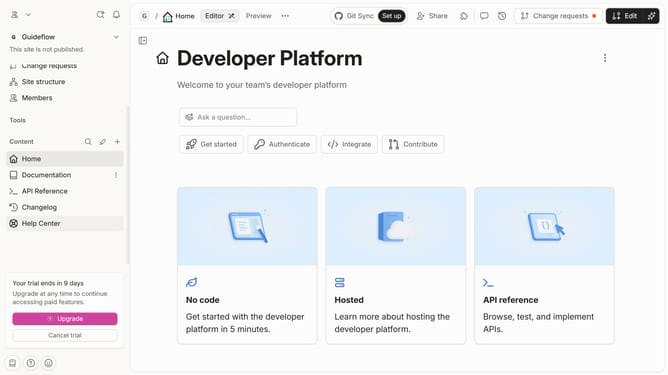
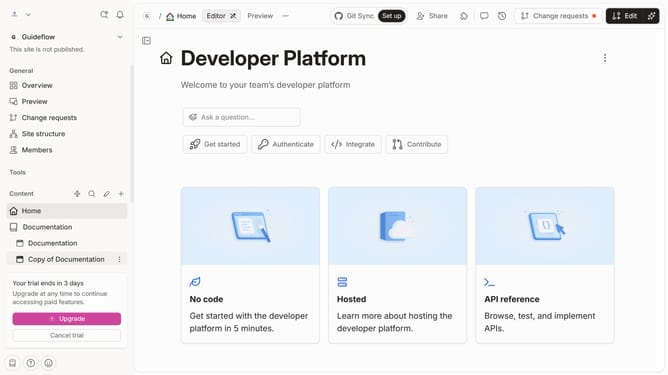
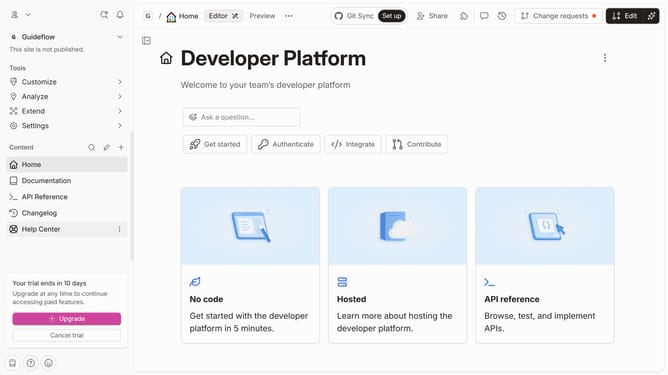
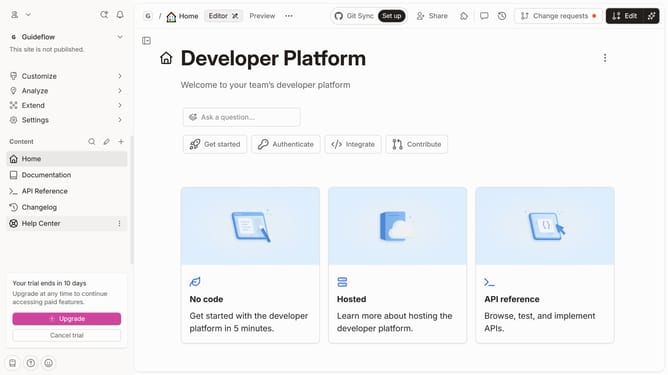
- First click on the 'Help Center' link in the left sidebar
- Then, click on the "Edit" button in the header
- Next, click on the block options icon
- Then, select "Add column" from the dropdown menu in the sidebar.
- After that, select "Users" from the list of column types that appears
- Finally, click on the "Merge" button in the header
Why should you add a table users column in help center in Gitbook
Gitbook is an intuitive platform designed to organize and present your knowledge in a collaborative environment.
Adding a table users column in Gitbook's help center empowers teams to track and manage contributors effectively, streamlining communication and collaboration.
Utilizing this feature enhances accessibility by providing a clear overview of active users, fostering seamless information sharing and a centralized knowledge base.
This functionality not only boosts productivity but also optimizes the management of help center resources.
Last update