How to add a quote in homepage tab in Gitbook
Here is how to add a quote in homepage tab in gitbook
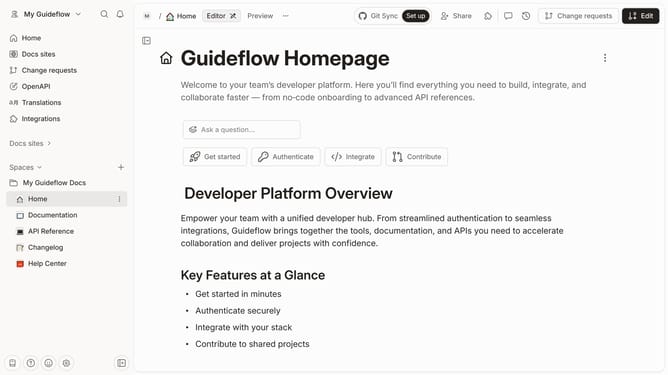
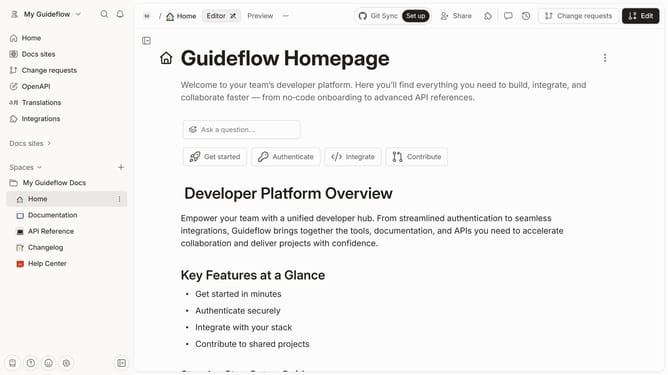
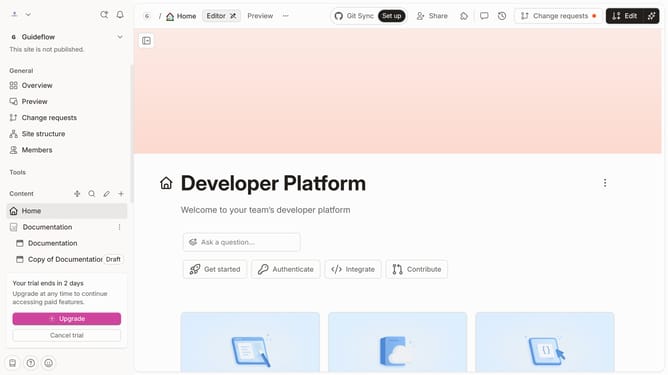
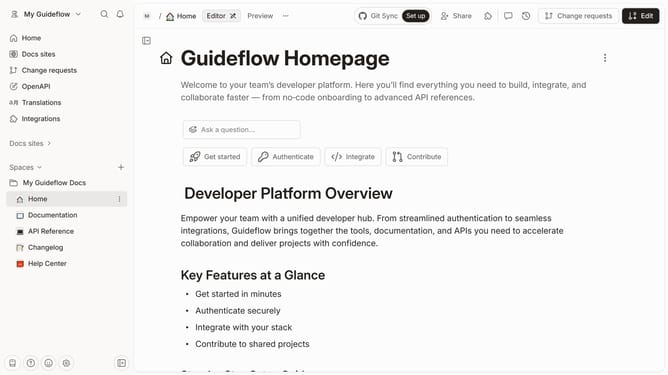
- First click on the "Home" link in the left sidebar
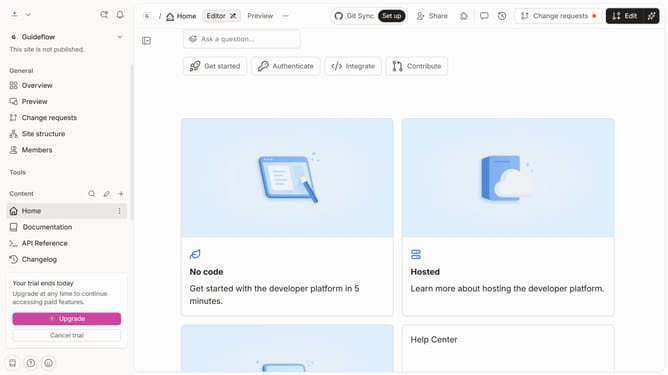
- Then click on the "Edit" button in the header
- Next click on the block icon on the page
- Then select "More block" from the options menu
- Then select "Quote" from the block options menu
- Finally click on the "Merge" button in the header
Why should you add a quote in homepage tab in Gitbook
GitBook is a powerful platform designed to create, collaborate, and organize documentation and knowledge bases effortlessly.
Adding a quote to your GitBook's homepage tab enhances the overall readability and impact of the documentation, presenting key messages or insights prominently.
This feature is beneficial for capturing the essence of your work or inspiring readers right from their first glance, contributing to an engaging and informative user experience.
Last update