How to add heading 2 in homepage tab in Gitbook
Here is how to add heading 2 in homepage tab in gitbook
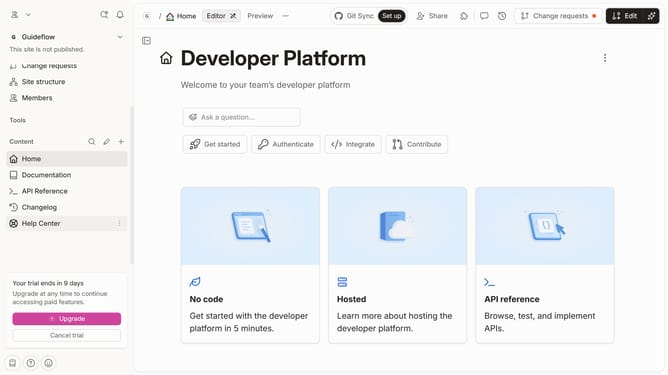
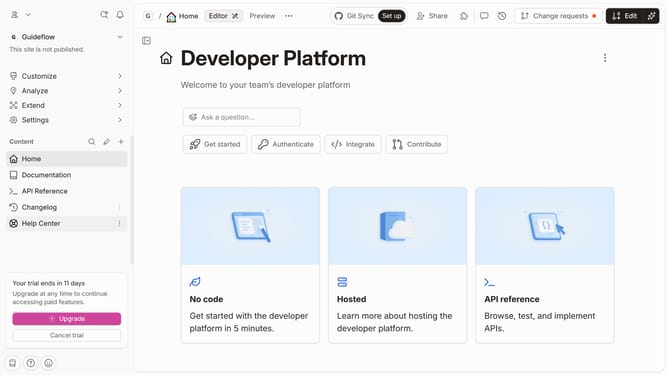
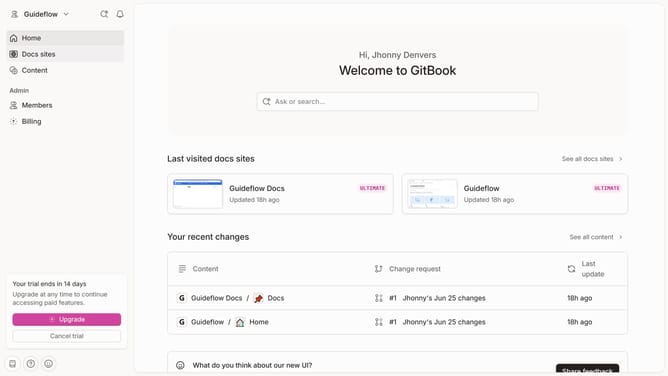
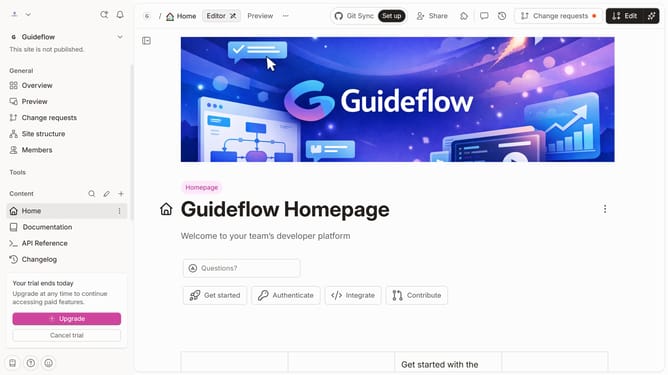
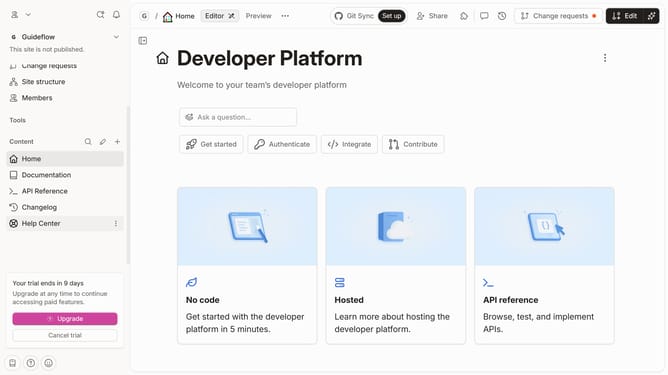
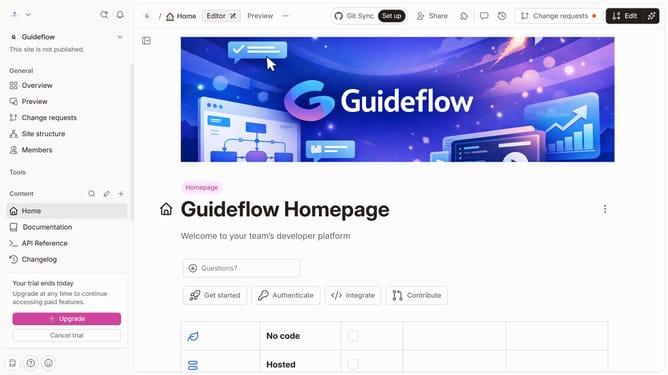
- First, in the left sidebar, click on the "Home" tab
- Then, click on the "Edit" button in the top right corner of the header
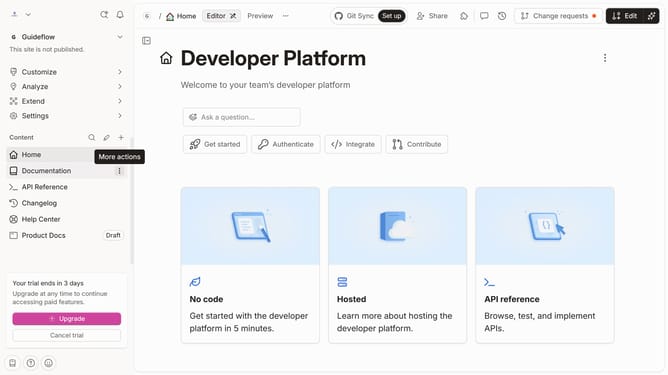
- Next, click on the "Click for block options" icon for more options
- Then, in the block options menu that appears, select "Heading 2"
- After that, click on the input field and enter your text
- Finally, click on the "Merge" button in the top right corner of the header
Why should you add heading 2 in homepage tab in Gitbook
GitBook is a streamlined platform tailored for effortlessly creating, sharing, and managing documentation online.
Incorporating a Heading 2 in the homepage tab of your GitBook project enhances organization and improves readability.
This feature allows for clear distinctions between sections, guiding the reader’s focus and maintaining an intuitive layout.
Utilizing headings boosts the user's navigation experience, facilitating easier access to the critical sections of your documentation.
Last update