How to duplicate a content in a docs site in GitBook
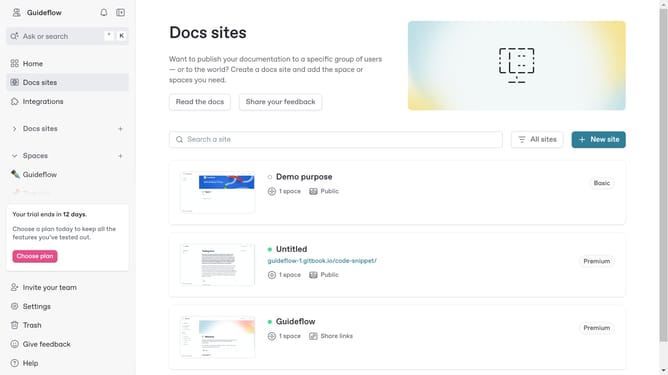
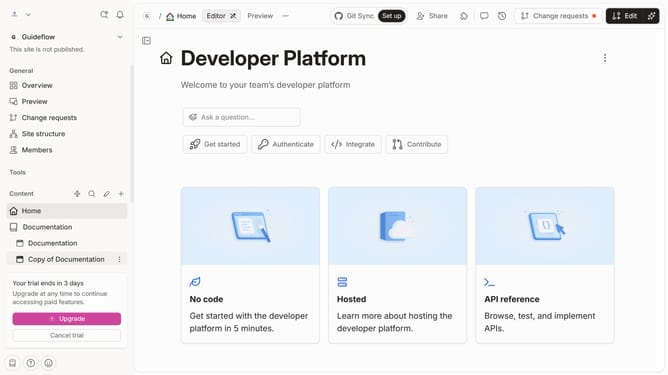
Here is how to duplicate a content in a docs site in gitbook
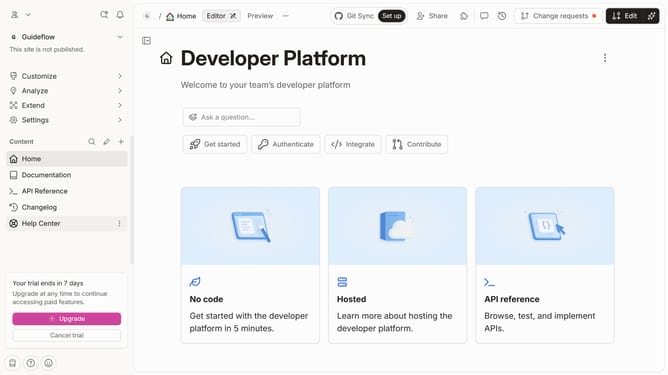
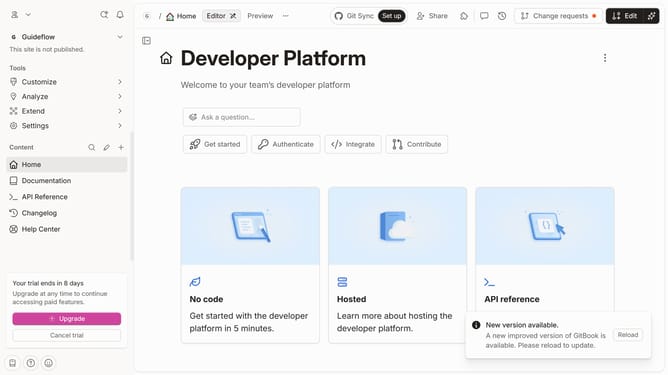
- First click on "More actions" button in the sidebar next to the content you want to duplicate
- Then click on "Add variant" option in the dropdown menu
- Next click on the "Select space" button
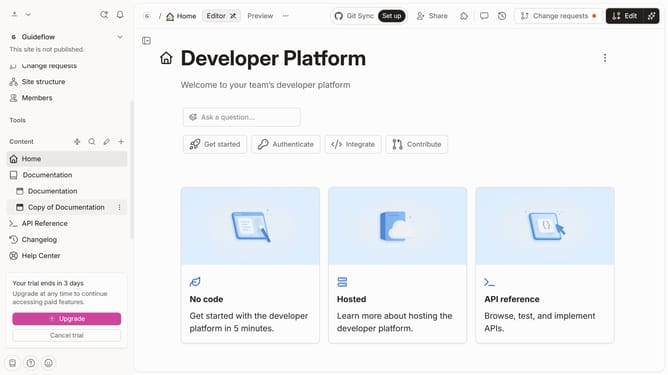
- In the modal window, click on the "Duplicate content" button
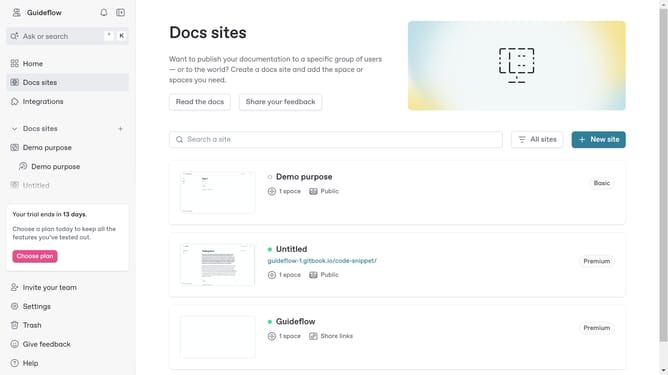
- Finally click on the "Add" button
Why should you duplicate a content in a docs site in GitBook
GitBook is a versatile platform designed to simplify the process of creating and maintaining beautiful documentation.
Duplicating content on a docs site in GitBook is a seamless feature that enhances efficiency. This function allows users to quickly replicate existing content, ensuring consistency across multiple documents without the hassle of starting from scratch.
By leveraging this feature, teams can maintain uniformity in style and messaging, making it an invaluable tool for collaborative environments. Streamlining the documentation process, it saves time and reduces the workload, allowing for greater focus on creating impactful content.
Last update