How to use bold text in Gitbook
Here is how to use bold text in gitbook
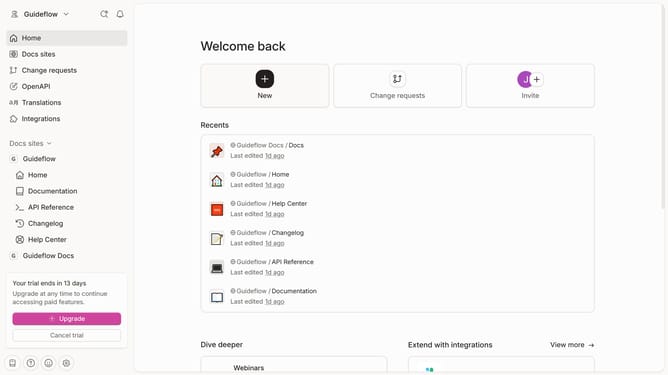
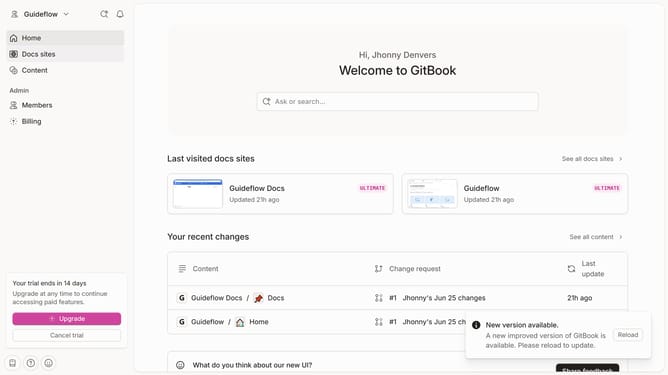
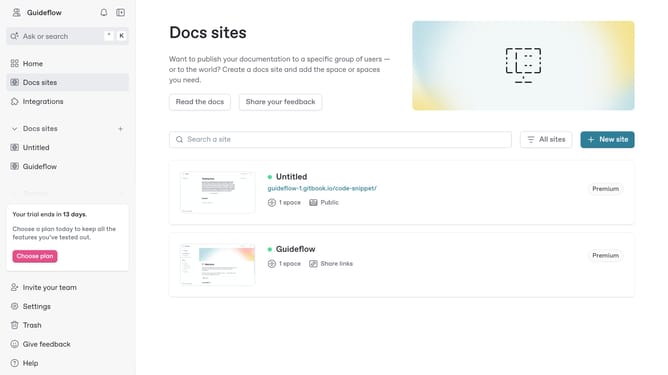
- First click the site card you want to edit in the docs sites list
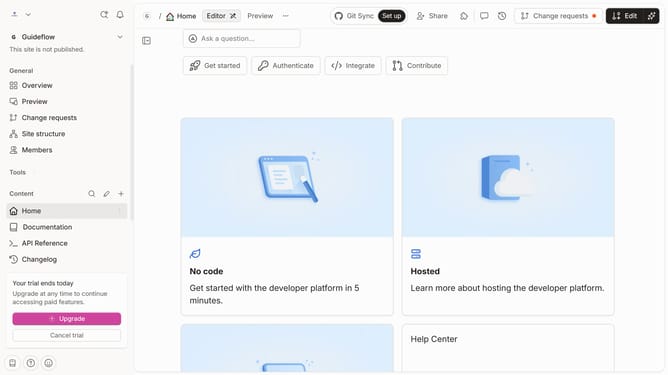
- Then click on the "Start editing content" button in the site overview section
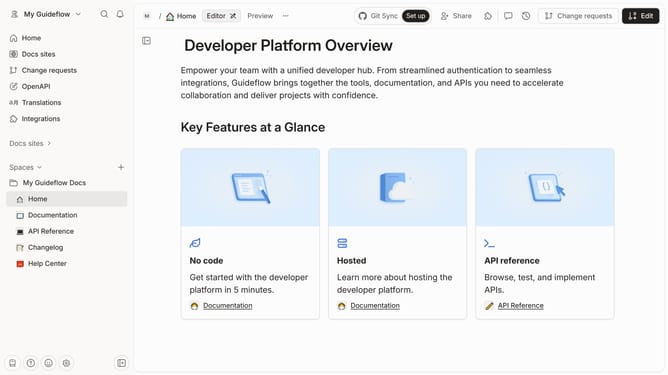
- Click on the "Edit" button in the top toolbar
- Select the text you want to bold in the main editor area
- Click the "Bold" button at the formatting toolbar
- Finally click the "Merge" button in the top toolbar
Why should you use bold text in Gitbook
Gitbook is an innovative platform designed to streamline the creation and management of documentation with ease.
One of the key features of Gitbook is the ability to use bold text, which significantly enhances the readability and emphasis within your documents.
Bold text makes key points stand out, ensuring that important information is not only highlighted but also remains memorable to the reader.
Utilizing bold text effectively can guide users through the content more efficiently, improving their overall experience and understanding.
Last update