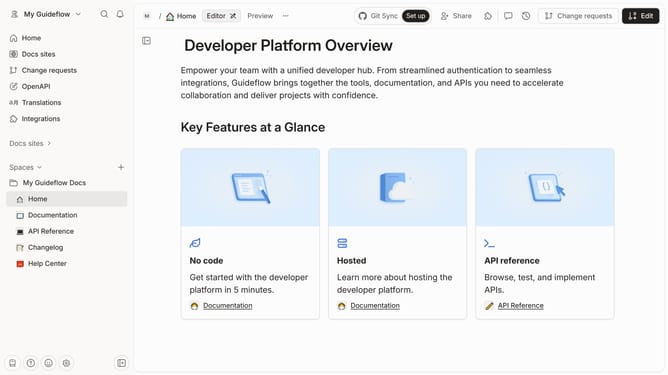
How to add a help center category in Gitbook
Here is how to add a help center category in gitbook
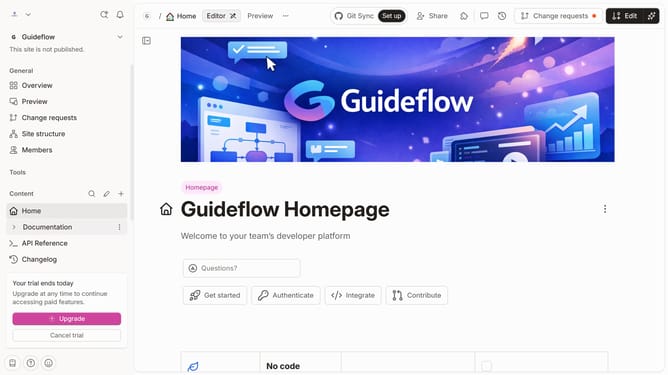
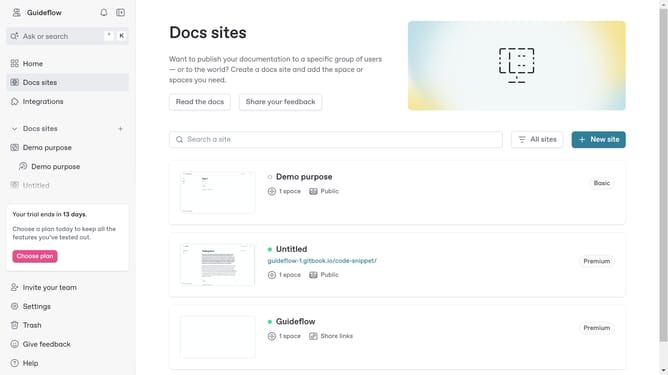
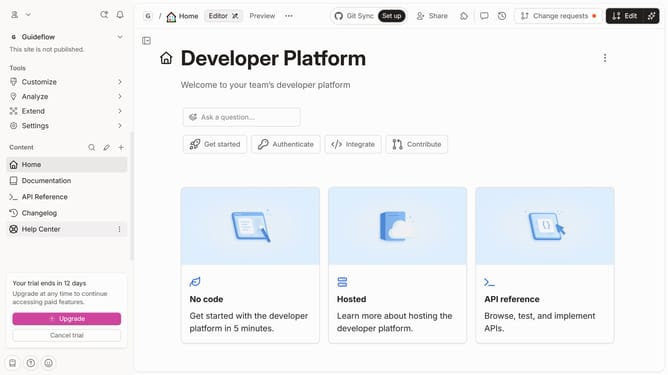
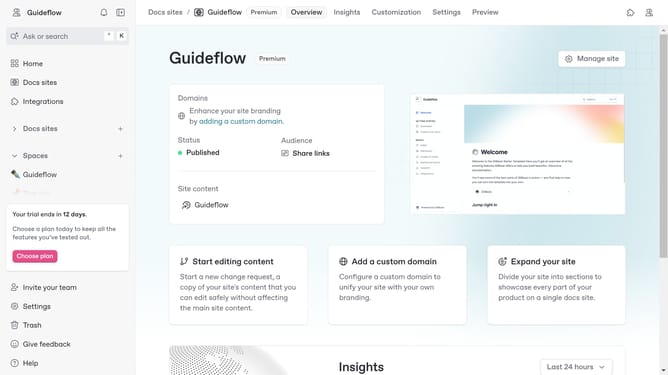
- First click on the "Drafts / Help Center" item in the Recents section on the main page
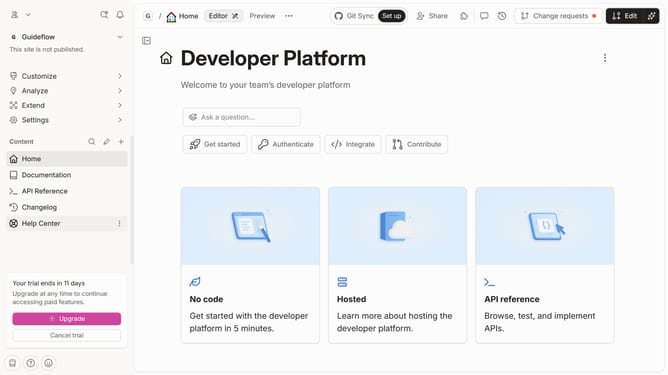
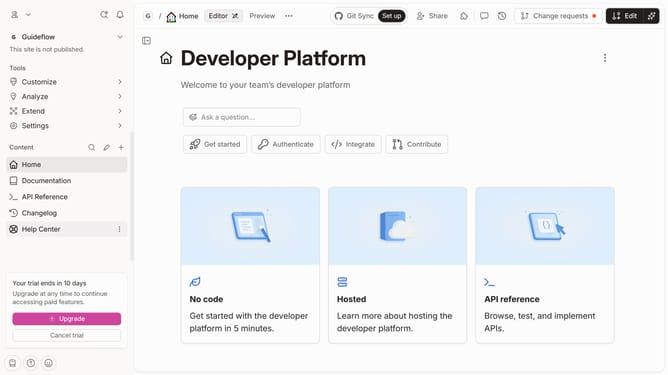
- Then click on the "Edit" button
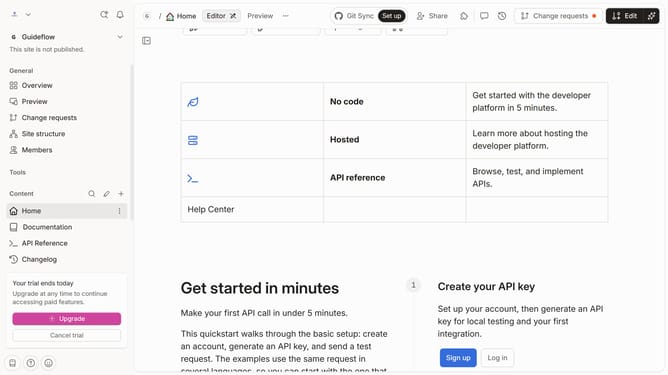
- Next, click on the "New card" button
- Finally, click on the text field area and enter category title
Why should you add a help center category in Gitbook
GitBook is a versatile platform designed to streamline team collaboration and documentation.
Adding a help center category in GitBook enhances organization and allows users to efficiently categorize information for intuitive navigation.
This feature benefits users by improving the accessibility and searchability of content, offering a structured way to present information.
By using GitBook to manage help center categories, teams can ensure users find the answers they need quickly, improving user satisfaction and support efficiency.
Last update