How to insert reusable content into pages in Gitbook
Here is how to insert reusable content into pages in gitbook
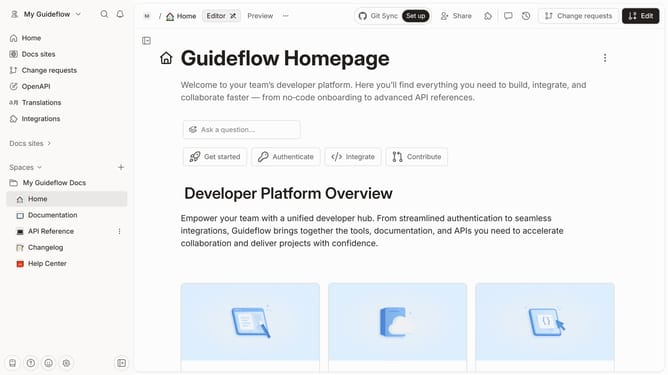
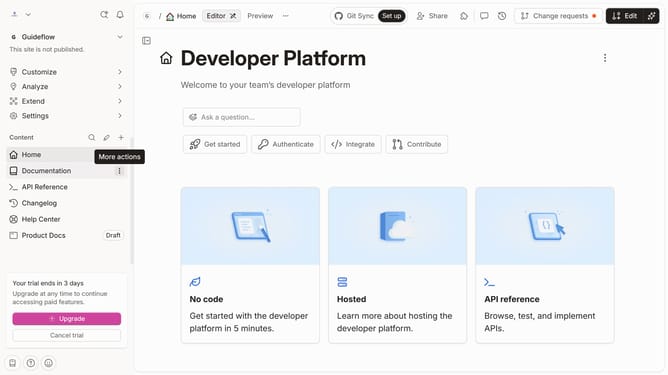
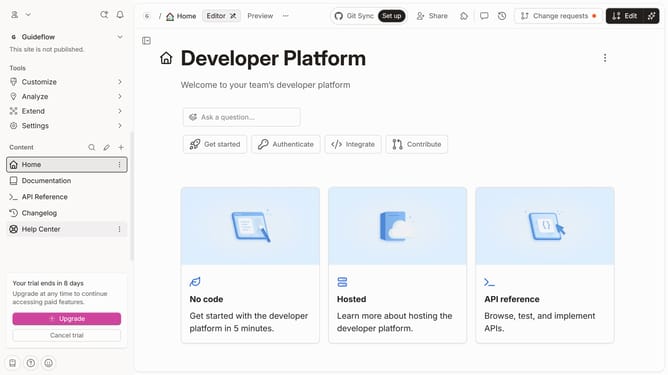
- First click on the reusable content you want to edit
- Next click and hold the reusable content
- Then drag and drop it to the main page
- Finally click on the "Merge" button in the top toolbar
Why should you insert reusable content into pages in Gitbook
Gitbook is an intuitive platform designed for effortless documentation creation and collaboration.
One standout feature is the ability to insert reusable content into pages, streamlining your workflow by ensuring consistency across documents. This not only saves time but also reduces the potential for errors, as the same block of information can be updated in one place and reflected everywhere it's used.
By using reusable content in Gitbook, teams can maintain uniformity and improve cross-team communication, making it an invaluable tool across various projects.
Last update