How to change font color inside help center table in Gitbook
Here is how to change font color inside help center table in gitbook
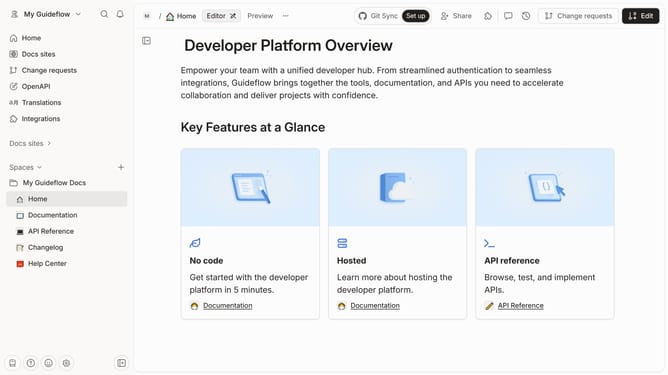
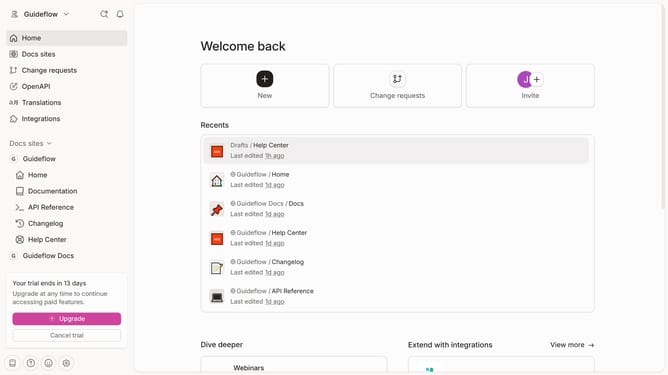
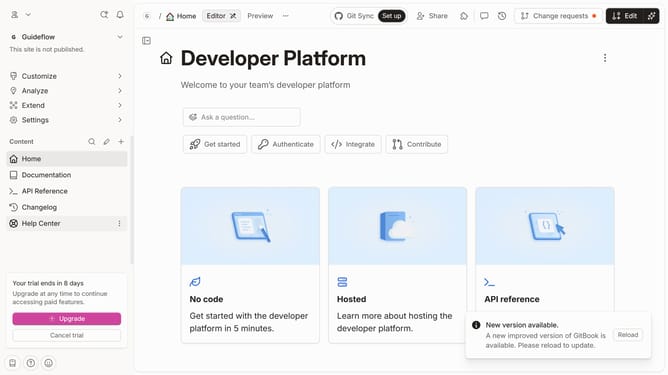
- First click on "Help Center" in the sidebar
- Then click on the "Edit" button in the header
- Next, click on the text to highlight it in the content editor
- Then click on the font color icon in the header
- Then select a color from the dropdown menu
- Finally click on the "Merge" button in the header
Why should you change font color inside help center table in Gitbook
Gitbook is a versatile platform designed to create beautiful documentation seamlessly.
One of its helpful features is the ability to change font color inside help center tables, allowing users to enhance the visual appeal and readability of their content.
By customizing font colors, you can emphasize vital information, improve user experience, and ensure that your documentation captures the reader’s attention effectively.
This feature serves to make navigating and absorbing information easier and more engaging for your audience.
Last update