How to delete a tab in help center in Gitbook
Here is how to delete a tab in help center in gitbook
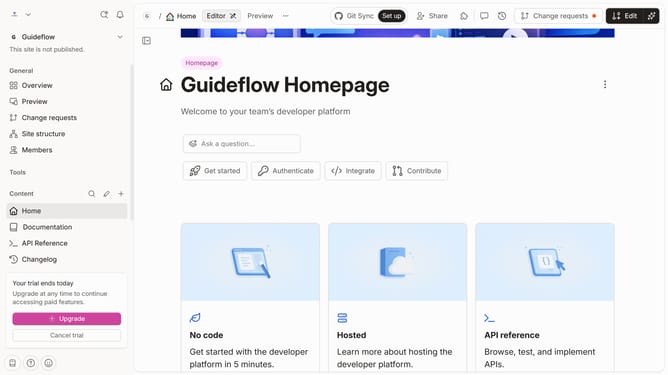
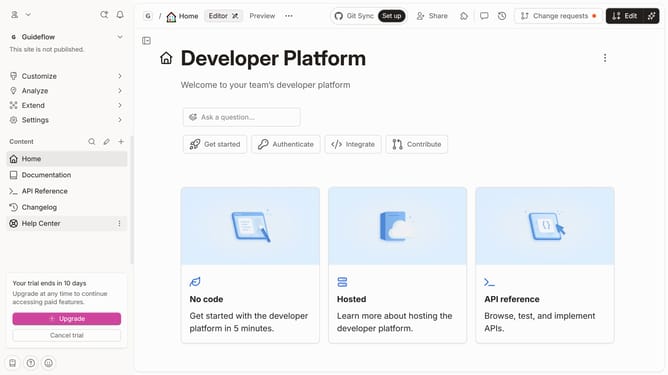
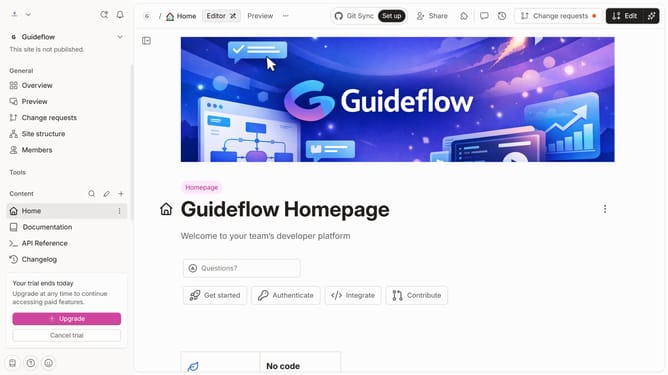
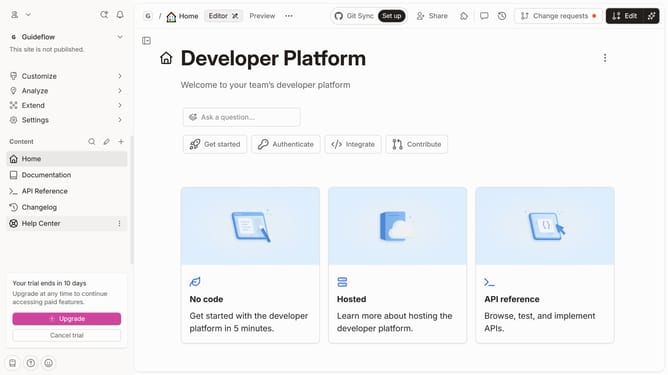
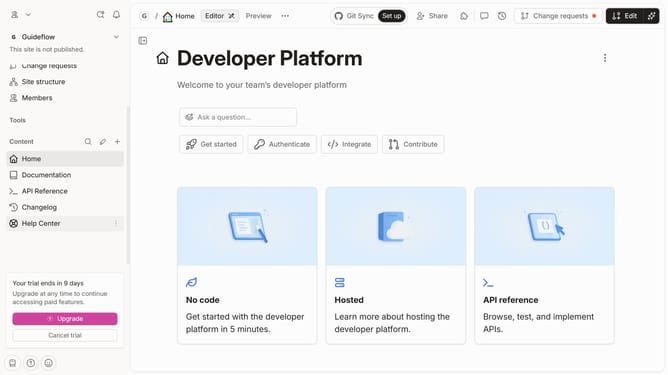
- First click on "Help Center" link in the left sidebar
- Then click on the "Edit" button in the top action bar
- Next, click on the dots icon to open tab options
- Then click on the "Delete" option to remove the tab
- Finally, click on the "Merge" button in the top action bar
Why should you delete a tab in help center in Gitbook
Gitbook is a modern documentation platform that streamlines the creation and sharing of professional documentation.
Streamlining your help center by deleting unnecessary tabs in Gitbook ensures a cleaner and more efficient user experience. This feature allows content managers to maintain organized and up-to-date information, making navigation intuitive for users seeking assistance.
By keeping only relevant tabs, you reduce clutter and enhance the visibility of vital content, ultimately improving the overall usability of your documentation. Embrace clarity and ease for both creators and seekers of information with this practical functionality.
Last update