How to align the help center description in Gitbook
Here is how to align the help center description in gitbook
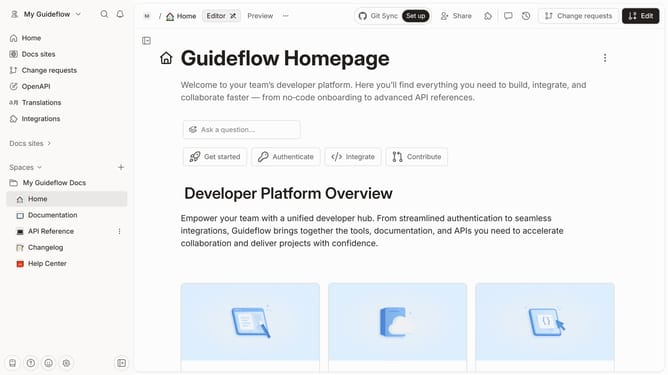
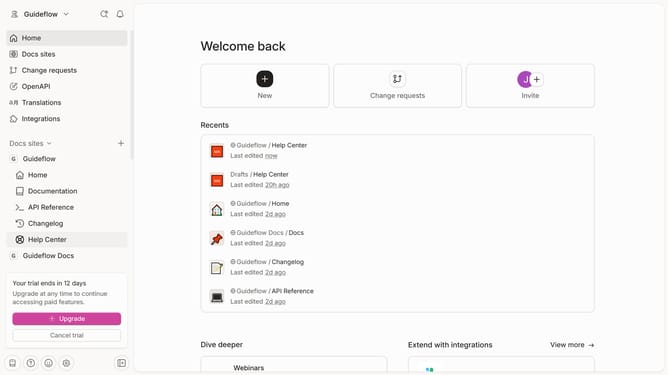
- First click on "Help Center" in the sidebar
- Then click on the "Edit" button in the header
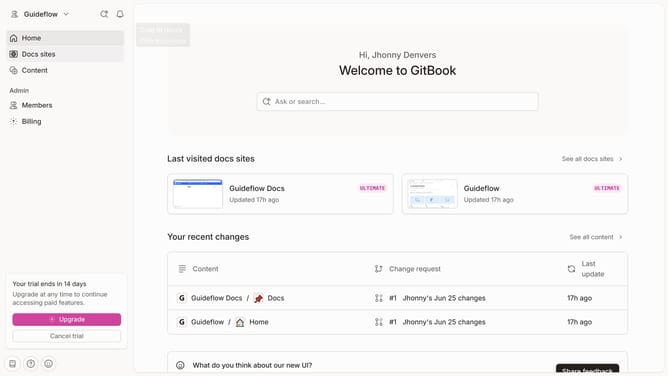
- Then click on the "Click for block options" icon
- Next, select an alignment from the displayed options
- Finally, click on the "Merge" button in the header
Why should you align the help center description in Gitbook
Gitbook is a powerful platform designed for seamless documentation, collaboration, and knowledge sharing.
Aligning the help center description in Gitbook is a feature that streamlines user experience by ensuring information is coherent and easy to navigate. This function enhances the clarity and presentation of information, creating a more user-friendly help center.
Utilizing this alignment feature not only improves your documentation's aesthetic appeal but also aids in making content more accessible, ultimately boosting user engagement and satisfaction.
Last update