How to add caption to image in help center in Gitbook
Here is how to add caption to image in help center in gitbook
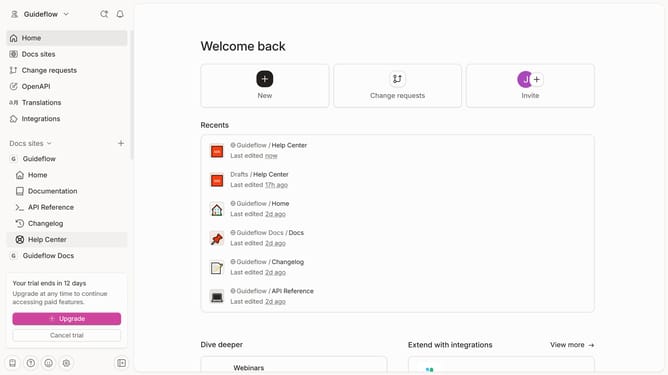
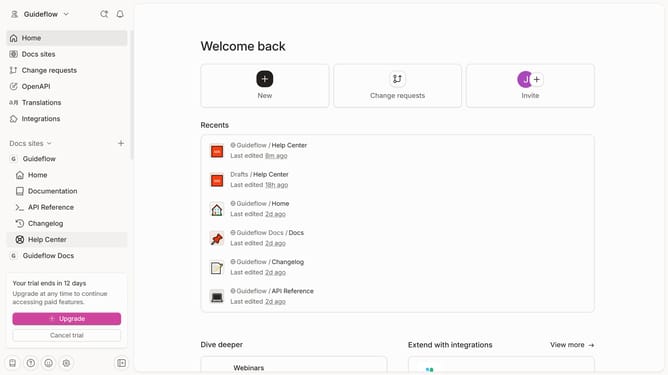
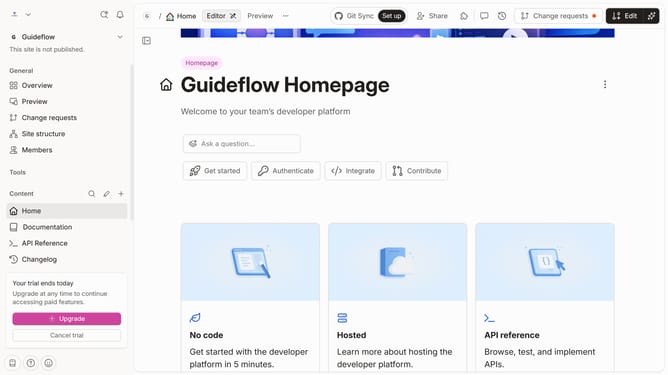
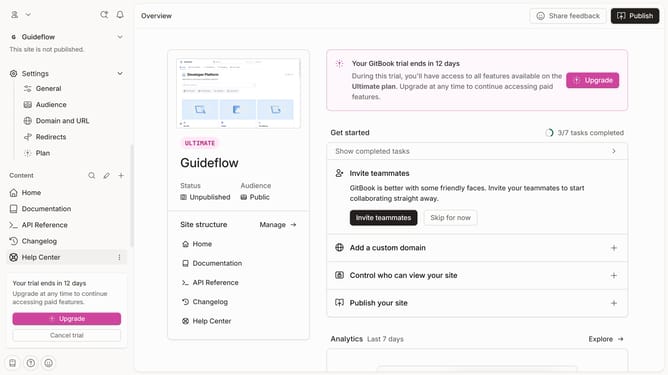
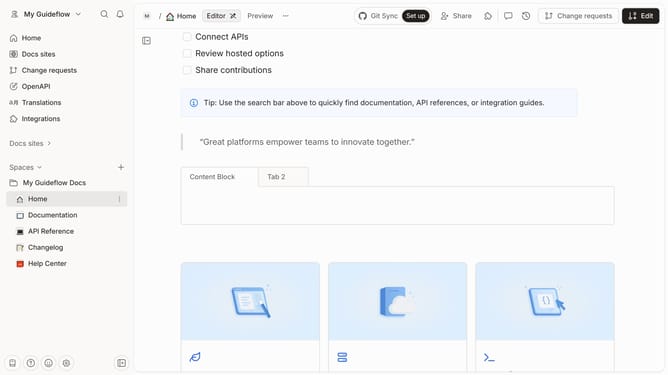
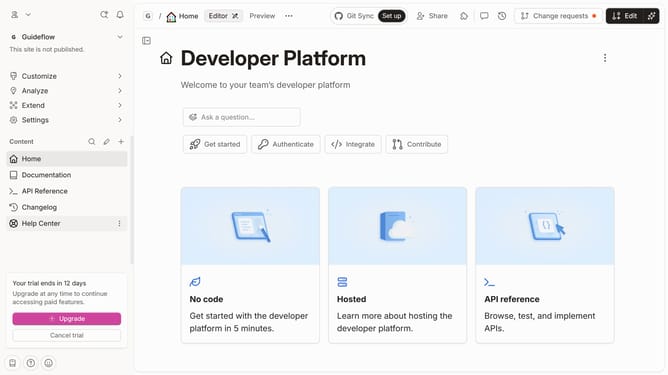
- First click on "Help Center" in the left sidebar
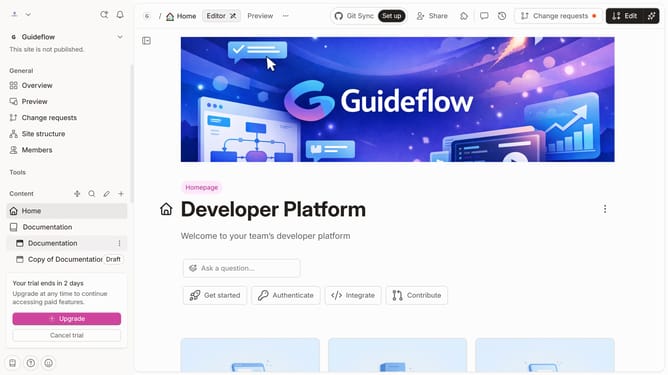
- Then click on the "Edit" button in the top header
- Then click on the "Click for options" icon
- Then click on the "Caption" icon
- Then write "Write a caption" in the text field
- Finally click on the "Merge" button in the top header
Why should you add caption to image in help center in Gitbook
Gitbook is a powerful platform designed to simplify the creation and sharing of beautiful documentation.
Adding captions to images in the Gitbook help center enhances the clarity and context of visual content, effectively guiding readers and enriching their understanding.
Using image captions turns visual elements into informative assets, aiding accessibility for all users and ensuring a seamless knowledge-sharing experience.
This feature effortlessly bridges the gap between textual and visual information, making documentation more effective and engaging for readers.
Last update