How to add a text field in a help center category in Gitbook
Here is how to add a text field in a help center category in gitbook
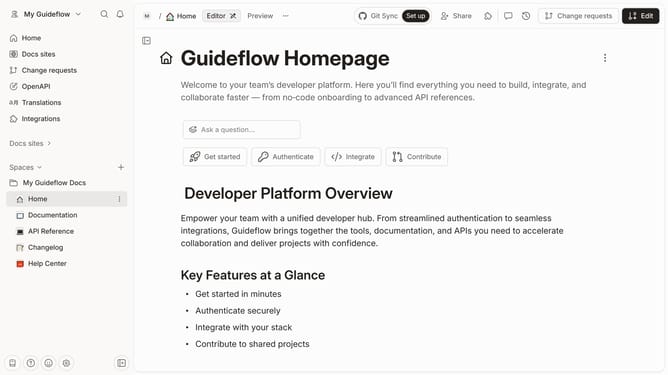
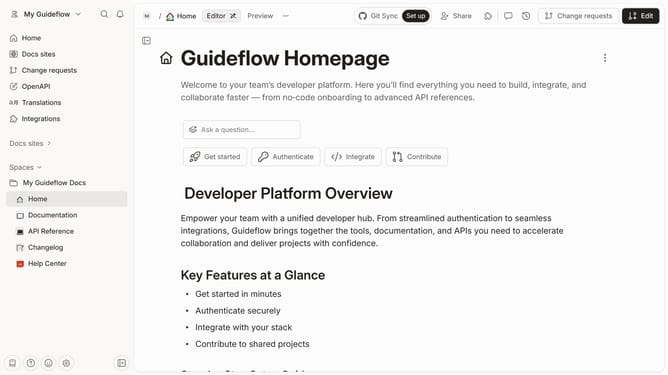
- First click on the "Help Center" item in the left sidebar
- Then click on the "Edit" button in the top menu
- Next, click on the "+ Add field" button under the category section
- After that, select the "Text" option from the dropdown menu
- Then click on the text input field and enter your text
- Finally click on the "Merge" button in the top right corner
Why should you add a text field in a help center category in Gitbook
Gitbook is a powerful platform designed to streamline document creation and enhance collaborative writing.
Adding a text field in a help center category in Gitbook is a seamless process that elevates the user experience by providing detailed and relevant information where it's most needed.
This feature allows content creators to tailor the help center to specific customer inquiries, improving accessibility and ensuring users find answers promptly.
Ultimately, leveraging text fields in help center categories enhances the readability and usability of your documentation, fostering a more intuitive and efficient user journey.
Last update