How to customize page options in Gitbook
Here is how to customize page options in gitbook
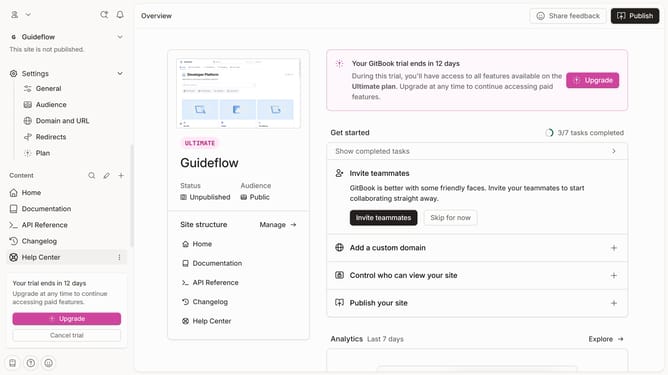
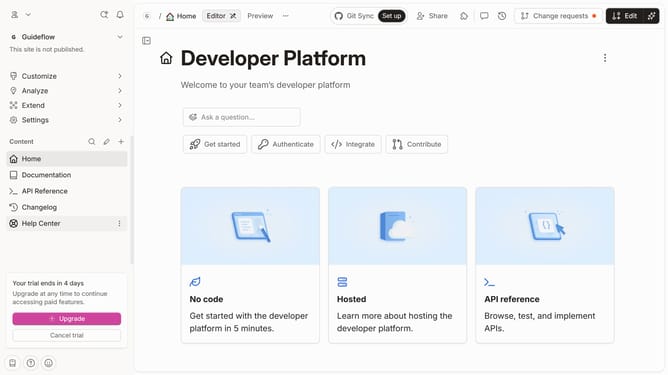
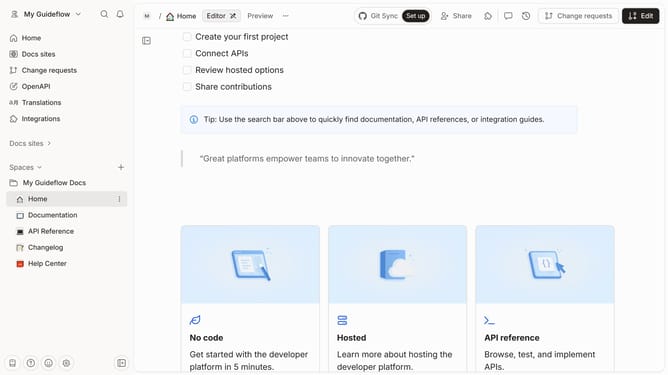
- First click the card you want to use in the main content area
- Then click on the "Start editing content" button in the overview section
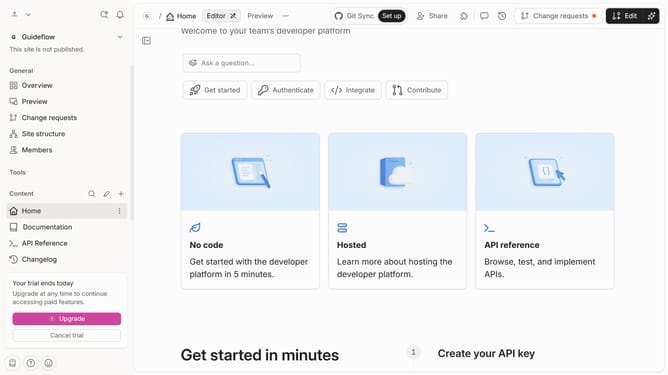
- Next click on the settings menu (three dots) in the pages navigation
- Here you will find different options to customize your page
Why should you customize page options in Gitbook
Gitbook is a dynamic platform designed to streamline documentation and collaborative writing.
Customizing page options in Gitbook empowers users to tailor their content presentation, enhancing readability and engagement.
By personalizing layouts and settings, creators can focus on delivering concise, visually appealing information to their audience.
This feature fosters better information flow, ensuring content aligns perfectly with its intended message and style.
Last update