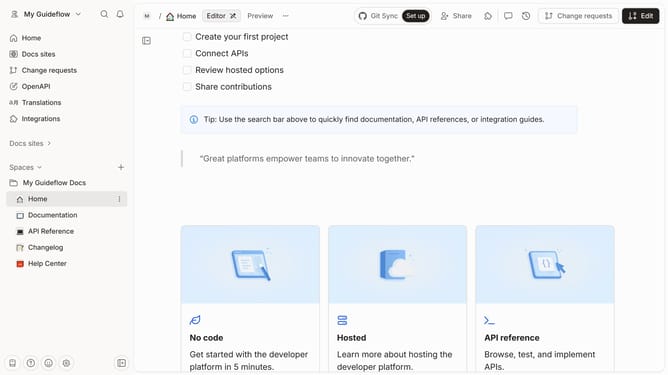
How to show table of contents in homepage in Gitbook
Here is how to show table of contents in homepage in gitbook
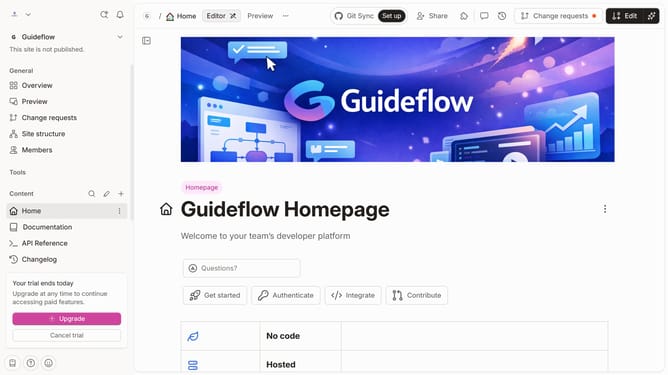
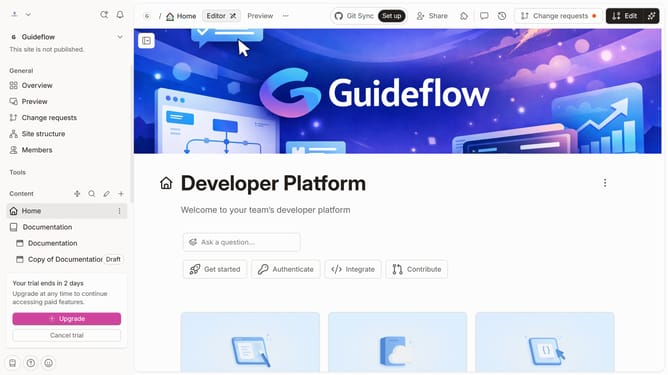
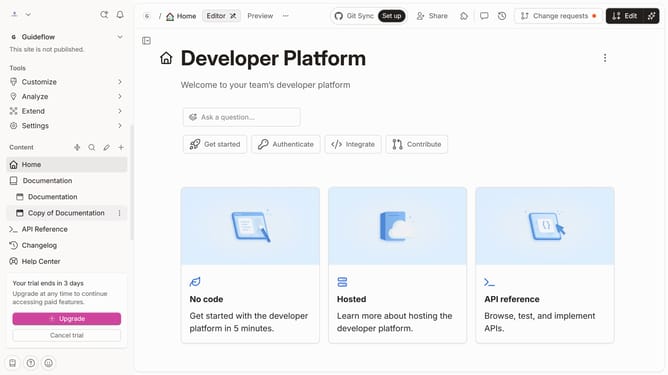
- First click on the "Home" item in the left sidebar
- Then click on the "Edit" button in the top header
- Next click on the "Page options" button
- Then toggle the option for "Table of contents" to enable it
- Finally click on the "Merge" button in the top header
Why should you show table of contents in homepage in Gitbook
GitBook is a powerful platform designed to turn documentation and knowledge sharing into an elegant experience.
Showcasing a table of contents on the homepage in GitBook enhances accessibility by offering a snapshot of the document’s structure.
This feature ensures that readers can effortlessly navigate through materials, finding the content they seek with ease.
Making the information readily visible from the start, it increases user engagement and satisfaction by streamlining the learning journey.
Last update