How to set link style in docs site in GitBook
Here is how to set link style in docs site in gitbook
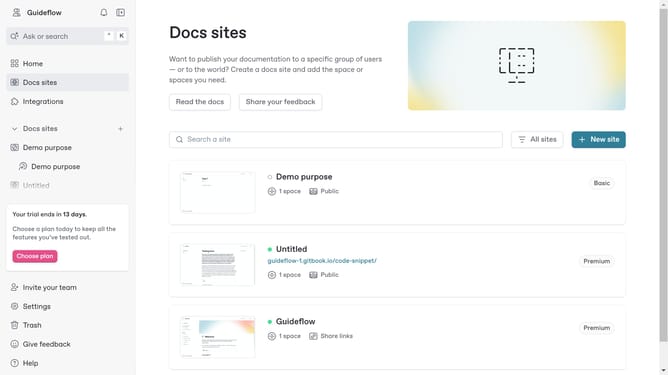
- First click on "Docs sites" in the left sidebar
- Then click on the doc site title that you want to manage
- Then click on "Customize" accordion in the left sidebar
- Then click on "Theme" option
- Then click on the "Link style" dropdown
- Then select "Accent" from the dropdown menu
- Finally click on the "Save" button
Why should you set link style in docs site in GitBook
GitBook is a powerful platform designed to streamline the creation and sharing of documentation.
Setting the link style in your GitBook docs site enhances readability and ensures consistency across your entire documentation suite.
This feature empowers you to reflect your brand identity while improving user experience, resulting in more engaging and cohesive content.
Last update