How to add a link column in a table in homepage in Gitbook
Here is how to add a link column in a table in homepage in gitbook
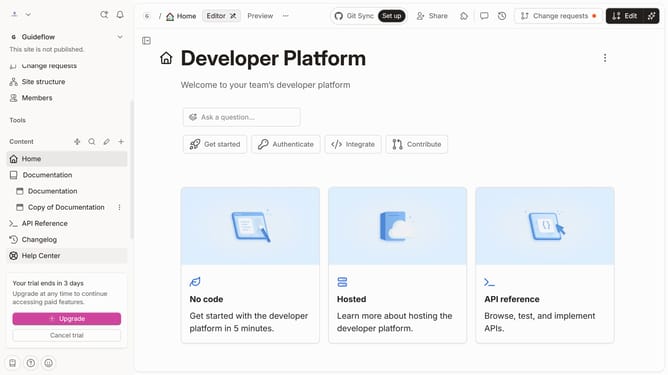
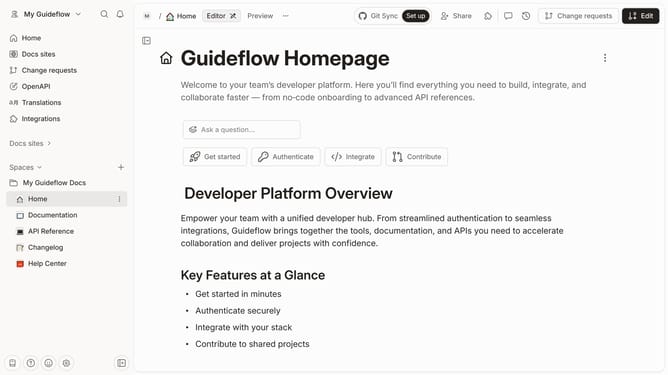
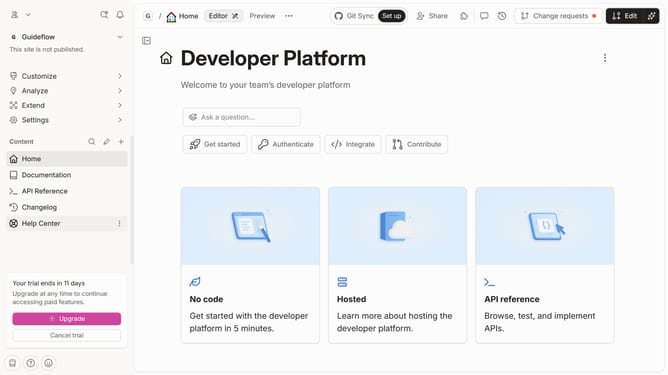
- First click on the 'Home' item in the left sidebar
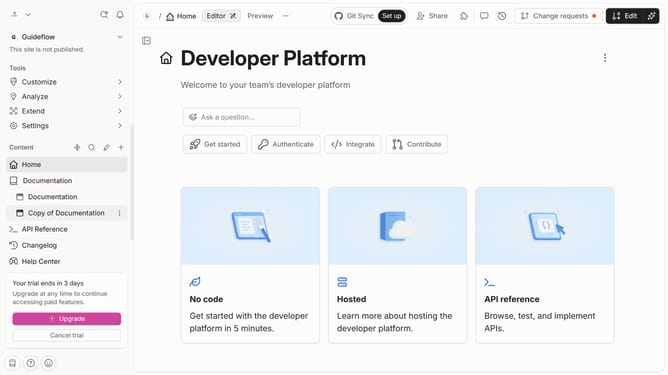
- Then click on the 'Edit' button in the top bar
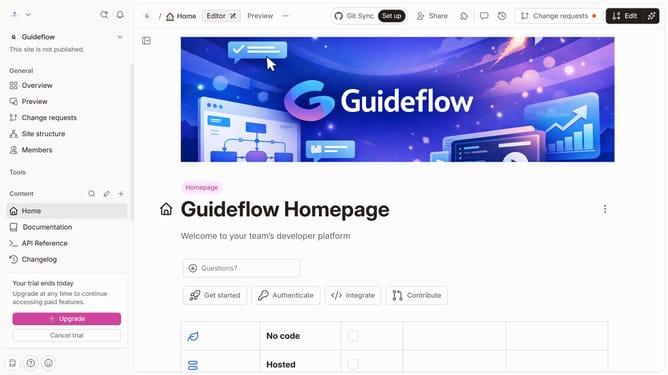
- Next, click on the block options button
- After that, click on the "Add column" option
- Then, from the opened menu, select 'Link'
- Finally click on the 'Merge' button in the top bar
Why should you add a link column in a table in homepage in Gitbook
Gitbook is a powerful platform designed to simplify collaboration and documentation.
Adding a link column in a table on your homepage in Gitbook enhances the navigability and functionality of your content. This feature allows you to provide direct access to related resources, ensuring a seamless user experience.
Utilizing link columns creates a structured yet dynamic layout, ideal for readers who appreciate organized and easily accessible information. It can significantly improve the interactivity of your Gitbook pages, leading to a more engaging and informative journey for your users.
Last update