How to delete a space in Gitbook
Here is how to delete a space in gitbook
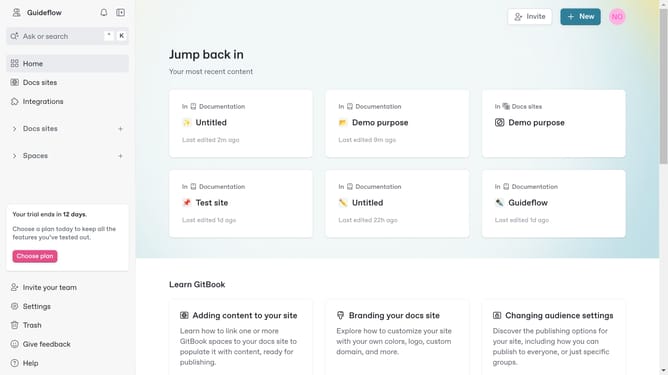
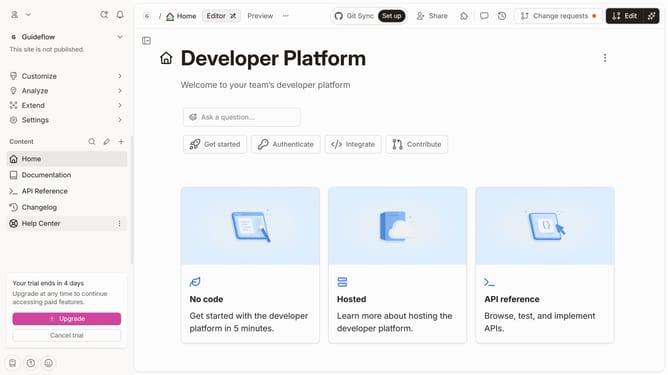
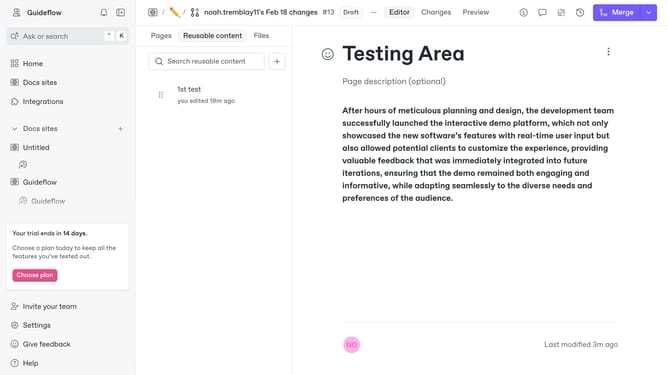
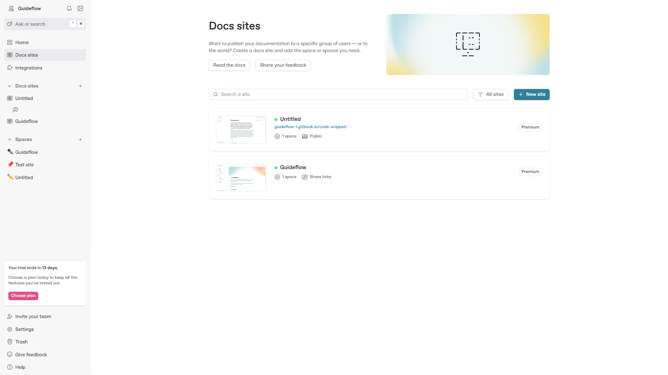
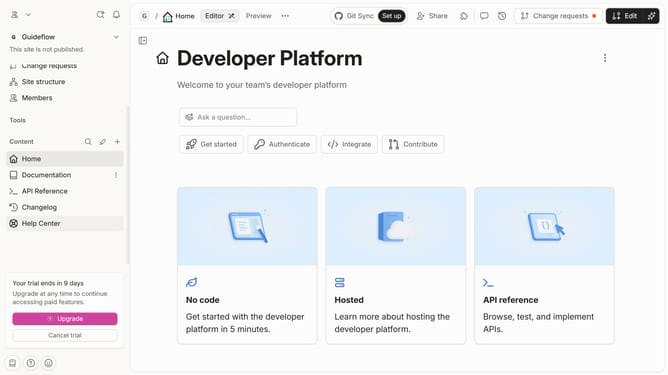
- First click on the "Spaces" link in the left sidebar to expand it
- Then click on the "More options" button (three dots) next to "To be deleted" item in the sidebar
- Next click on the "Delete" option in the dropdown menu
- Finally click on the "Delete" button in the confirmation dialog to confirm deletion
Why should you delete a space in Gitbook
GitBook is a modern documentation platform designed to simplify the process of creating and sharing knowledge.
Deleting a space in GitBook is a straightforward feature that helps streamline your workspace, ensuring that outdated or irrelevant documentation does not clutter your content landscape.
This feature is particularly beneficial when maintaining clarity and organization is essential, making it easier for teams to manage projects efficiently.
Ultimately, removing unnecessary spaces contributes to a cleaner, more focused workspace, enhancing overall productivity.
Last update