How to duplicate a space in Gitbook
Here is how to duplicate a space in gitbook
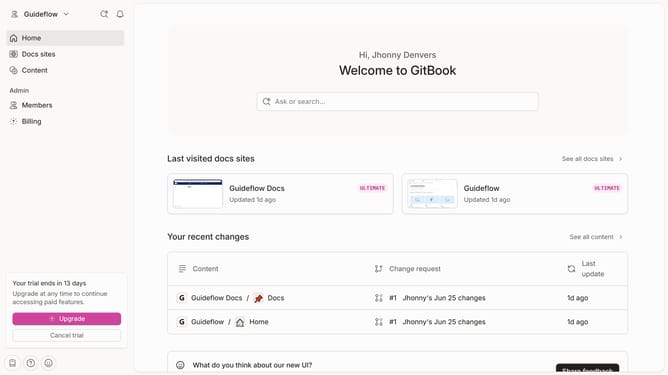
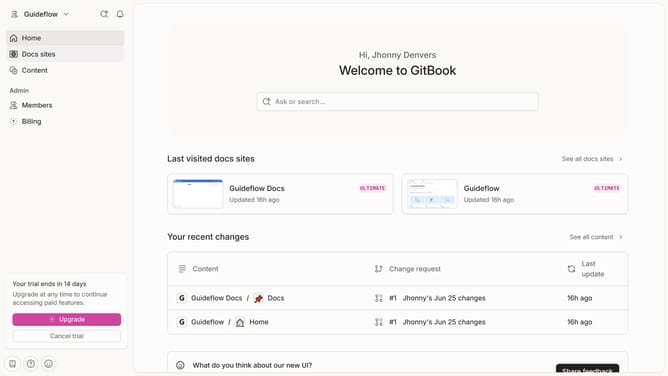
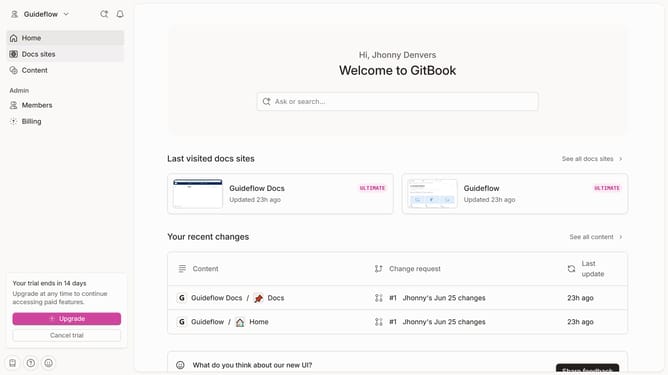
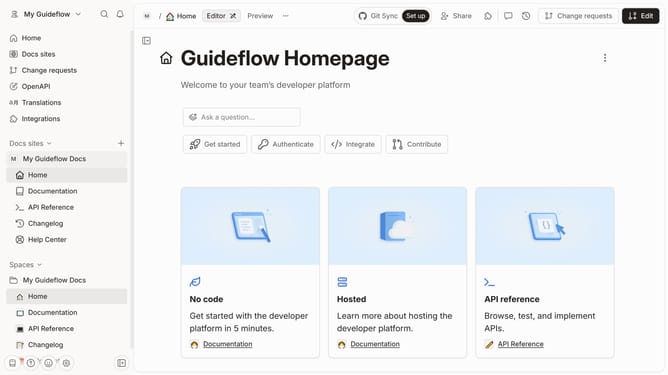
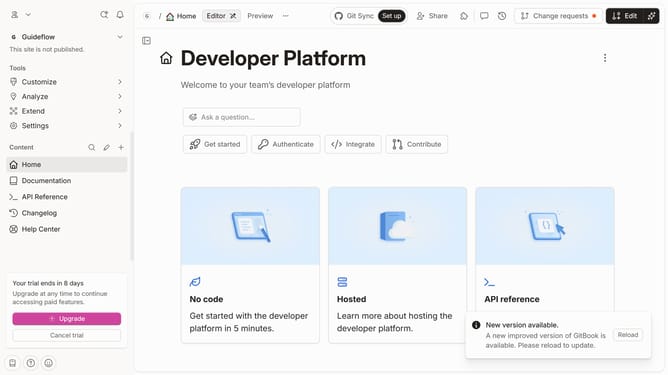
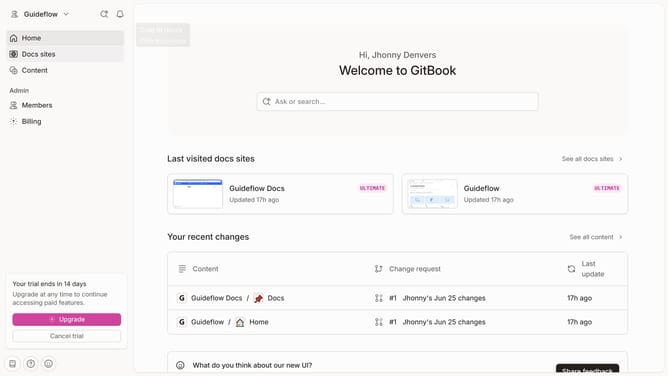
- First click on the "Spaces" item in the left sidebar
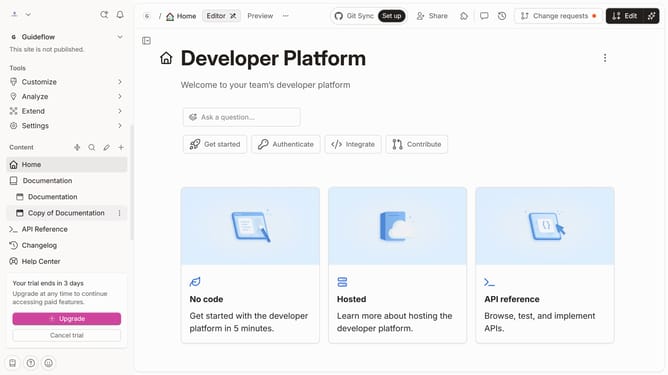
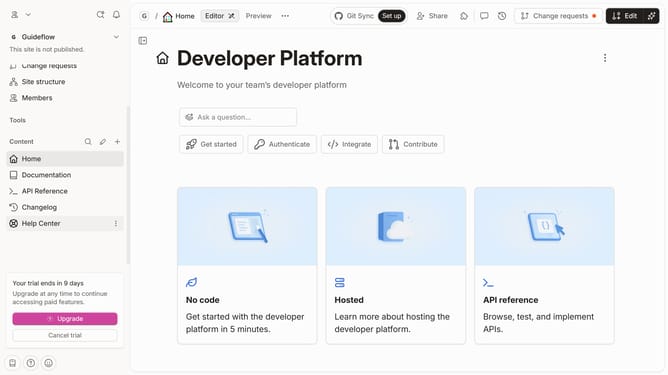
- Then click on the options menu (three dots) next to the space you want to duplicate
- Finally click on the "Duplicate" option in the dropdown menu
Why should you duplicate a space in Gitbook
Gitbook is an innovative platform designed for creating and managing beautiful, organized documentation.
One remarkable feature is the ability to duplicate a space effortlessly. This empowers users to replicate existing content structures swiftly, ensuring consistency across projects.
Duplicating a space is ideal for teams needing to maintain similar templates or structures without starting from scratch each time. It promotes efficiency and streamlines workflow by preserving formatting and organization. This feature enhances productivity and maintains document integrity with ease.
Last update