How to add rating in help center table in Gitbook
Here is how to add rating in help center table in gitbook
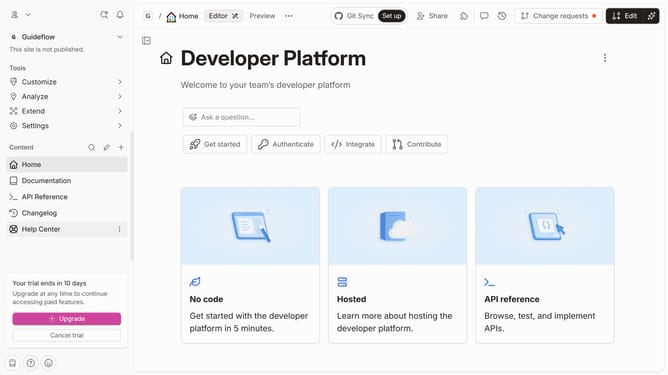
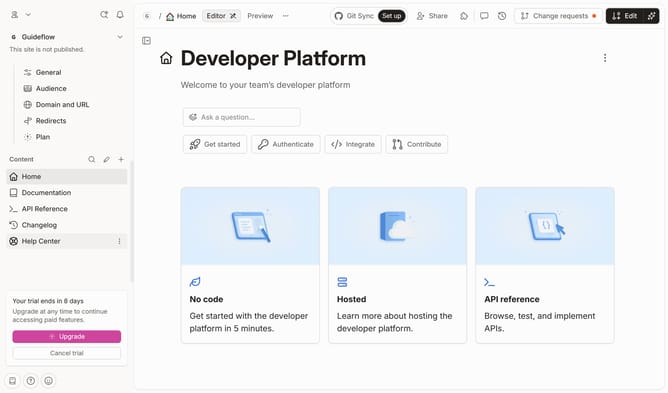
- First, click on "Help Center" in the left sidebar
- Then, click on the "Edit" button in the top menu
- Next, click on the third star in the rating section
- Finally, click on the "Merge" button in the top menu
Why should you add rating in help center table in Gitbook
GitBook is a collaborative platform designed to enhance documentation and knowledge sharing among teams.
Adding a rating feature in the help center table of GitBook significantly boosts user feedback capabilities. This feature empowers users to express their satisfaction level, providing quick insights into content effectiveness.
Incorporating ratings fosters a responsive, user-centric documentation approach. It helps content creators pinpoint which areas require improvement, driving continuous content refinement and user engagement.
Last update