How to add a hint in homepage tab in Gitbook
Here is how to add a hint in homepage tab in gitbook
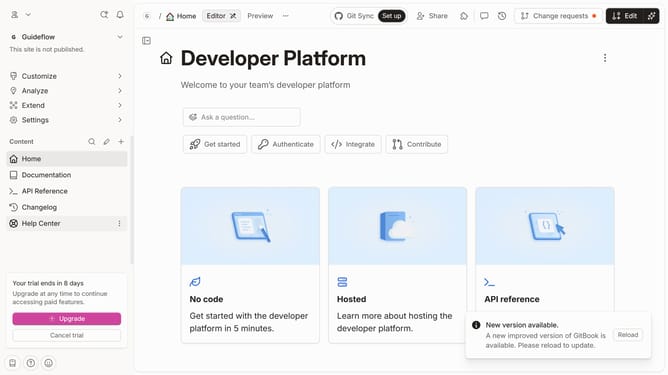
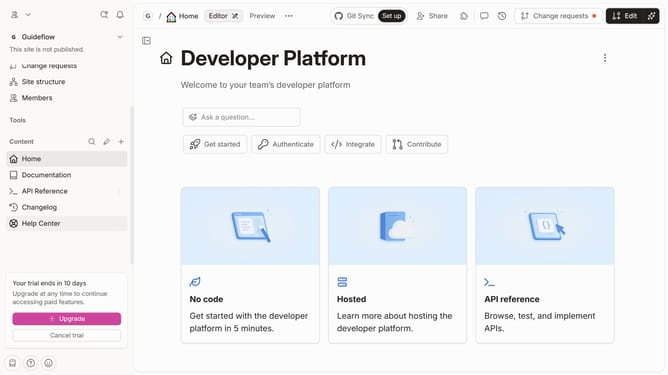
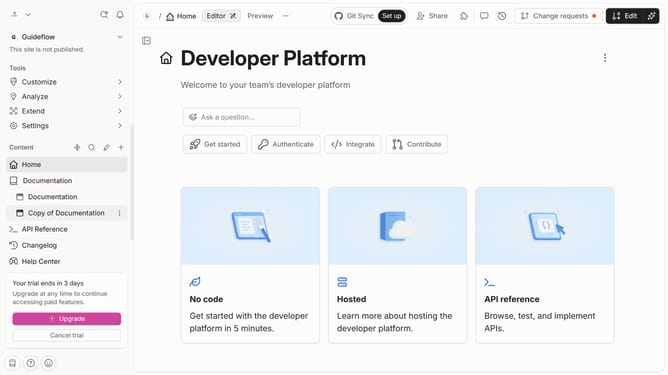
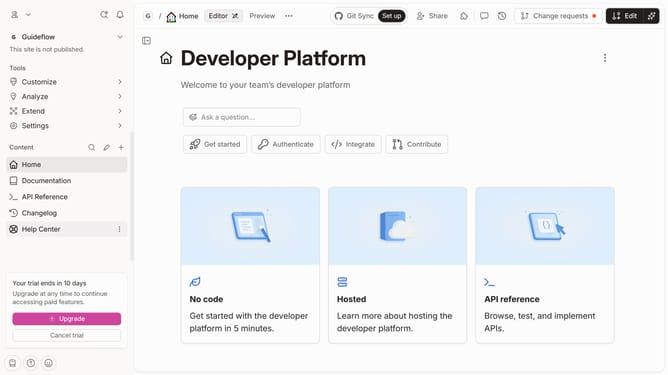
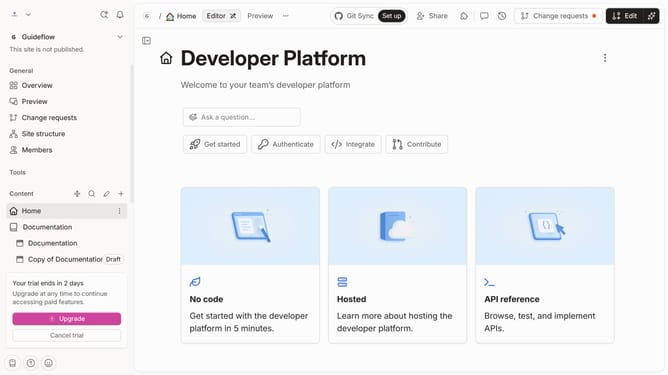
- First click on the "Home" item in the left sidebar
- Then click on the "Edit" button in the top right corner
- Click on the block icon to reveal more options
- Next, click on the "More blocks" option in the left sidebar menu
- Then select the "Hint" option from the submenu
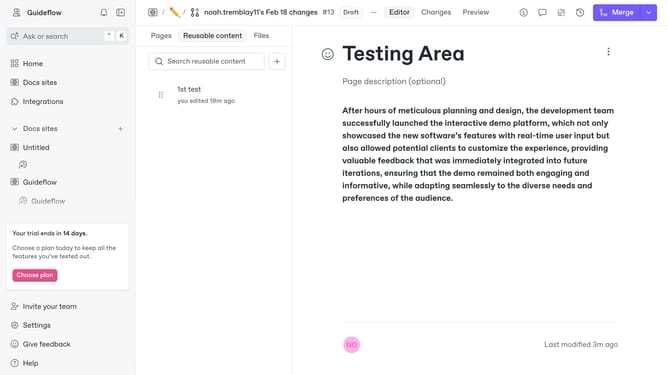
- Click on the "Hint" block element and enter your text
- Finally, click on the "Merge" button in the top right header
Why should you add a hint in homepage tab in Gitbook
Gitbook is a dynamic platform designed to simplify documentation and collaboration for teams and individuals.
A noteworthy feature is the ability to add a hint on the homepage tab. This subtle yet effective presence can guide users intuitively, enhancing their navigation experience.
Integrating a hint not only personalizes the visitor's journey but also streamlines access to essential information, fostering a seamless and engaging interaction with your content.
Last update