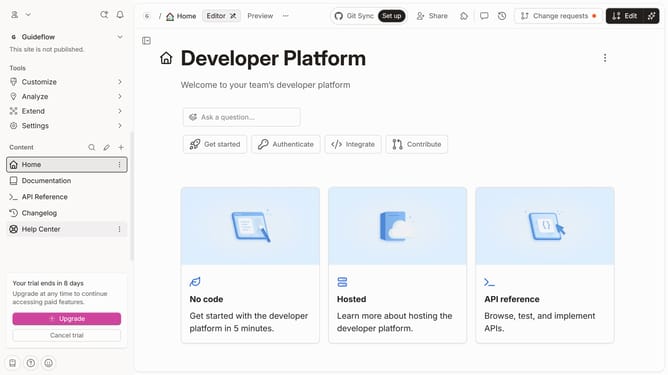
How to hide page title of a content in a docs site in GitBook
Here is how to hide page title of a content in a docs site in gitbook
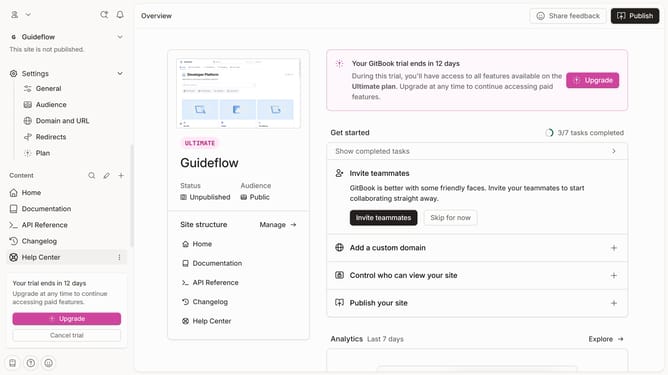
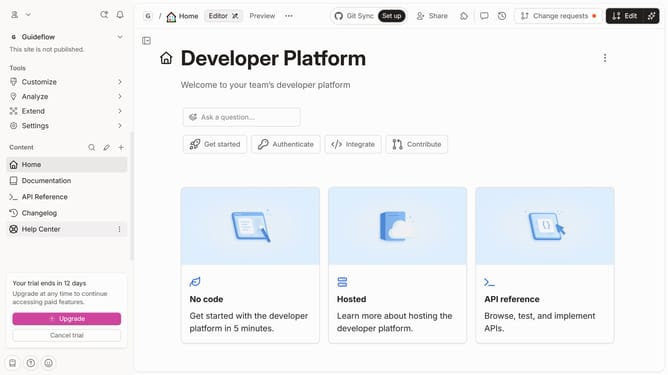
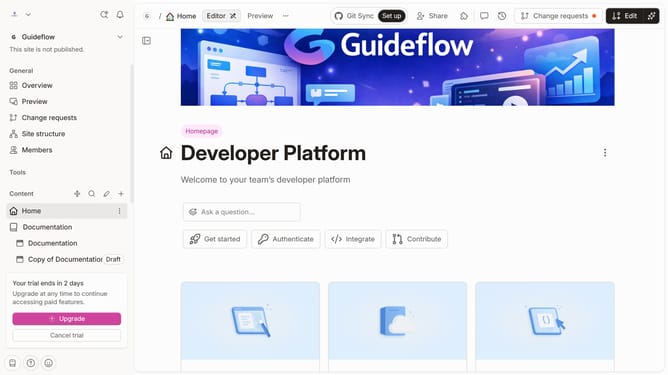
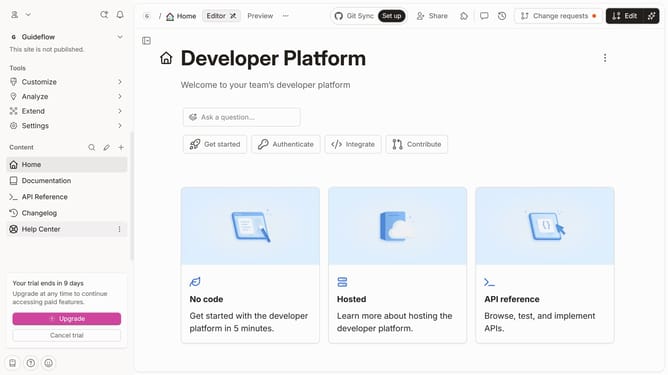
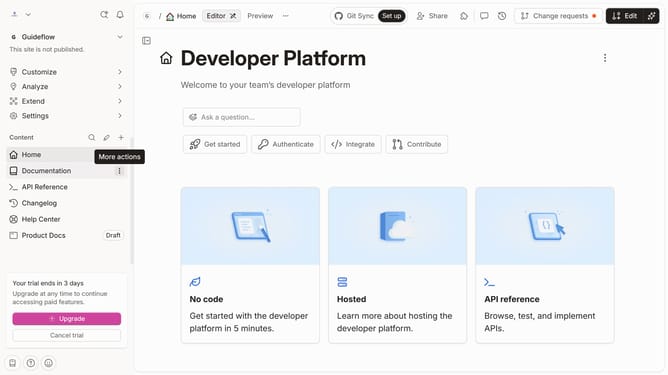
- First click on the content you want to manage in the left sidebar
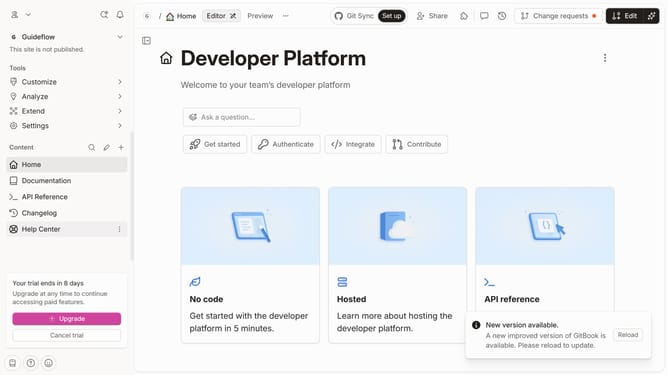
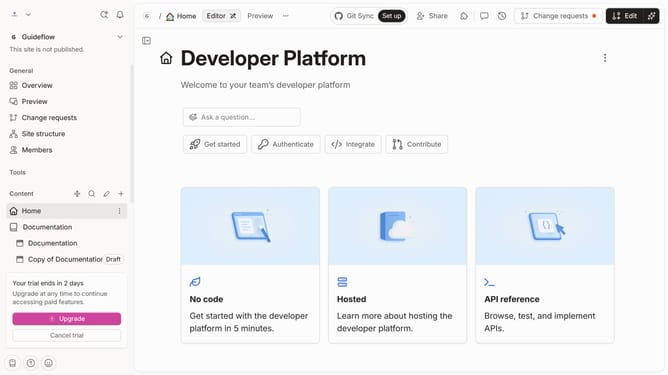
- Then click on "Edit" button in the top menu
- Next click on "Page options" button
- Then click on the toggle switch OFF to hide page title
- Finally click on the "Merge" button
Why should you hide page title of a content in a docs site in GitBook
GitBook is a streamlined platform designed to help teams create comprehensive and organized documentation effortlessly.
One key feature of GitBook is the ability to hide page titles in your documentation site, offering a clean and distraction-free layout. This feature is particularly useful when you wish to maintain a minimalistic aesthetic or if the title is redundant due to context provided elsewhere on the page.
By hiding page titles, you help readers focus on critical content, enhancing user experience and engagement. This customization ensures your documentation looks professional and tailored to your specific needs.
Last update