How to format text within a paragraph block in Gitbook
Here is how to format text within a paragraph block in gitbook
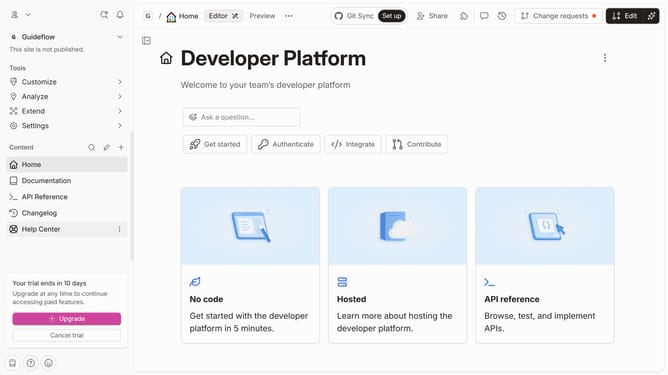
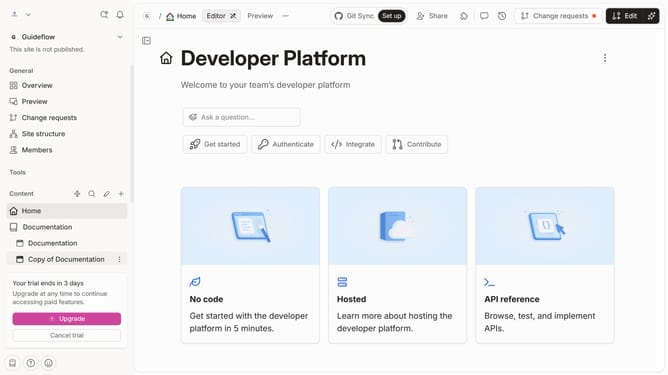
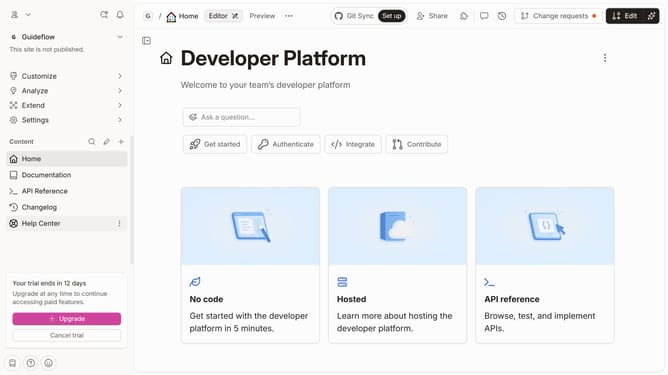
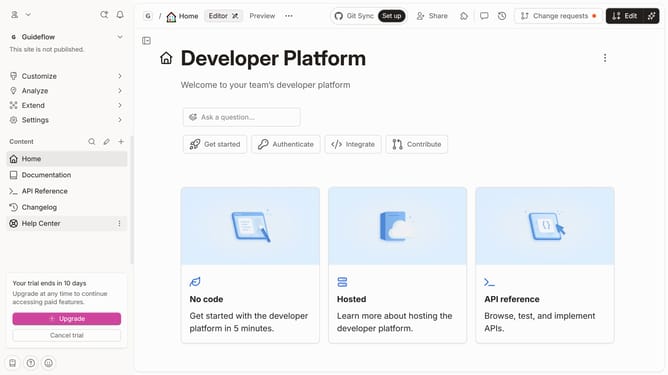
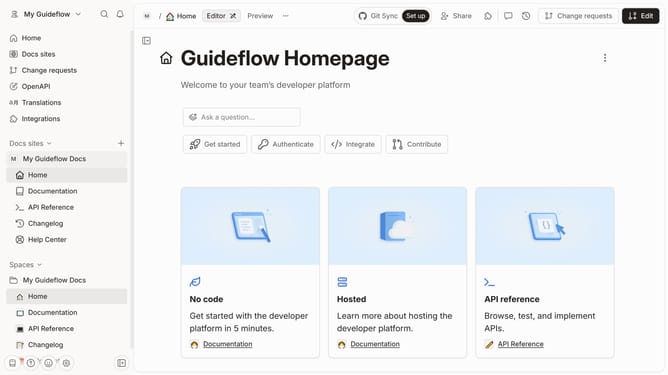
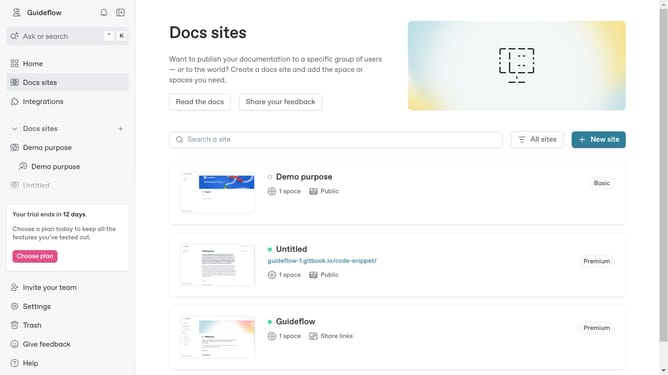
- First click on the site card in the main content area
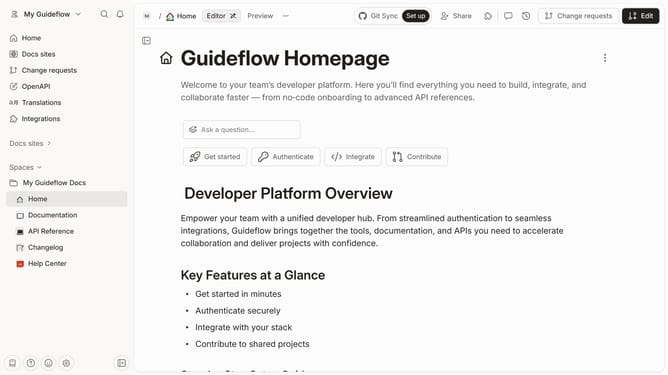
- Then click on the "Start editing content" button in the site overview section
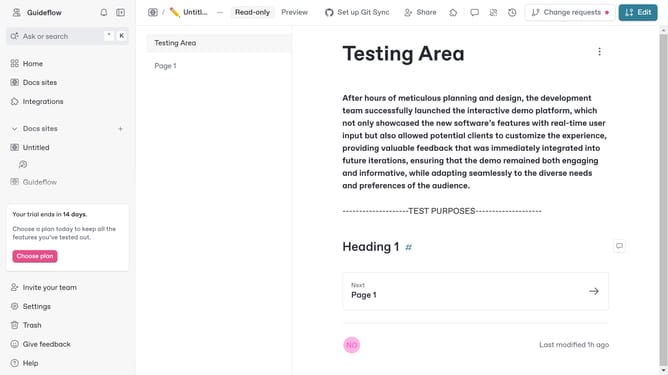
- Next select the text you want to edit
- By selecting a text, a toolbar above will appear with different options to format your text
Why should you format text within a paragraph block in Gitbook
GitBook is a powerful platform designed for creating, sharing, and collaborating on documentation easily.
By utilizing the text formatting feature within a paragraph block, users can enhance the clarity and engagement of their content.
This flexibility allows for the application of styles such as bold, italics, and lists, making complex information more digestible.
With these tools, documentation becomes not only more informative but also aesthetically pleasing, facilitating better reader comprehension and retention.
Last update