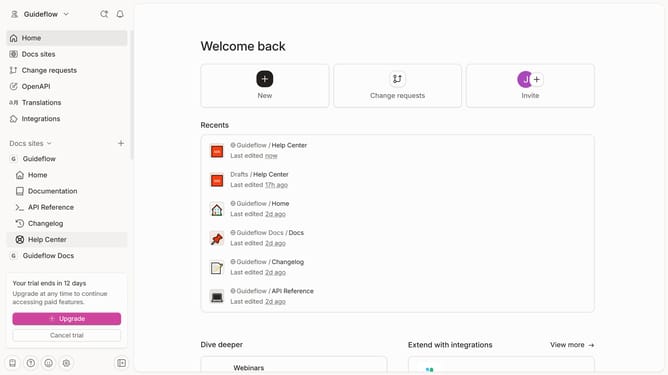
How to edit home page description in Gitbook
Here is how to edit home page description in gitbook
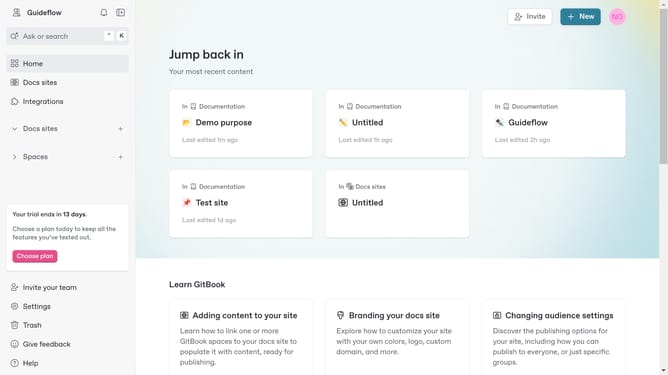
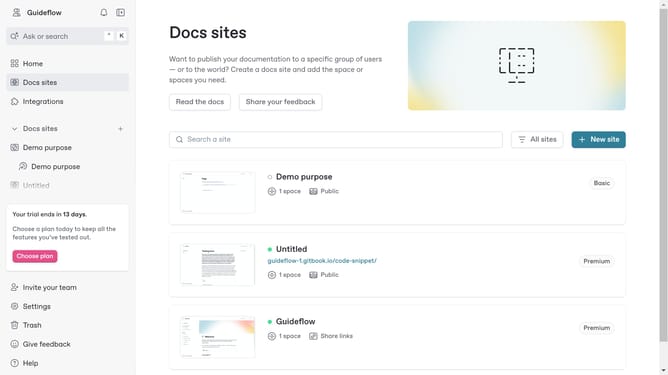
- First click on "Home" in the left sidebar menu
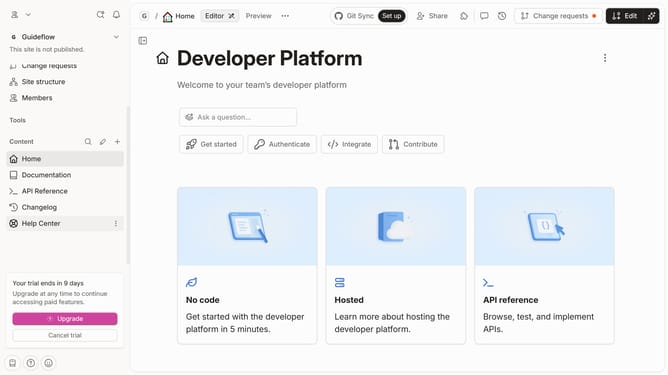
- Then click on the "Edit" button in the top right corner of the header
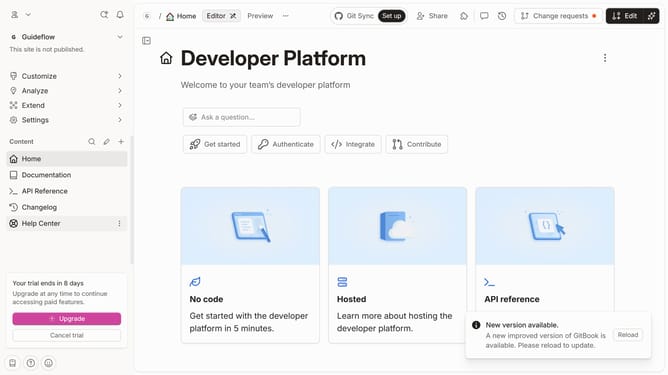
- Next click on the description text in the main content area and edit it
- Finally click on the "Merge" button in the top right corner of the header
Why should you edit home page description in Gitbook
Gitbook is a powerful platform designed to transform your documentation into a captivating, interactive experience.
Editing the home page description in Gitbook significantly enhances how users perceive and engage with your content. This feature allows you to tailor the initial touchpoint, aligning it with your project's goals and message.
Customizing the home page description not only improves clarity but also boosts the overall professionalism of your documentation. By effectively leveraging this feature, you create a stronger connection with your audience, making your documentation both welcoming and informative.
Last update