How to add a table select column in help center in Gitbook
Here is how to add a table select column in help center in gitbook
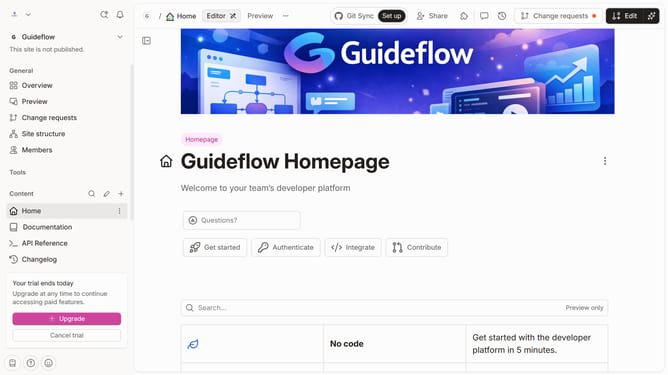
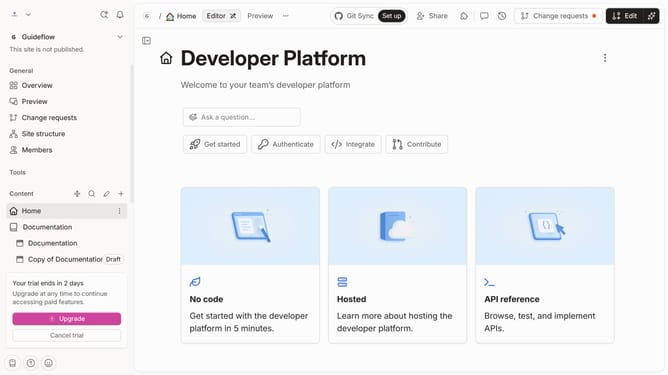
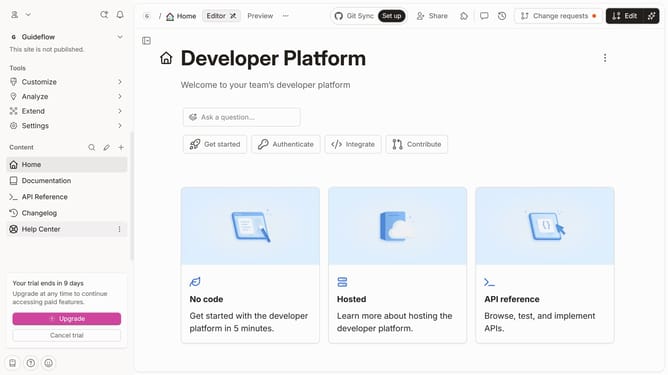
- First click on the 'Help Center' link in the left sidebar
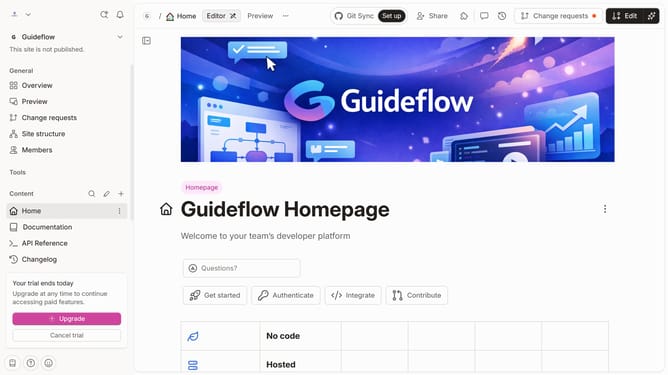
- Then click on the 'Edit' button in the top header
- Next, click on the three dots icon to open block options
- After that, click on the 'Add column' option in the sidebar menu
- Then, select the 'Select' option from the dropdown menu
- Finally, click on the 'Merge' button in the top header
Why should you add a table select column in help center in Gitbook
GitBook is a powerful platform designed to create, collaborate, and share knowledge efficiently.
Adding a table select column in GitBook's help center enhances organization and accessibility of information, offering users the ability to effortlessly compare and contrast data.
This feature aids in streamlining complex information into a digestible format, fostering better comprehension for readers.
Utilizing table select columns can significantly improve user engagement and satisfaction by presenting organized, clear, and interactive content.
Last update