How to set depth style in docs site in Gitbook
Here is how to set depth style in docs site in gitbook
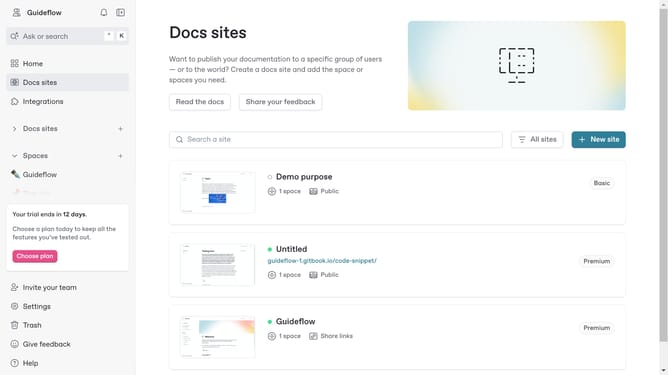
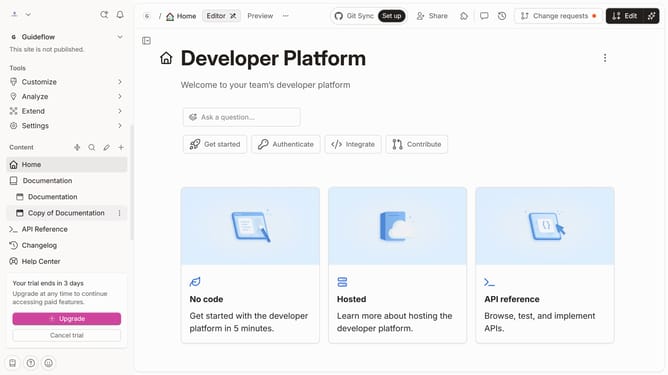
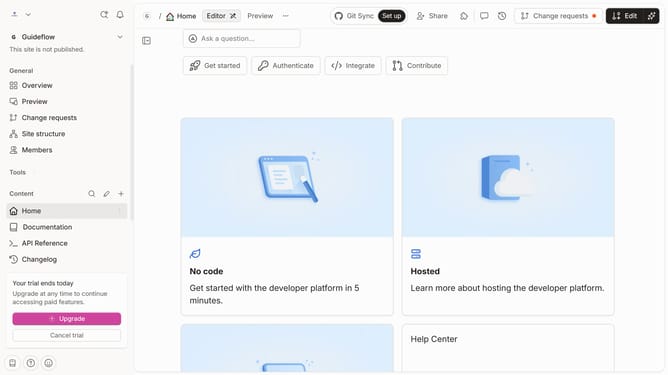
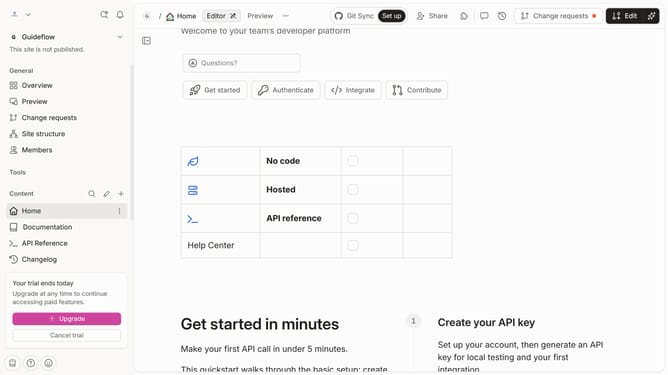
- First click on "Docs sites" in the left sidebar
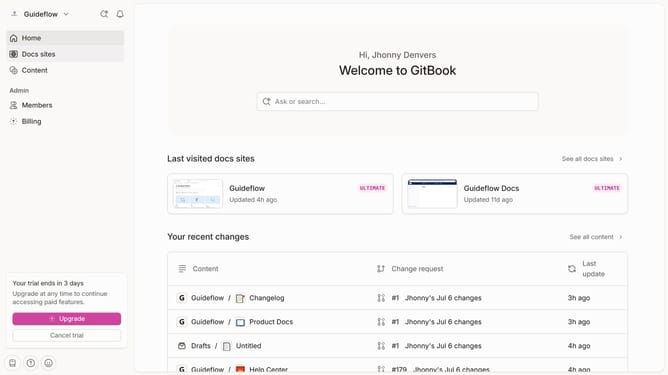
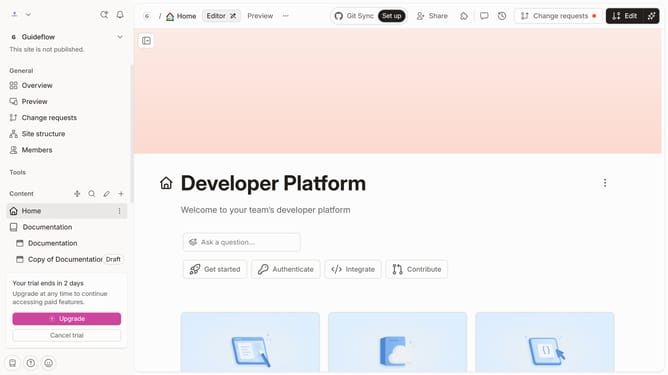
- Then click on the doc site title that you want to manage
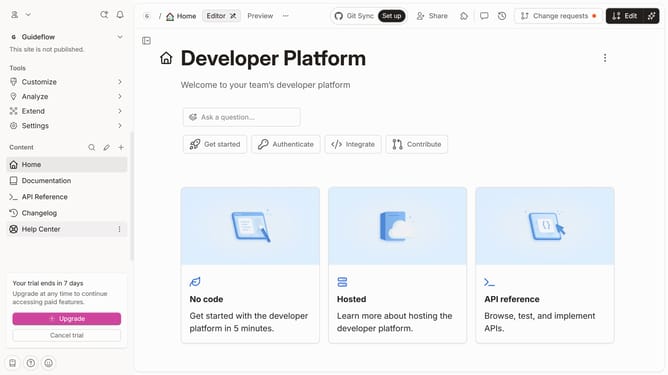
- Next, click on "Customize" in the left sidebar
- Then click on "Theme" under the "Tools" section
- After that, click on the "Depth style" dropdown
- Select from the "Depth style" options
- Finally, click on the "Save" button
Why should you set depth style in docs site in Gitbook
GitBook is a powerful platform designed to streamline the process of creating and sharing documentation.
One of its handy features is the ability to set depth style in your docs site, allowing you to control how deep the table of contents displays.
This feature enhances the readability of your documentation by presenting a clean and organized structure, which is crucial for effective content consumption.
By customizing depth style, readers can easily navigate complex topics, leading to a more engaging and user-friendly experience.
Last update