How to edit pages in real-time with other collaborators in Gitbook
Here is how to edit pages in real-time with other collaborators in gitbook
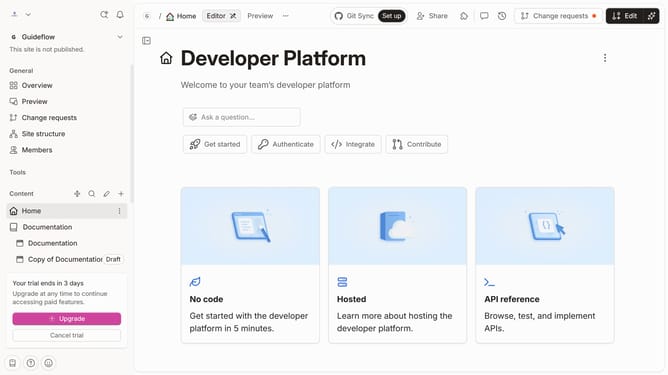
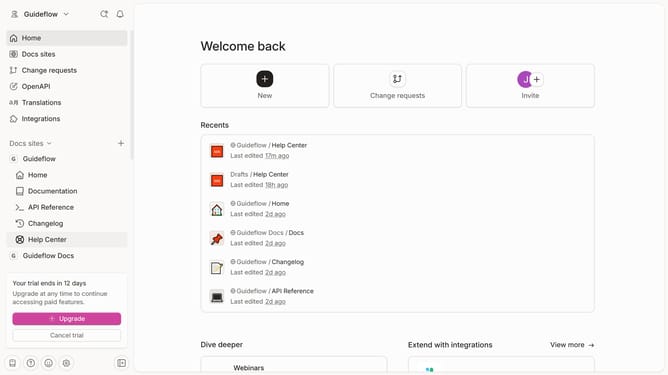
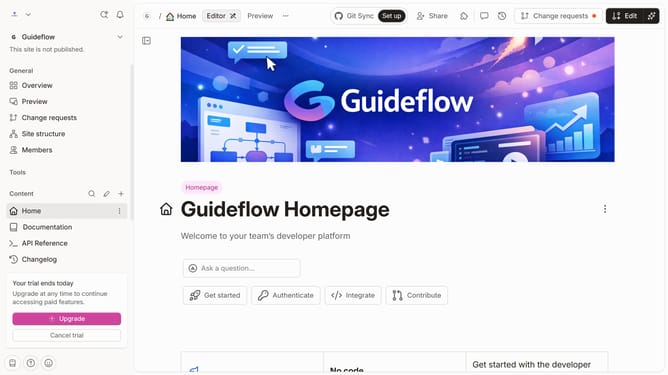
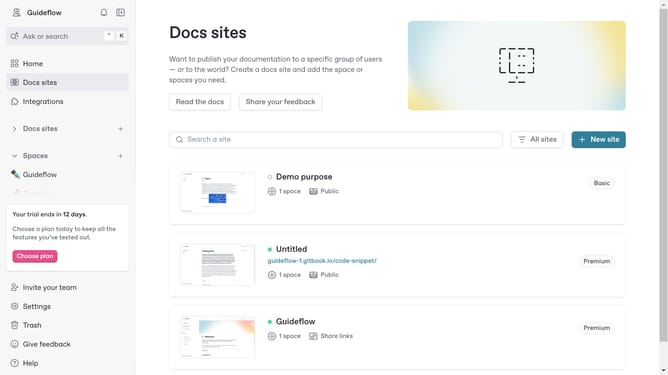
- First click the site card you want to edit
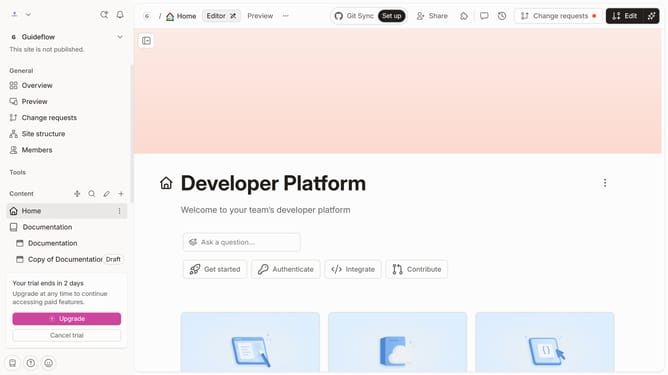
- Then click on the "Start editing content" button in the site overview section
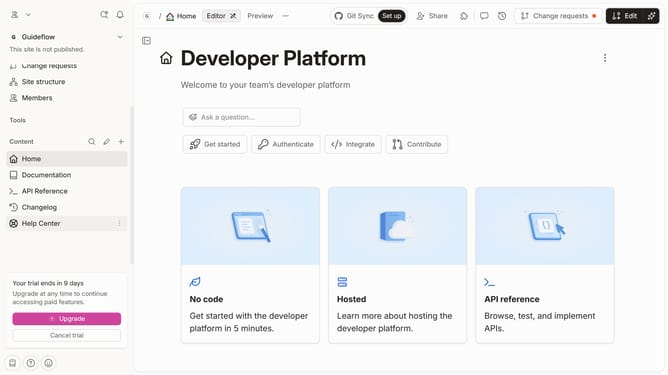
- Next click the "Actions" button
- Make sure live editing isn't locked
- Now you are free to edit your page in real-time with other collaborators
Why should you edit pages in real-time with other collaborators in Gitbook
Gitbook is a dynamic platform designed to facilitate seamless teamwork and documentation creation.
One of its standout features is the ability to edit pages in real-time with other collaborators. This enhances the collaborative experience by allowing team members to work together simultaneously, fostering creativity and boosting productivity.
Real-time editing helps eliminate the chaos of version conflicts, ensuring that everyone is always on the same page. This collaborative approach makes team projects smoother and more efficient, ultimately leading to higher-quality content.
Last update