How to hide tags in homepage in Gitbook
Here is how to hide tags in homepage in gitbook
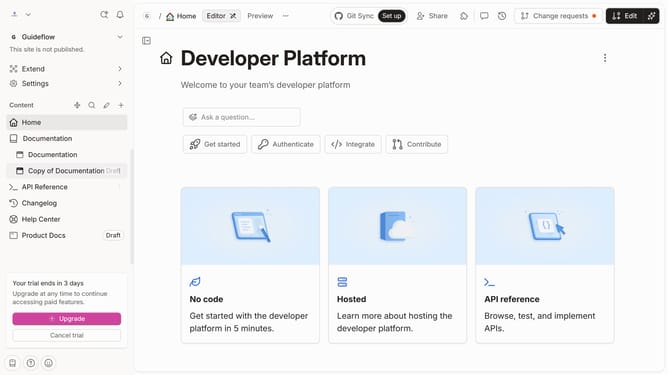
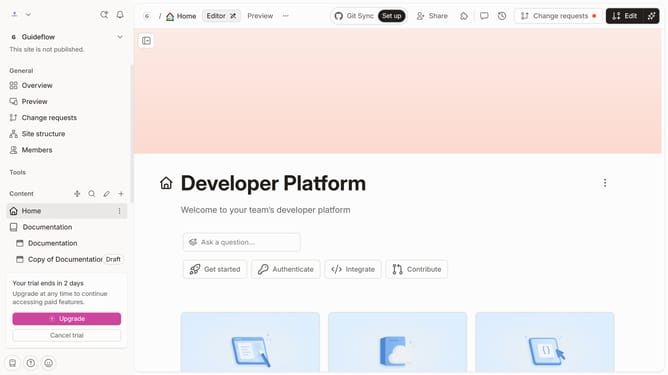
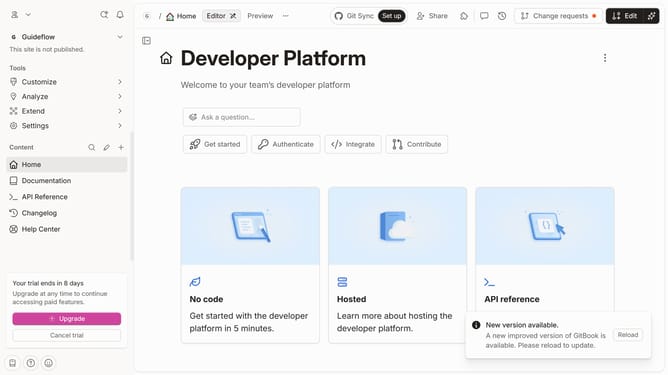
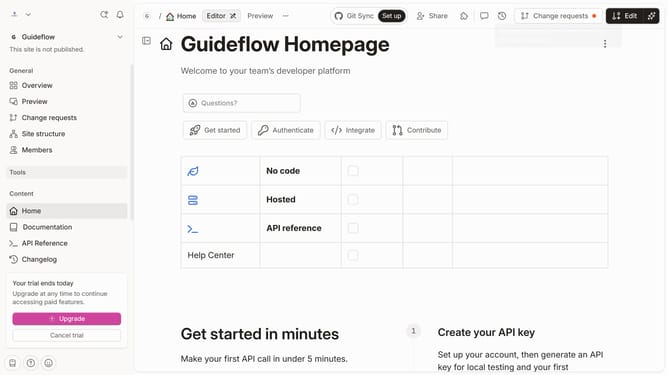
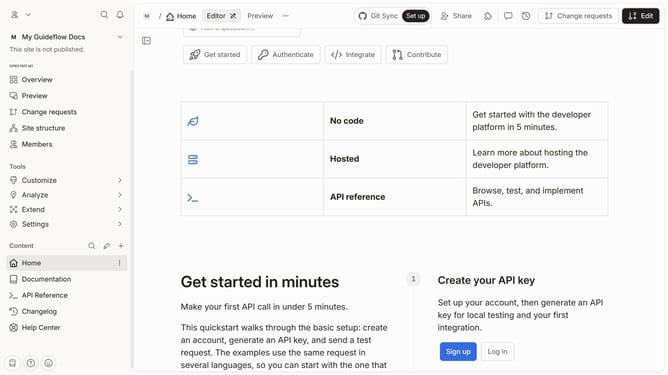
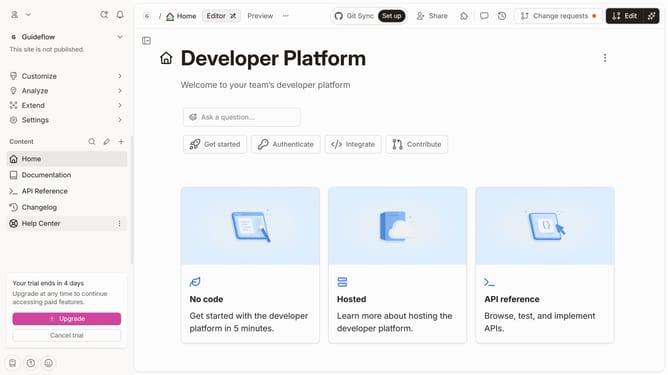
- First click on "Home" in the sidebar
- Then click on the "Edit" button in the header
- Next click on "Page options" button
- Then toggle the switch for "Show tags on page" to the OFF position
- Finally click on the "Merge" button in the header
Why should you hide tags in homepage in Gitbook
Gitbook is an intuitive platform designed to simplify and enhance collaborative documentation and knowledge sharing.
An exceptional feature of Gitbook is the ability to hide tags on your homepage. This allows for a cleaner, more focused presentation of content. Utilizing this feature can significantly enhance the readability and user interface of your homepage.
By hiding tags, you streamline the user's experience, offering them direct access to important information without distraction. This not only improves aesthetics but also retains reader engagement efficiently.
Last update