How to add a file column in a table in homepage in Gitbook
Here is how to add a file column in a table in homepage in gitbook
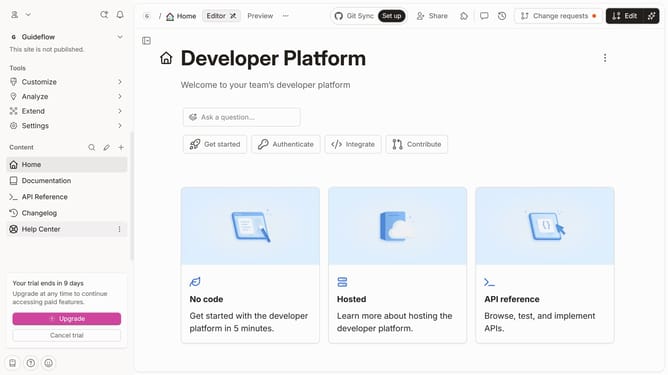
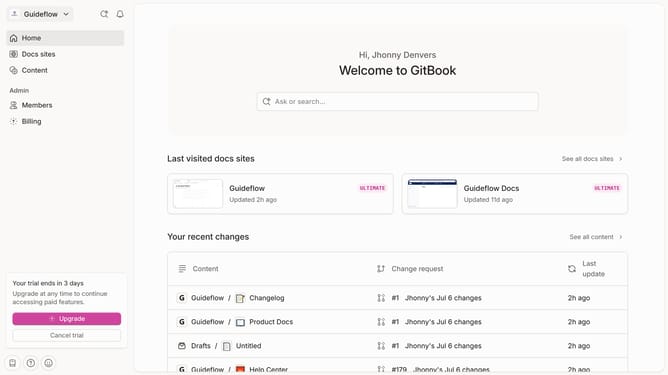
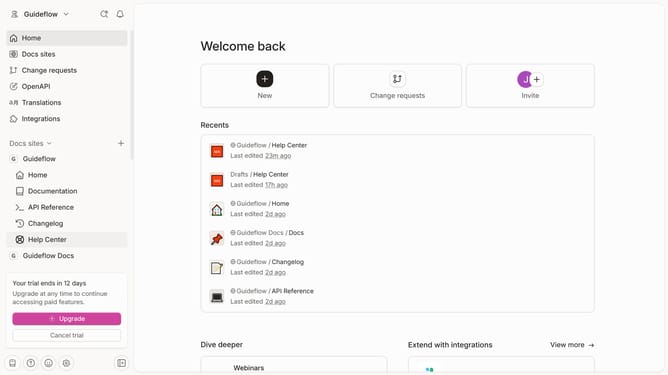
- First click on "Home" in the left sidebar
- Then click on "Edit" button in the header
- Next click on the blocks icon to open the menu
- Then select "Add column" option
- Next select "Files" from the dropdown menu
- Finally click on the "Merge" button in the header
Why should you add a file column in a table in homepage in Gitbook
Gitbook is a dynamic platform designed to create and share engaging documentation with ease.
Adding a file column to a table on a homepage in Gitbook enhances your documents by allowing users to directly access necessary files from the primary interface.
This feature not only streamlines navigation but also improves user experience by providing intuitive access to resources, boosting productivity and ensuring that important documents are always within reach.
The seamless integration of files makes information dissemination more efficient, enhancing collaboration and knowledge sharing across teams.
Last update