How to mention a user in help center table in Gitbook
Here is how to mention a user in help center table in gitbook
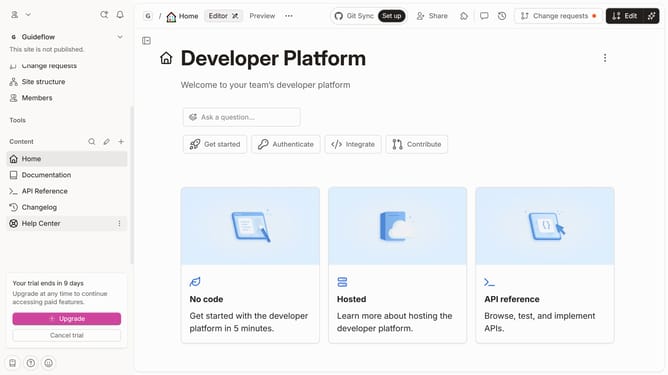
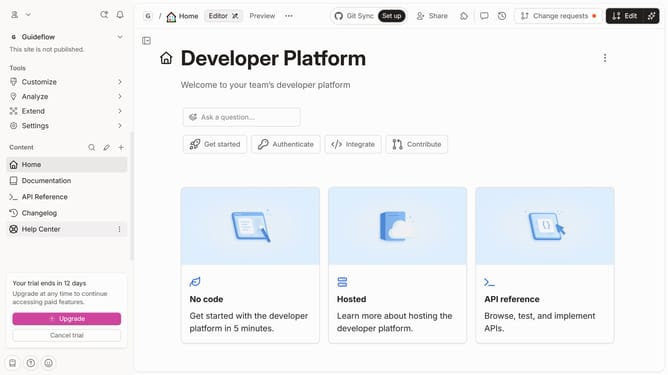
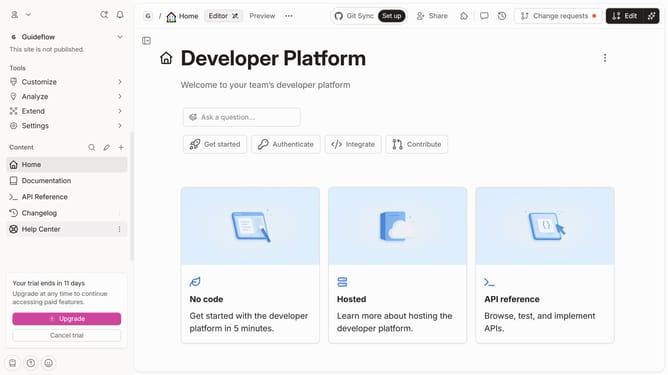
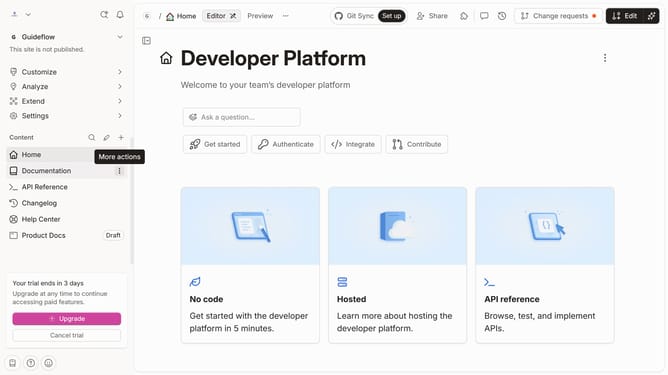
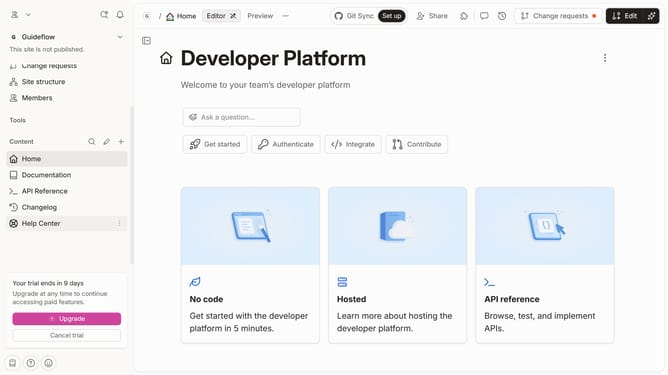
- First click on "Help Center" item in the sidebar
- Then click on "Edit" button in the header
- Then click on "Add users" button in the "Users" column
- Then click on the checkbox next to your preferred user
- Finally click on the "Merge" button in the header
Why should you mention a user in help center table in Gitbook
GitBook serves as a dynamic platform designed to streamline the creation and sharing of documentation.
The ability to mention a user in a help center table is a valuable feature within GitBook, fostering collaboration and ensuring efficient communication.
By referencing specific team members directly, this feature enhances clarity and responsibility, allowing users to quickly connect with the right person for their queries.
This not only promotes productivity but also encourages a more engaged and responsive team environment, fostering a more connected community within your organization.
Last update