How to add cover image for homepage in Gitbook
Here is how to add cover image for homepage in gitbook
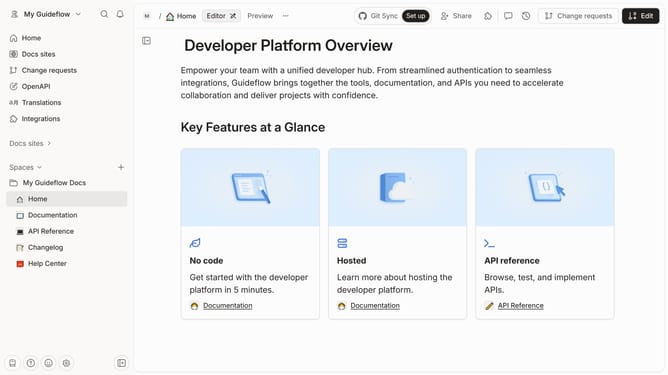
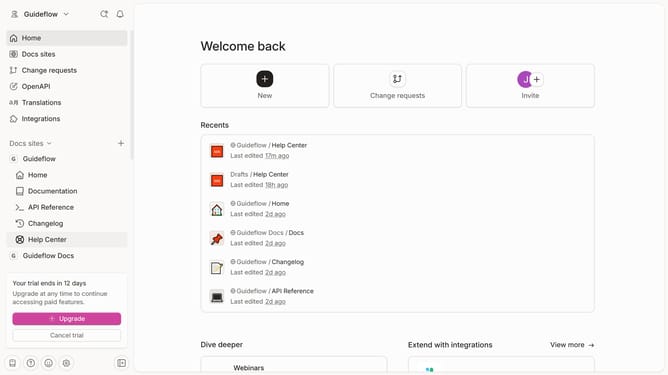
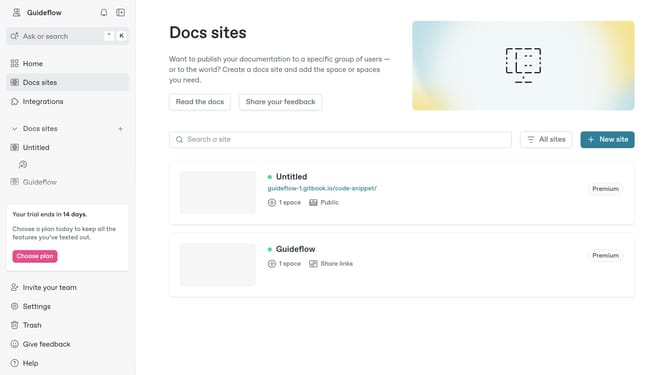
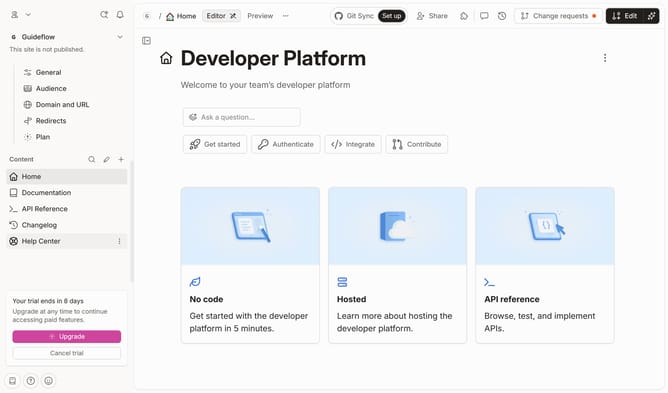
- First click on the "Home" item in the sidebar
- Then click on the "Edit" button in the top right corner
- Next, click on the "Add cover" button
- Then click on the "Cover options" button
- Next select "Change image" from the options
- Then click on the "Set light mode cover" option
- Next click on the "Drop your images or browse" area to upload a new image
- Finally click on the "Merge" dropdown in the top right corner
Why should you add cover image for homepage in Gitbook
GitBook is a collaborative platform designed to simplify documentation and streamline team knowledge.
When you add a cover image to your GitBook homepage, it elevates your project’s visual appeal and sets the tone for your content. A captivating cover image instantly engages viewers, providing a visual introduction that aligns with your project’s theme or message.
Moreover, this feature enhances the user experience, positively impacting how readers perceive and interact with your documentation. As a result, your GitBook becomes a more inviting and effective resource.
Last update