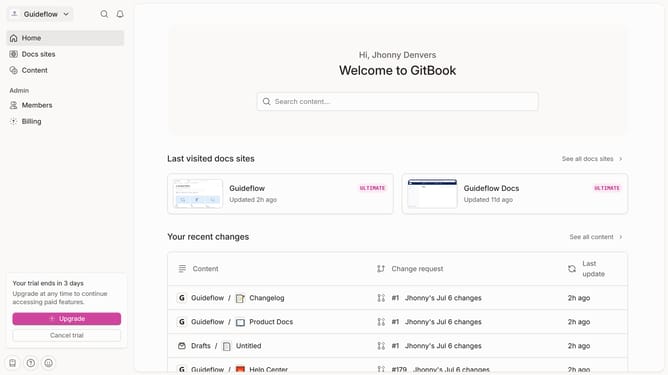
How to add a strikethrough in a help center category title in Gitbook
Here is how to add a strikethrough in a help center category title in gitbook
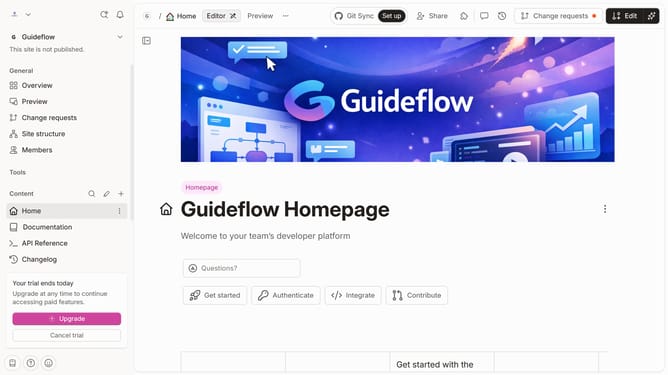
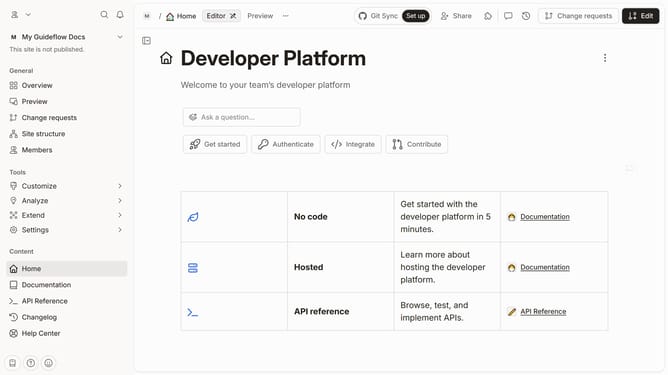
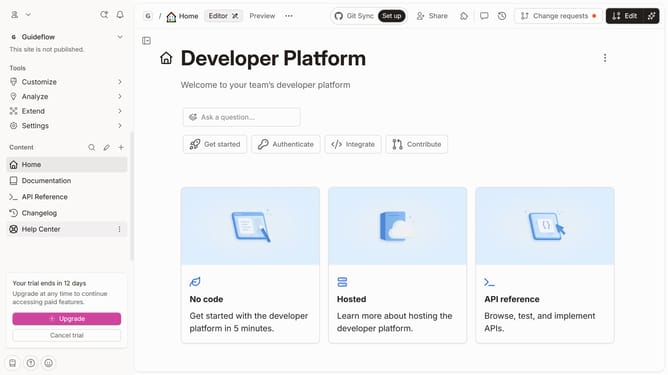
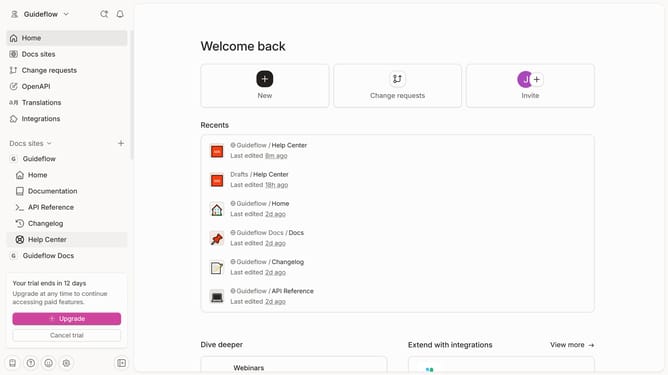
- First click on "Help Center" in the left sidebar
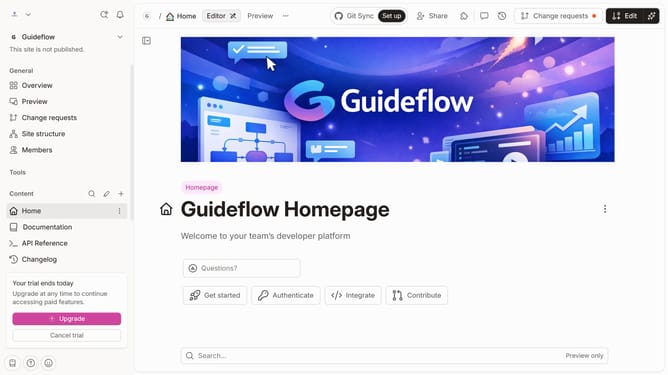
- Then click on the "Edit" button in the top bar
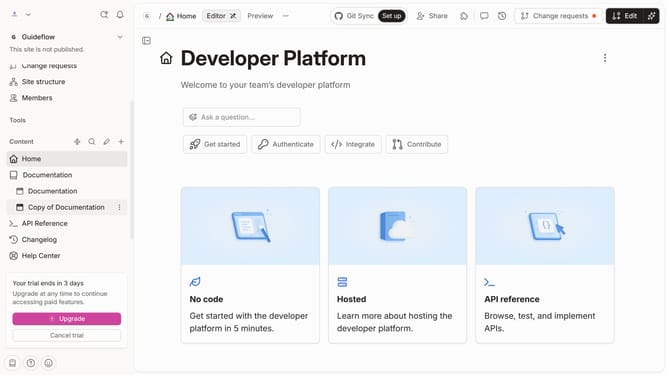
- Next, click on the header text input area
- Finally, click on the strikethrough icon in the text formatting toolbar
Why should you add a strikethrough in a help center category title in Gitbook
GitBook is an intuitive platform that empowers teams to document knowledge seamlessly.
Adding a strikethrough to a help center category title in GitBook helps you communicate updates or changes effectively, providing visual clarity to readers.
This feature allows you to signify deprecated content while maintaining transparency, ensuring users are always accessing the most accurate information.
Such visual cues improve content management by clearly differentiating outdated sections, enhancing user trust and navigation efficiency.
Last update