How to unfreeze first column in a table in homepage in Gitbook
Here is how to unfreeze first column in a table in homepage in gitbook
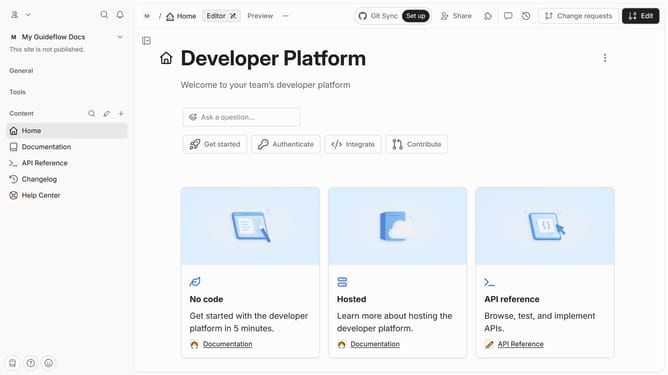
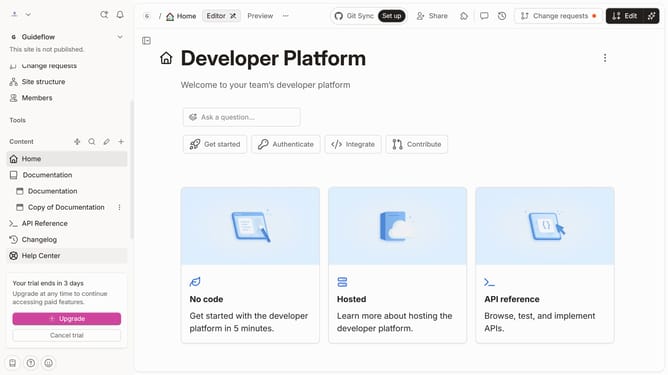
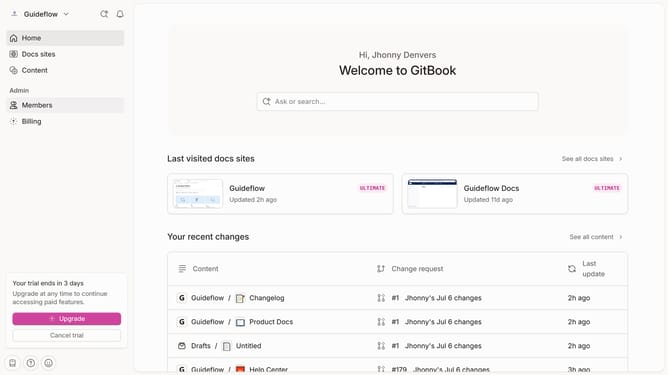
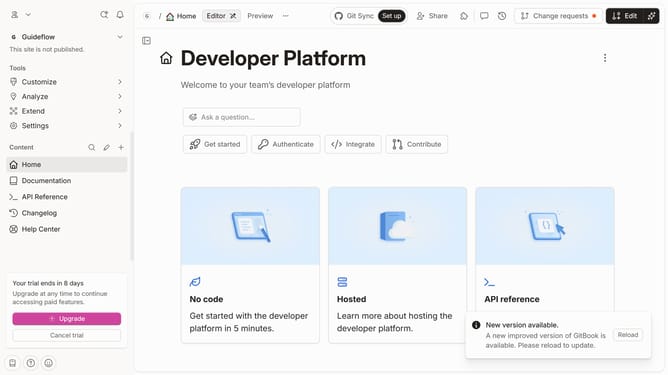
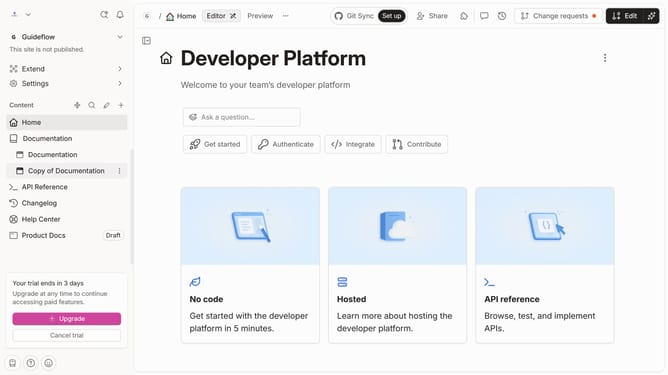
- First click on the "Home" section in the sidebar
- Then click on the "Edit" button in the header
- Next click on the block options icon next to the table
- Then select "Freeze first column" from the dropdown menu
- Finally, click on the "Merge" button in the header
Why should you unfreeze first column in a table in homepage in Gitbook
GitBook is a dynamic platform designed to streamline documentation and collaboration for teams and developers.
Unfreezing the first column in a table on the homepage of GitBook allows users to enhance the flexibility and readability of their content. It is particularly beneficial when you need to rearrange data or focus on other sections of your table without losing track of the primary column.
This feature enhances user experiences by providing more control over how information is viewed, thus fostering an efficient and productive documentation environment.
Last update