How to swap columns in homepage in Gitbook
Here is how to swap columns in homepage in gitbook
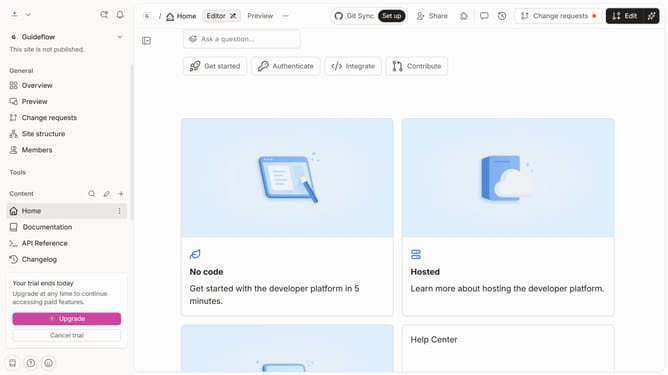
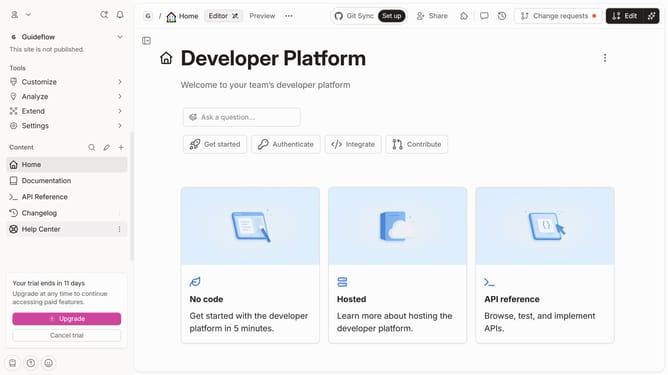
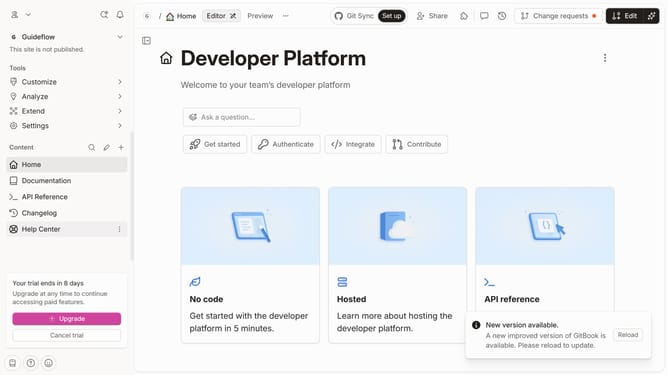
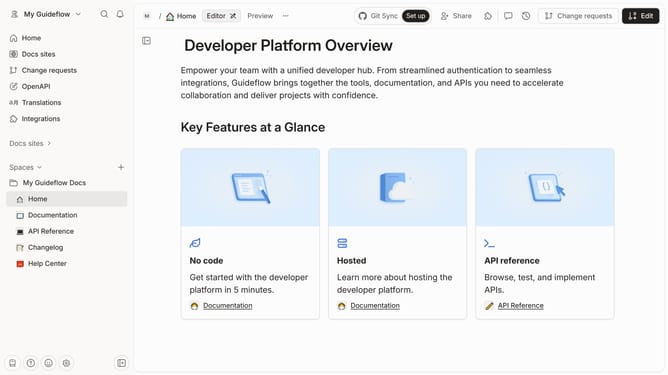
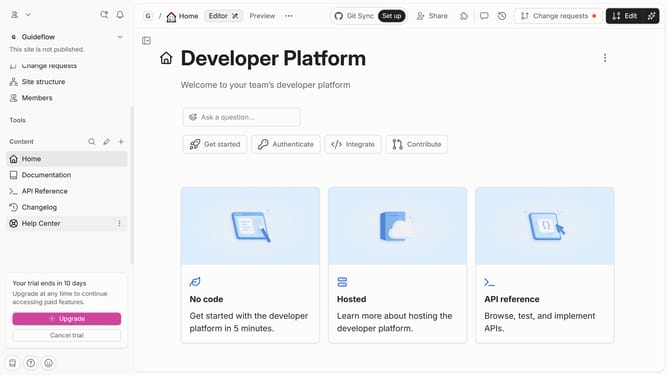
- First click on the "Home" item in the sidebar
- Then click on the "Edit" button in the top menu
- Next click on the "Column options" button
- Then select "Swap column right" from the dropdown menu
- Finally click on the "Merge" button in the top menu
Why should you swap columns in homepage in Gitbook
GitBook is a powerful platform for easily creating, managing, and sharing documentation.
Swapping columns on your homepage in GitBook offers a simple way to customize your content layout, enhancing both user experience and aesthetics.
By shifting columns, you can highlight important information, ensuring it captures readers' attention right away.
This feature empowers you to maintain an organized and visually appealing page, promoting better engagement and efficient communication of vital information.
Last update