How to italicize words inside help center table in Gitbook
Here is how to italicize words inside help center table in gitbook
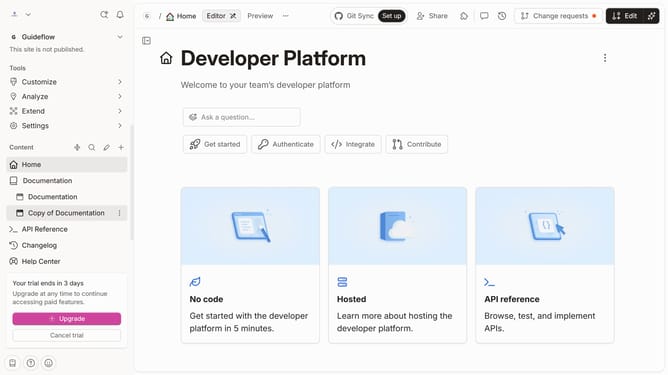
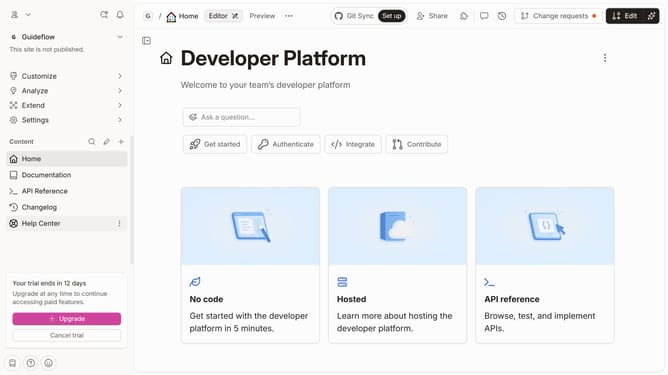
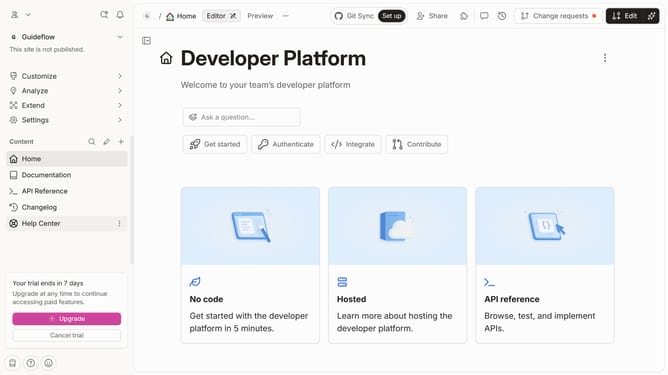
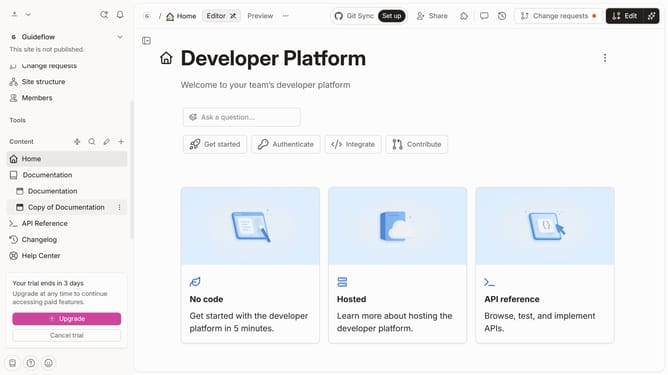
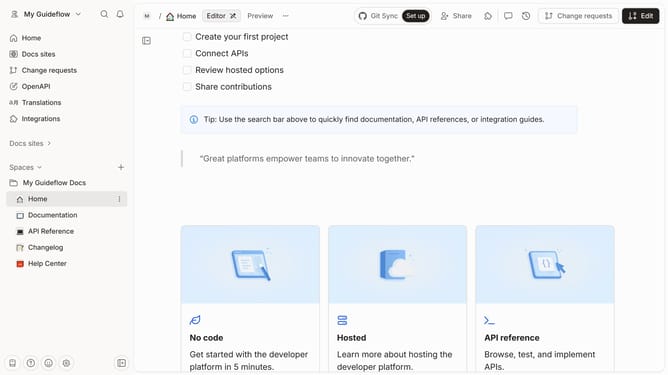
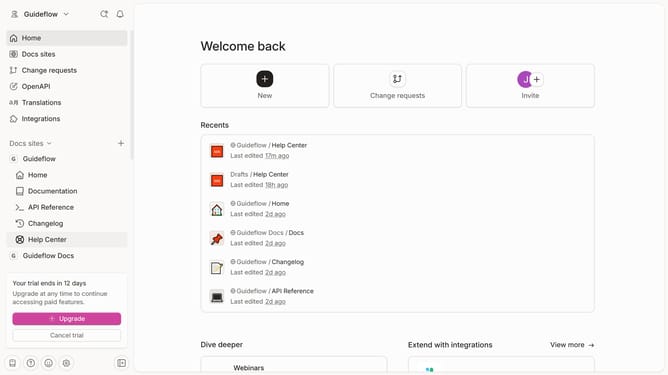
- First, click on "Help Center" in the left sidebar
- Then, click on the "Edit" button in the header
- Next, click on the text to highlight it in the content editor
- Then, click on the "I" icon to italicize the text in the content editor
- Finally, click on the "Merge" button in the top right corner
Why should you italicize words inside help center table in Gitbook
Gitbook transforms knowledge into organized, easy-to-navigate documentation.
Italicizing words inside a help center table in Gitbook adds subtle emphasis to specific words or phrases, guiding readers’ attention effectively.
This feature enhances the readability and professionalism of the content, crucial for users seeking quick and clear answers.
Incorporating italics strategically ensures that essential information stands out, improving overall user experience and understanding.
Last update